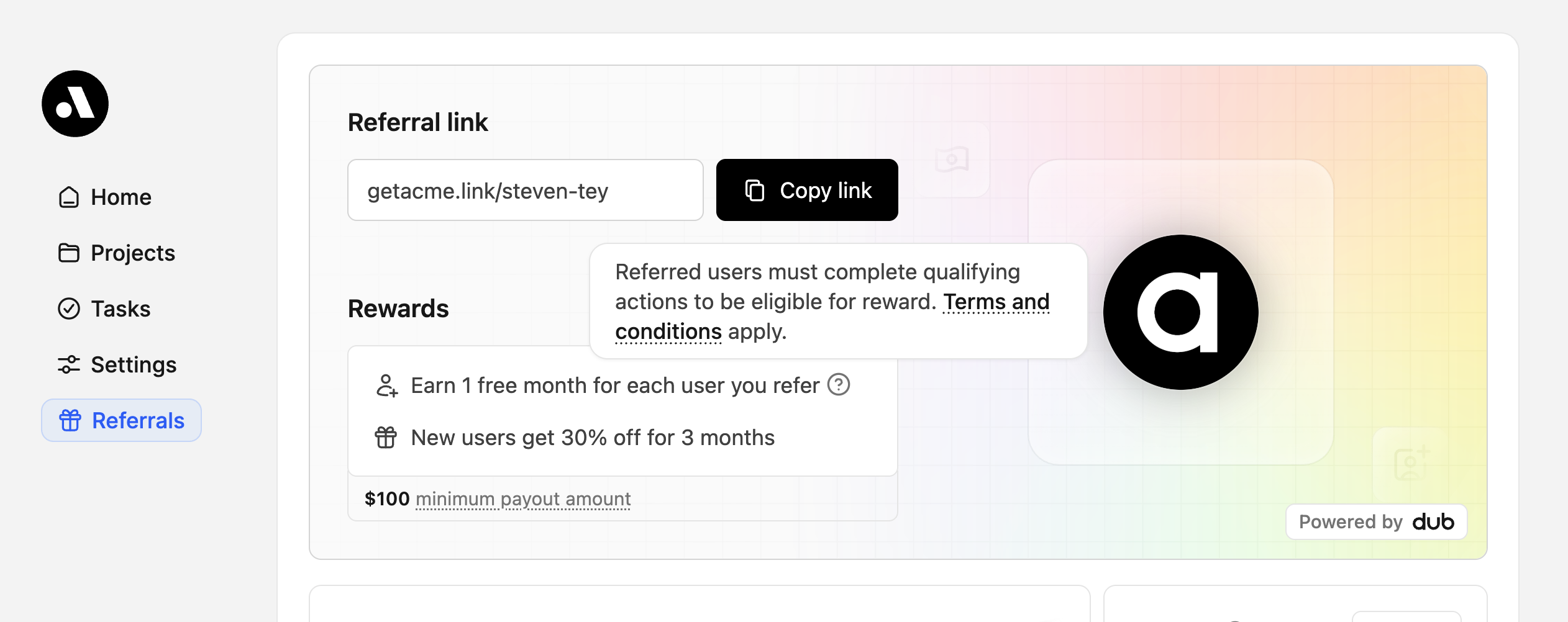
This feature is only available on Business plans and above.
With Dub Partners, you can create non-monetary rewards for your partners, such as:
  • Free usage credits for every new user they refer
  • Free month of service for every new user they refer – up to 12 months
This is specifically useful for referral programs – especially when you’re using the embedded referral dashboard – since it gives you an easy way to incentivize your existing userbase to refer new users to your product.
While non-monetary rewards are easy to set up, we’ve seen that cash incentives are generally more impactful/sustainable in the long run – especially when you’re working with influencers and larger affiliates.To get the best of both worlds, you can potentially start your users on a non-monetary referral partner group and graduate them to a monetary reward group once they’ve referred a certain number of users.

Step 1: Set up a separate partner group for non-monetary rewards

First, you would want to create a separate partner group for your user referral program. In this group, you can set up a non-monetary reward that can be either a lead or a sale-based reward:
  • Lead reward: Rewarding partners for new user signups (or qualified leads if you’re using deferred lead tracking)
  • Sale reward: Rewarding partners for paid customer referrals
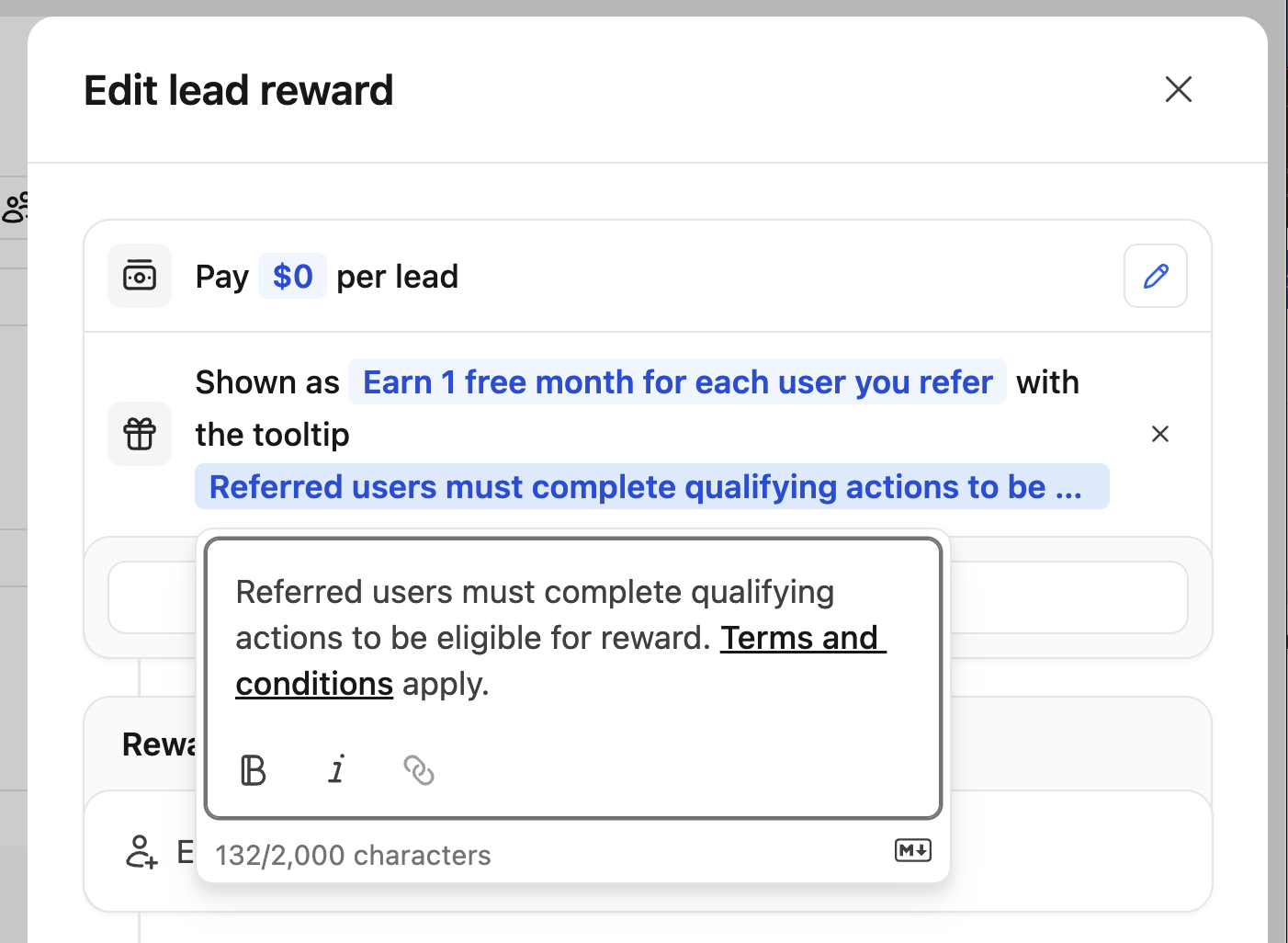
When creating the reward, you would want to set the reward amount to $0 and add a custom description to explain the reward to your partners:
Lead reward description tooltip
You can also set up a custom reward tooltip which supports markdown formatting, so you’d be able to add links to your terms and conditions or other relevant information.
Additionally, you can also set up dual-sided incentives for your users to offer discounts to their users who sign up via their referral link (e.g. “25% off for the first 3 months”). Once this is set up, your partners will be able to see the reward and discount in the embedded referral dashboard:
Dual-sided incentives

Step 2: Listen to Dub webhooks and provision rewards to your partners

To provision the non-monetary rewards (credits, free months, etc.) to your partners, you would need to listen to Dub’s webhook events to detect when a new signup / sale is tracked. Depending on the reward you’re offering, you would need to listen to: Then, within the webhook handler, you can update the partner’s Stripe subscription to provision the free credits / months accordingly:
app/api/webhooks/dub/lead-created/route.ts
import Stripe from "stripe";
// Install via npm i dub / yarn add dub / pnpm add dub
import { LeadCreatedEvent } from "dub/models/components";

const stripe = new Stripe(process.env.STRIPE_SECRET_KEY!);

export async function leadCreated(data: LeadCreatedEvent["data"]) {
  const { partner } = data;
  if (!partner?.tenantId) return;

  // Limit the number of free credits / months that a partner can receive (max 10 referrals)
  if (partner.totalLeads >= 10) return;

  // Get customer based on partner's tenant ID (getCustomerByTenantId is your own function)
  const customer = await getCustomerByTenantId(partner.tenantId);

  if (!customer?.stripeCustomerId) return;

  // Get the customer's active subscription (e.g. for metered usage / free months)
  // Get the customer's active subscription (e.g. for metered usage / free months)
  const subscriptions = await stripe.subscriptions.list({
    customer: customer.stripeCustomerId,
    status: "active",
    limit: 1,
  });

  const [subscription] = subscriptions.data;

  if (!subscription?.items.data[0]) return;

  // Option A: Add free credits via metered usage
  await stripe.subscriptionItems.createUsageRecord(
    subscription.items.data[0].id,
    { quantity: 500, timestamp: Math.floor(Date.now() / 1000) },
  );

  // Option B: Or extend the subscription (e.g. add 1 free month via promotion/coupon)
  // await stripe.subscriptions.update(subscription.id, {
  //   promotion_code: "promo_free_month_per_referral",
  // });
}

Step 3: Graduating partners from non-monetary rewards to monetary rewards

Once a partner has referred a certain number of users, you can move them to a separate partner group with monetary rewards (e.g. 30% commission per sale for 12 months). There are two ways to do this:
  1. Manually move the partner to the new group in the partner profile page or via the partner table.
  2. Automatically move the partner to the new group via group move rules based on their performance metrics (e.g. total leads, total sales, total commissions, etc.).
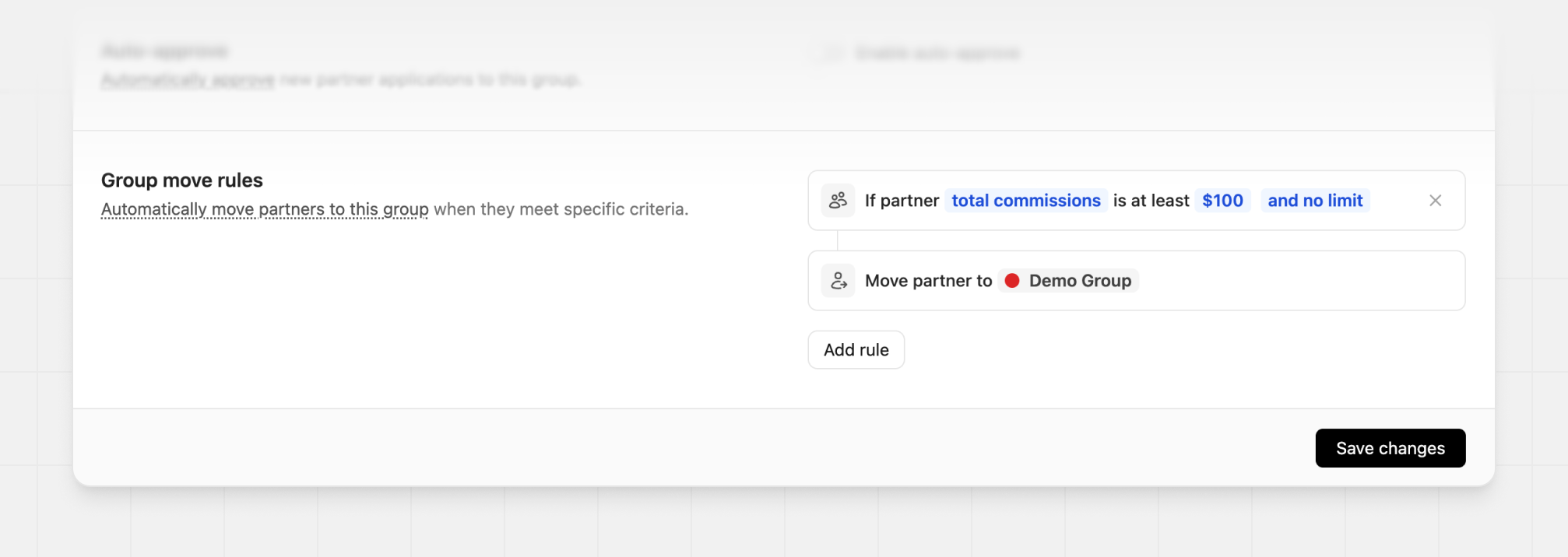
Example group move settings