

- Affiliate and click caps: The entry-level plan is capped at 50 affiliates and 5,000 clicks/month, with expensive overage fees. Growing programs quickly find themselves forced into higher-tier plans just to accommodate their affiliate base.
- Manual payouts: Since the payout process is not automated, you will need to manually handle all payouts and tax compliance.
- No embedded referral dashboard: Tapfiliate doesn’t support embedding the affiliate dashboard directly inside your application, making for a disjointed partner experience.
- Limited affiliate network: While Tapfiliate has a marketplace, it lacks a curated network of high-performing affiliates – you’re largely on your own when it comes to recruiting quality partners.
- Automated payouts: You can pay your partners globally in 1-click, with tax compliance built-in, so you can have peace of mind knowing that all payouts are completed successfully.
- Advanced reward structures: You can choose between 3 reward types – per click, per lead, and per sale (flat/percentage). You can also set different reward conditions (e.g., a higher reward for customers based in the U.S. vs other countries) and create bounties to provide additional rewards for your affiliates.
- White-labeling: You can embed a white-labeled referral dashboard into your application for a better user experience.
- Powerful partner network: With over 7,000 active partners in our network, Dub makes it easy to find and recruit high-performing partners with a proven track record of driving results.
How to migrate from Tapfiliate to Dub?
If you’re looking to migrate from Tapfiliate to Dub Partners, we have a custom migration tool that will help you migrate everything over in just a few clicks – without breaking any existing Tapfiliate affiliate links.1
Add a custom domain to your Dub workspace
Before starting the migration process, you’ll need to add a custom domain to Dub. This domain will be used to create short links for each affiliate link that we import from Tapfiliate.If you haven’t added a custom domain to Dub yet, you can follow this guide to set that up.
2
Set up conversion tracking + client-side click-tracking
Next, set up conversion tracking to track signup and sale events. We also have some in-app guides that you can reference here.For backward compatibility, we also recommend setting up client-side click-tracking when installing the Dub Analytics script on your site. This will ensure all your existing
domain.com?ref=affiliate links will keep working as expected, which gives affiliates time to update their links to the new format.You can follow our guide on how to set up client-side click-tracking for your Dub short links to set that up.3
Get your Tapfiliate API Key
Go to your Profile settings page on Tapfiliate and scroll down to the API Key section to retrieve your Tapfiliate API key: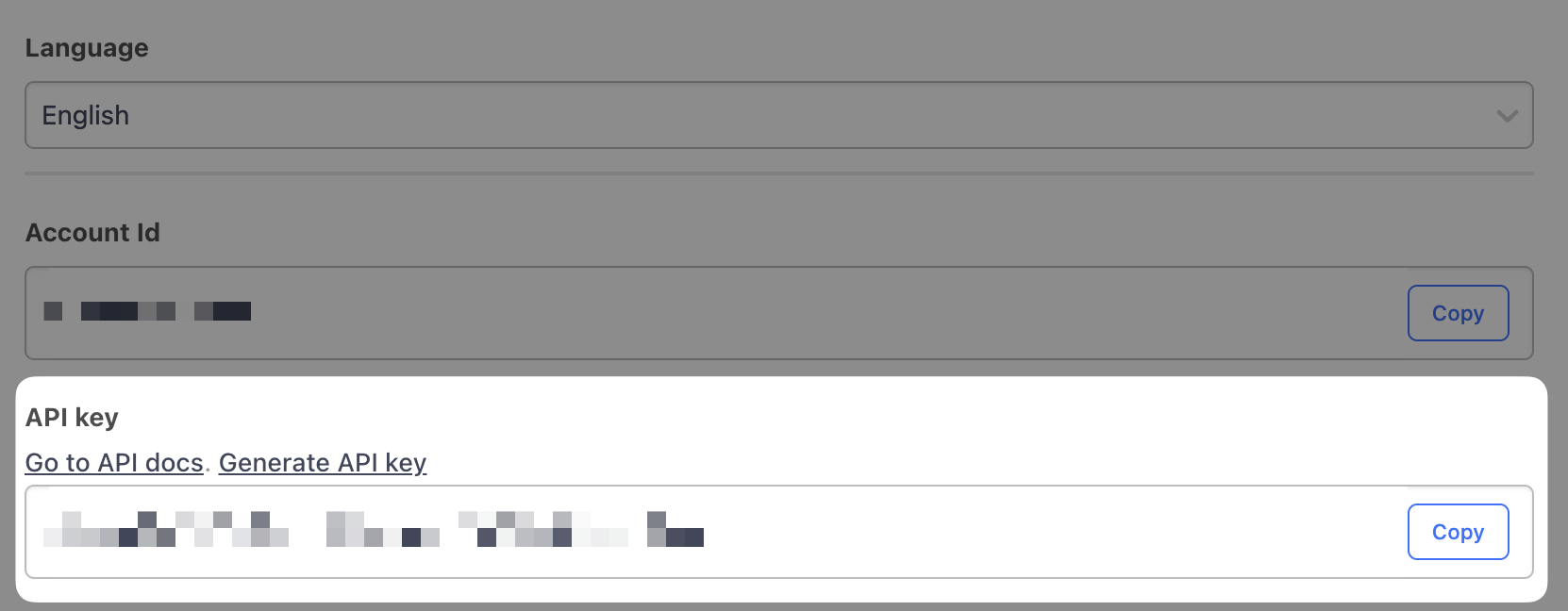 We will use this API key to retrieve and import your existing Tapfiliate program to Dub.
4
Import your Tapfiliate program in the Partners tab
Once you’ve set up your Dub partner program, go to your Partners tab, click on the 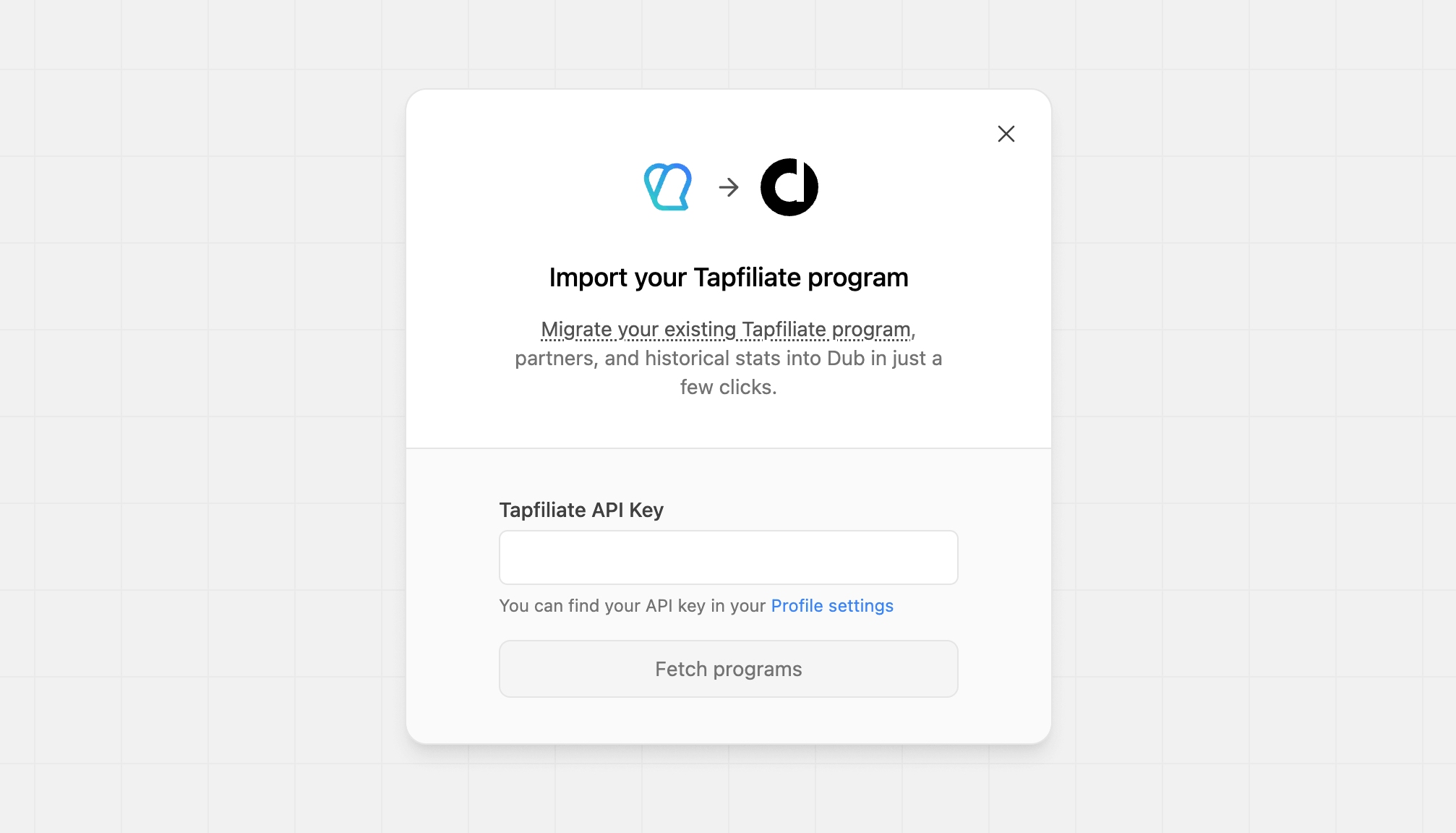
⋮ button and select “Import from Tapfiliate”.To save you some time, here’s a quicklink that will get you directly to the Tapfiliate import flow.What data is migrated?
Our Tapfiliate migration tool imports the following attributes to Dub Partners:Affiliate groups
Each of your affiliate groups on Tapfiliate will be mapped to a partner group on Dub. Groups with no assigned affiliates are automatically removed after the import.Affiliates / Partners
We import all affiliates from your Tapfiliate program, then run a cleanup pass at the end. Any affiliate whose link has zero leads – meaning they never referred a single customer – is removed along with their enrollment and link. Affiliates without a Dub account who are not enrolled in any other program are deleted entirely. In practice, only affiliates who have referred at least one customer will be present in Dub after the import completes. We also automatically import all your affiliates’ links and recreate them in Dub using your program’s domain and default URL.Customers
By default, we import all customers associated with an affiliate in your Tapfiliate program. This ensures that all subsequent subscription renewal events will continue to be tracked on Dub. After partners and customers are imported, we run a separate step to match each customer to their Stripe account, so their future payments are attributed correctly.Commissions
We also import all commissions associated with any customers that were imported above. Tapfiliate tracks commissions using anapproved boolean field, which maps to Dub as follows:
Additionally, Dub also supports 3 extra commission states:
Processed: When a commission has been added to a payout (after any applicable holding period).Refunded: When the sale for the commission was refunded. With our Stripe integration, this is automatically detected and updated.Fraud: Useful for marking a sale as fraudulent and excluding it from any future payouts.Duplicate: Useful for marking if a commission was rewarded more than once and needs to be marked as a duplicate event.
Migrating multiple programs
If needed, you can migrate multiple Tapfiliate programs to Dub. We recommend starting with the main program, and then restarting the import flow to import the remaining programs. Our importer is built in an idempotent fashion, so it will import everything only once. To start another import flow, go to your program’s Partners tab and click on the⋮ button next to Invite partner. From the dropdown, select Import from Tapfiliate.
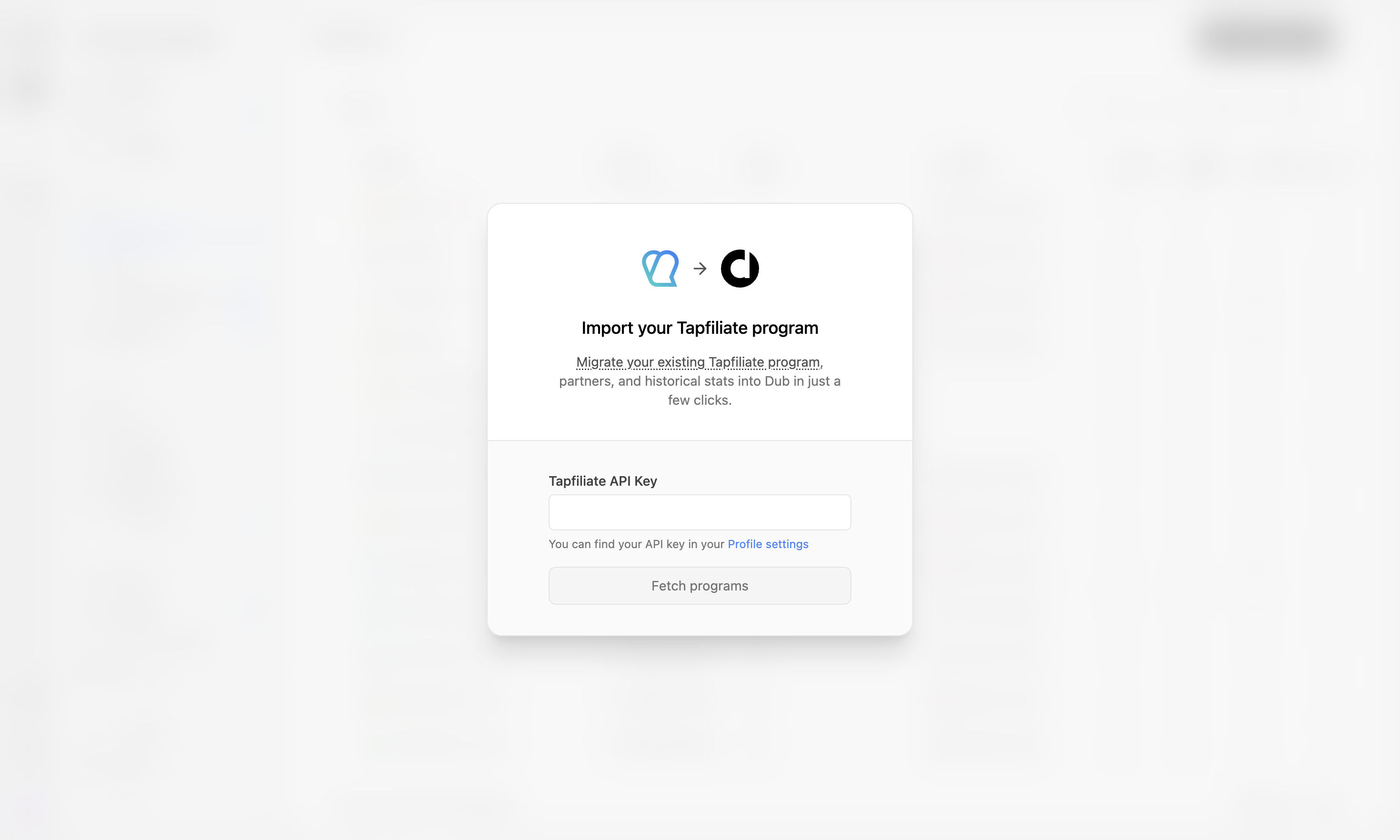
Affiliate groups in Tapfiliate are account-level, not program-level. The importer maps your existing Tapfiliate affiliate groups to Dub partner groups – re-running the import for a second program will reuse those same groups. Affiliates who are not assigned to any Tapfiliate group are placed into your program’s default group.If your Tapfiliate account doesn’t use affiliate groups, all imported partners will land in the default group regardless of which program they came from.
Next steps
After importing your program, here are some recommended next steps:1. Set up your bank account for partner payouts
Dub Partners supports 1-click payouts to partners all across the globe. We generally recommend using ACH for partner payouts as it is the most cost-effective option. Here’s how you can set up your bank account for ACH payouts.2. Notify your affiliates about the platform change
Next, you’d want to reach out to your existing partners and let them know about the platform change. To do that, you can send them an email with the following example verbiage:Hey, Starting today, we are switching the [Your Company] Affiliate Program from Tapfiliate to Dub Partners. To get started, follow these steps:Let us know if you have any questions!
- Sign up for a Dub Partners account here:
partners.dub.co/{your_program_slug}/register- Connect a payout method to receive your commissions.
- Start sharing your shiny new referral link with your audience 🚀