

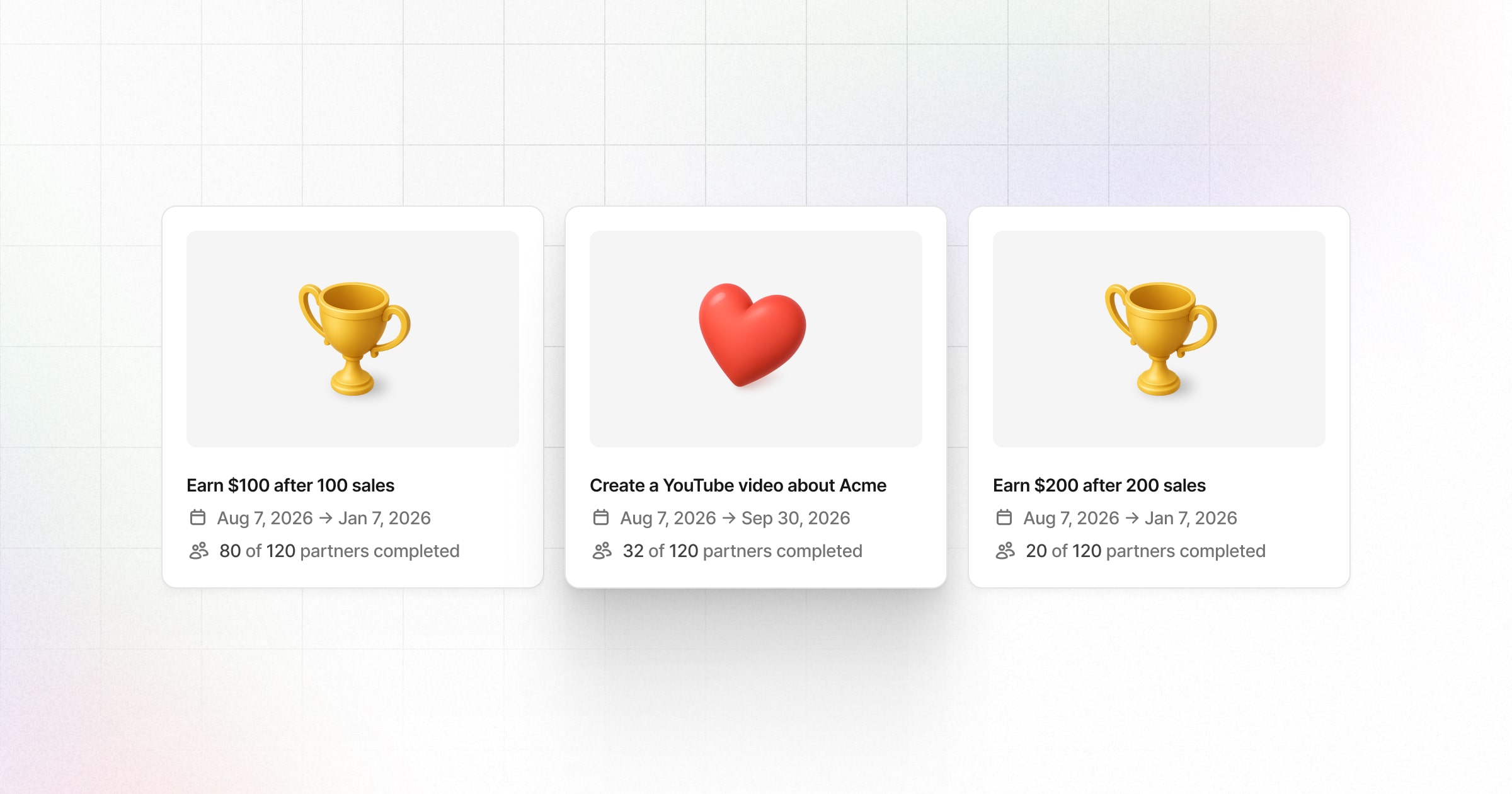
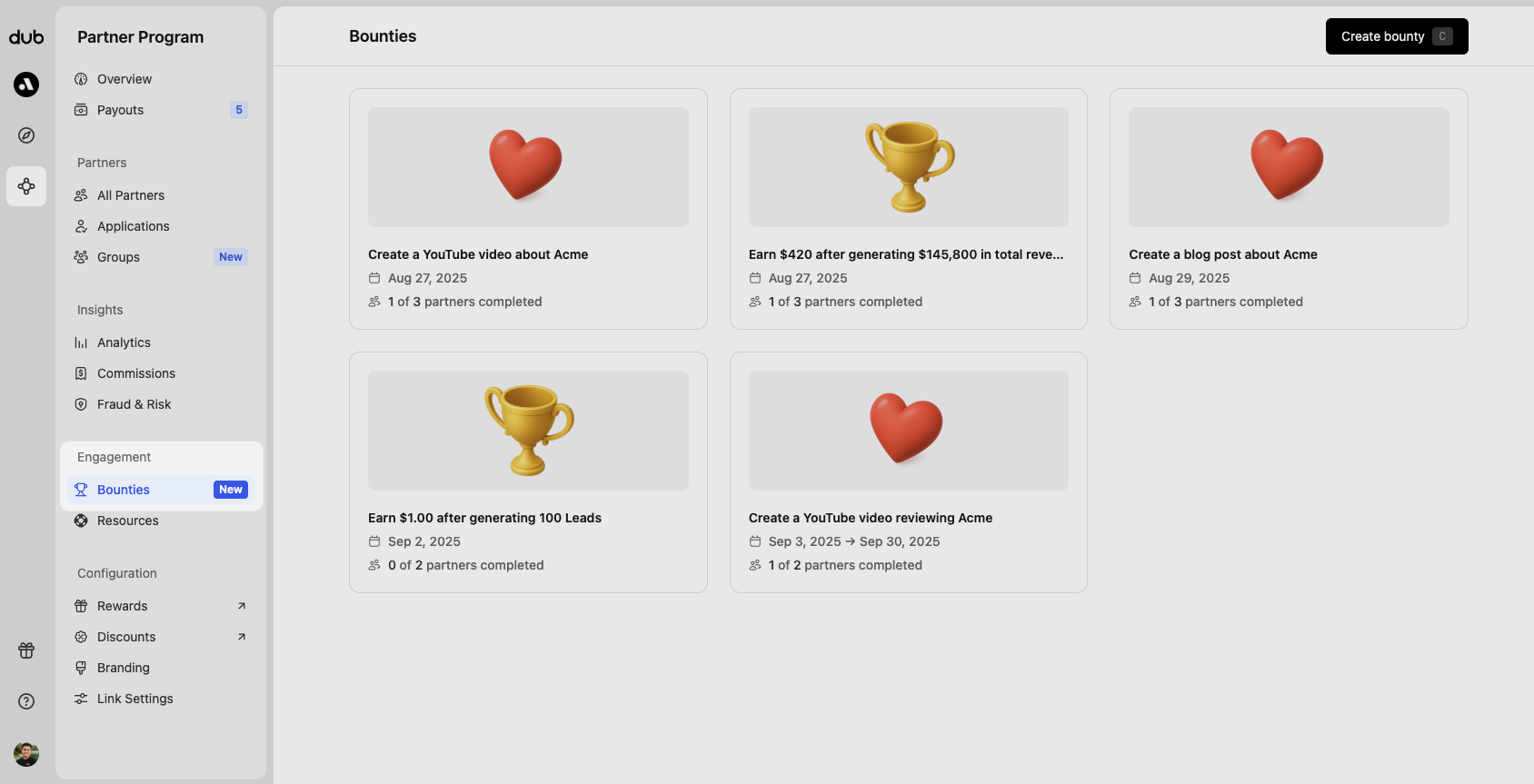
Creating a bounty
Click Create bounty (or use theC keyboard shortcut) to open the bounty creation panel. From here, select the type of bounty you want to create:
Whenever you create a new bounty, an email notification will be sent to all
eligible partners at the scheduled start date of the bounty. Make sure to
finalize your bounty before creating it.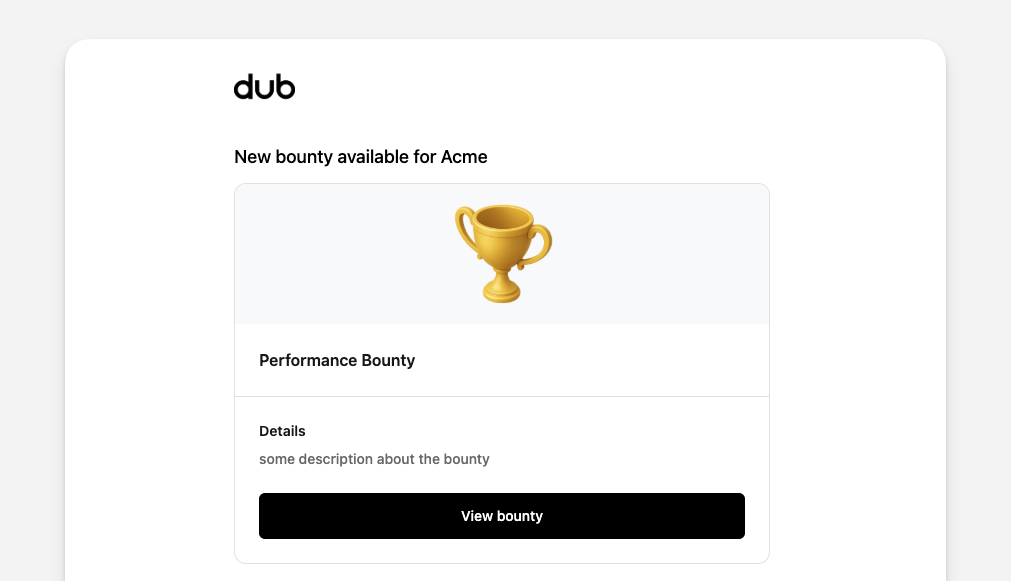
Performance bounties
Performance bounties reward partners for achieving measurable milestones, such as a specific number of leads, conversions, revenue, or commissions. They’re tracked automatically and paid out once completed, with no approval needed.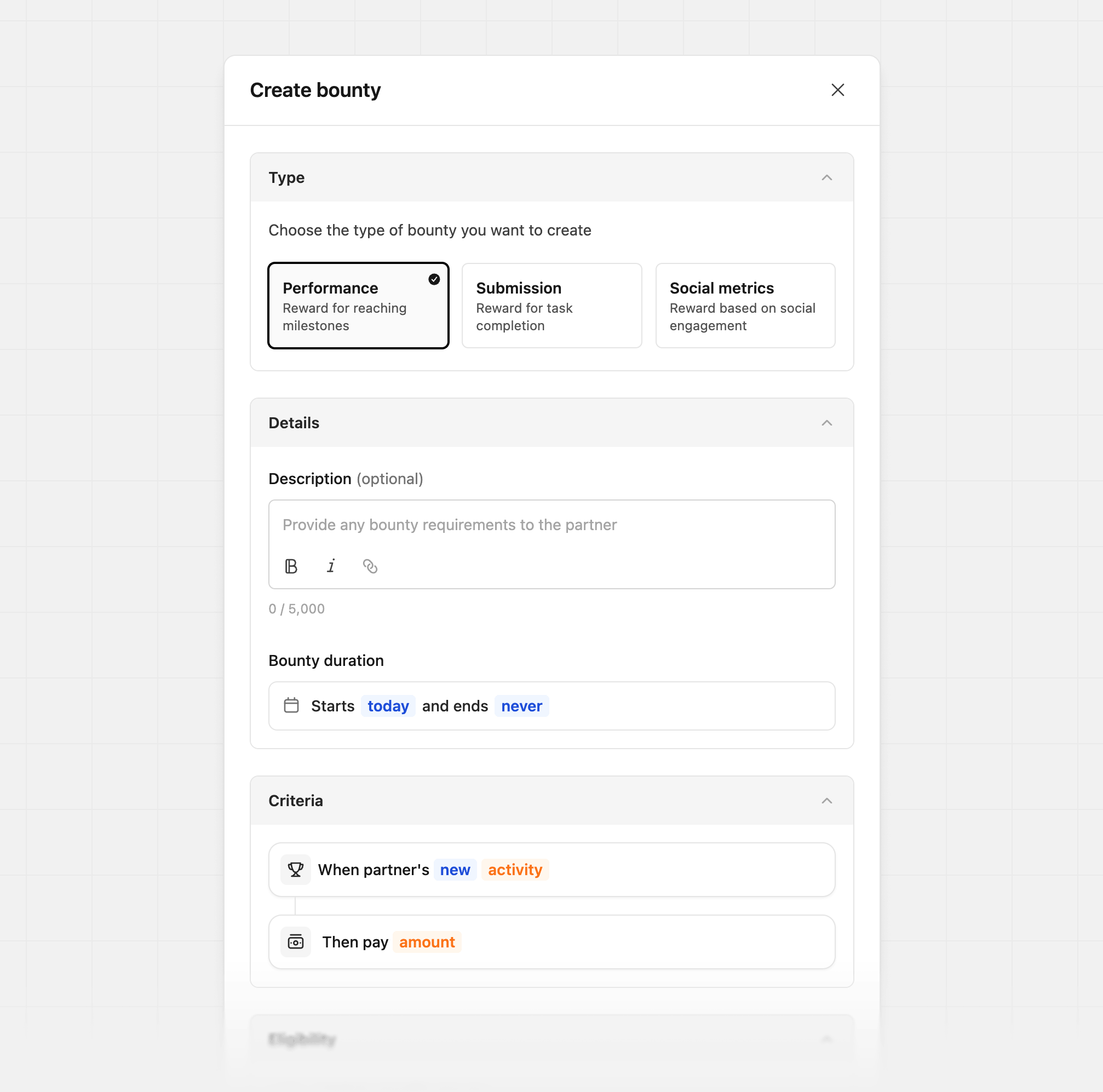
- Drive 500 leads and earn an additional $1,000 bonus
- Generate $1,000 in revenue and earn an additional $250 bonus
- Earn $5,000 in commissions and receive an additional $500 bonus
Performance logic
When setting the logic for a performance bounty, you can choose from several options depending on how you want performance to be measured.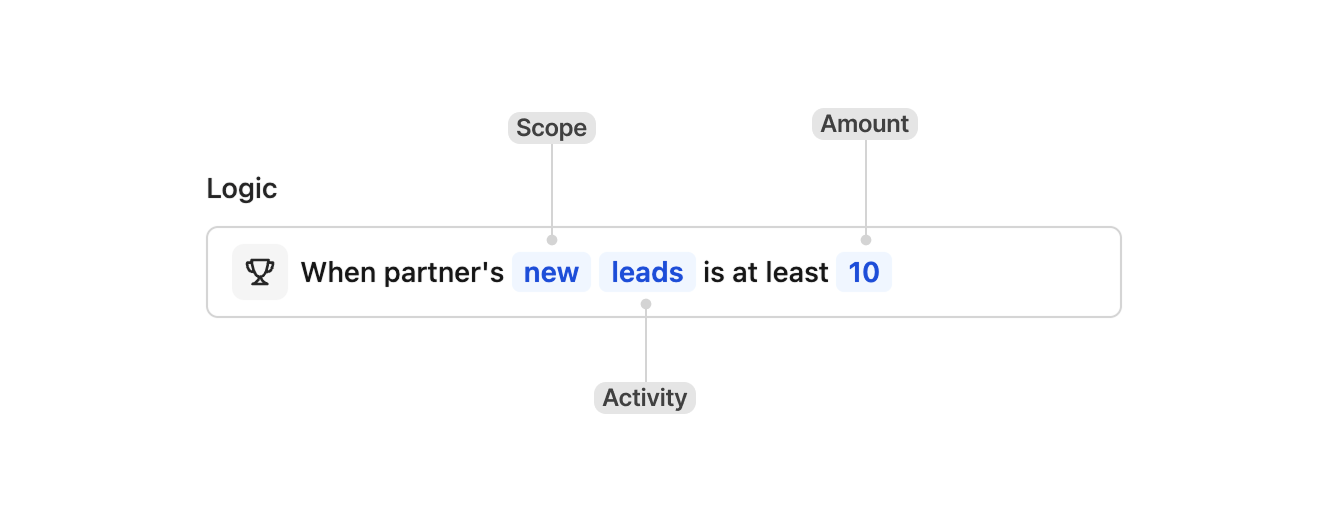
- New - Tracks only performance generated after the bounty starts. For example, if you set a bounty that rewards partners after 10 leads, each partner must generate 10 new leads after the bounty goes live, regardless of how many leads they had before. For revenue-based bounties, only revenue from customers whose first sale happens after the bounty starts is counted.
- Lifetime - Counts performance across the partner’s entire lifetime. For example, if you set a bounty that rewards after 10 leads, any partner who already has at least 10 leads will immediately qualify for the reward.
- Leads
- Conversions
- Revenue
- Commissions
Submission bounties
Submission bounties reward partners for completing activities that require review, such as creating social media content, publishing a blog post, or hosting an event. Partners submit proof, and rewards are approved once requirements are met.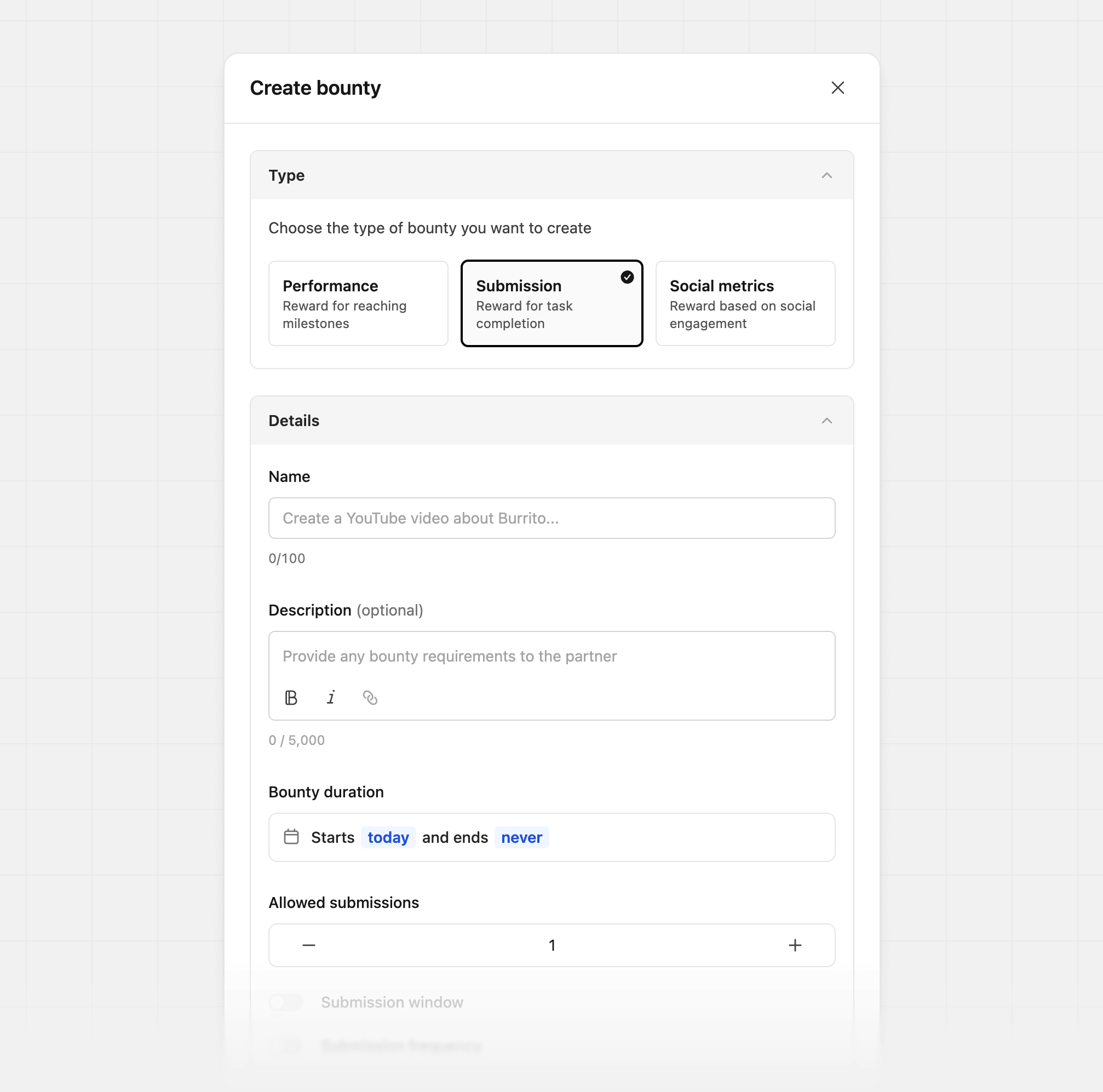
- Release a YouTube video to drive awareness
- Publish a blog post highlighting your product
- Host an event (in-person or online) promoting your brand
Submission window
This is the number of days before the end date that partners can start submitting entries. An end date is required to enter a submission window.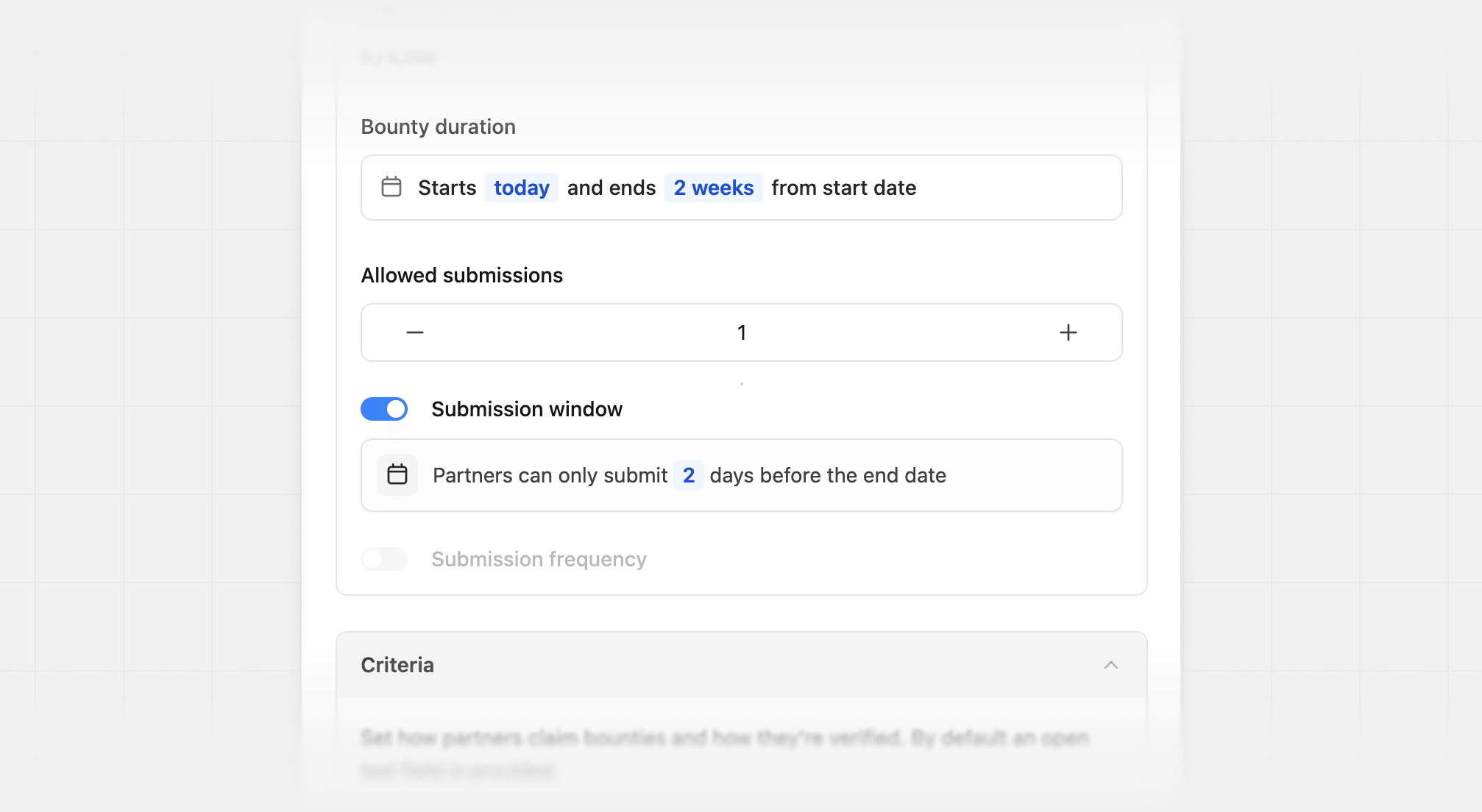
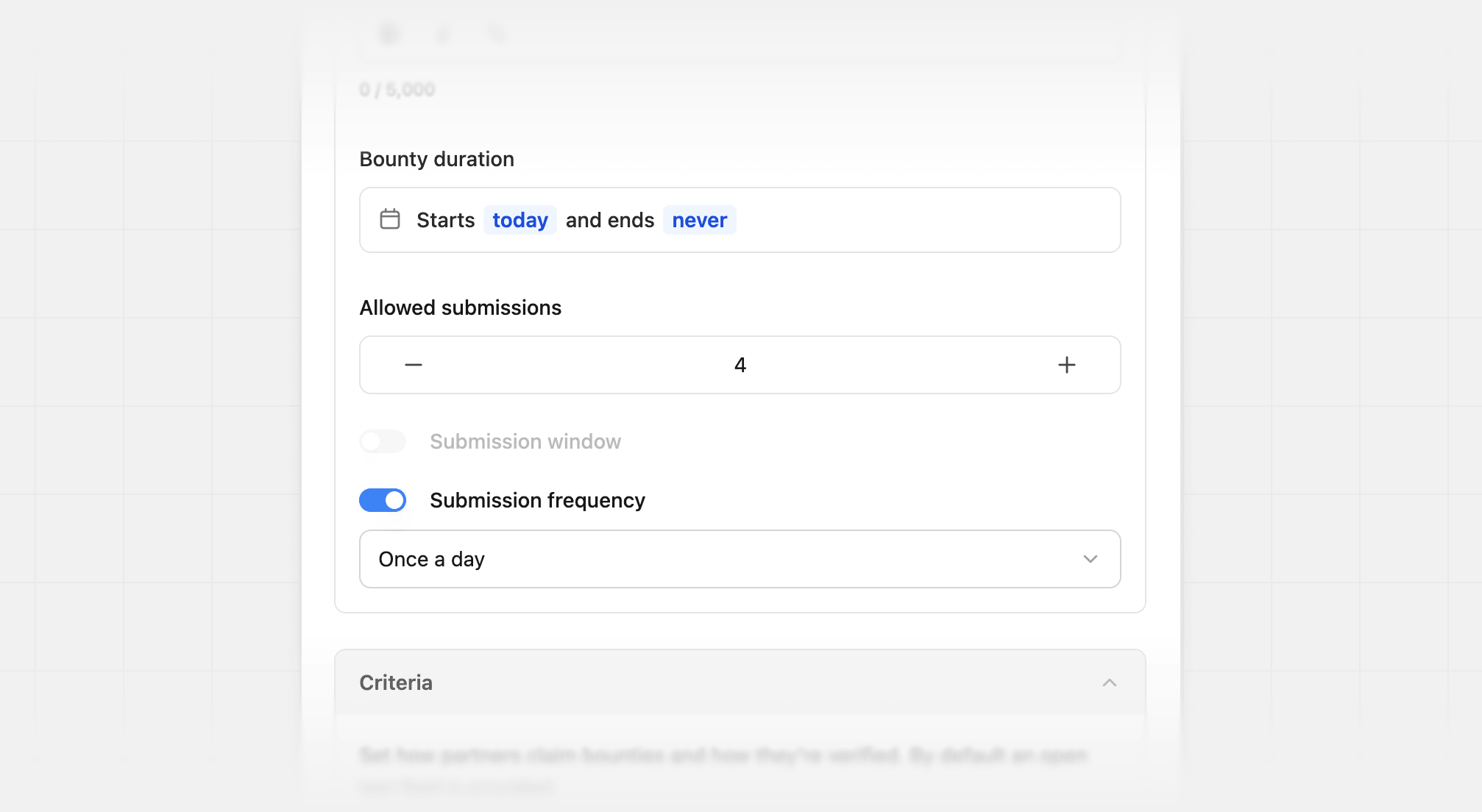
Submission frequency
Set the time between submissions partners can make whenAllowed submissions is greater than one. Partners must submit the full number of allowed submissions to complete the bounty. You can select from:
- Once a day
- Once a week
- Once a month
Allowed submissions to greater than one to set a submission frequency.
Submission criteria
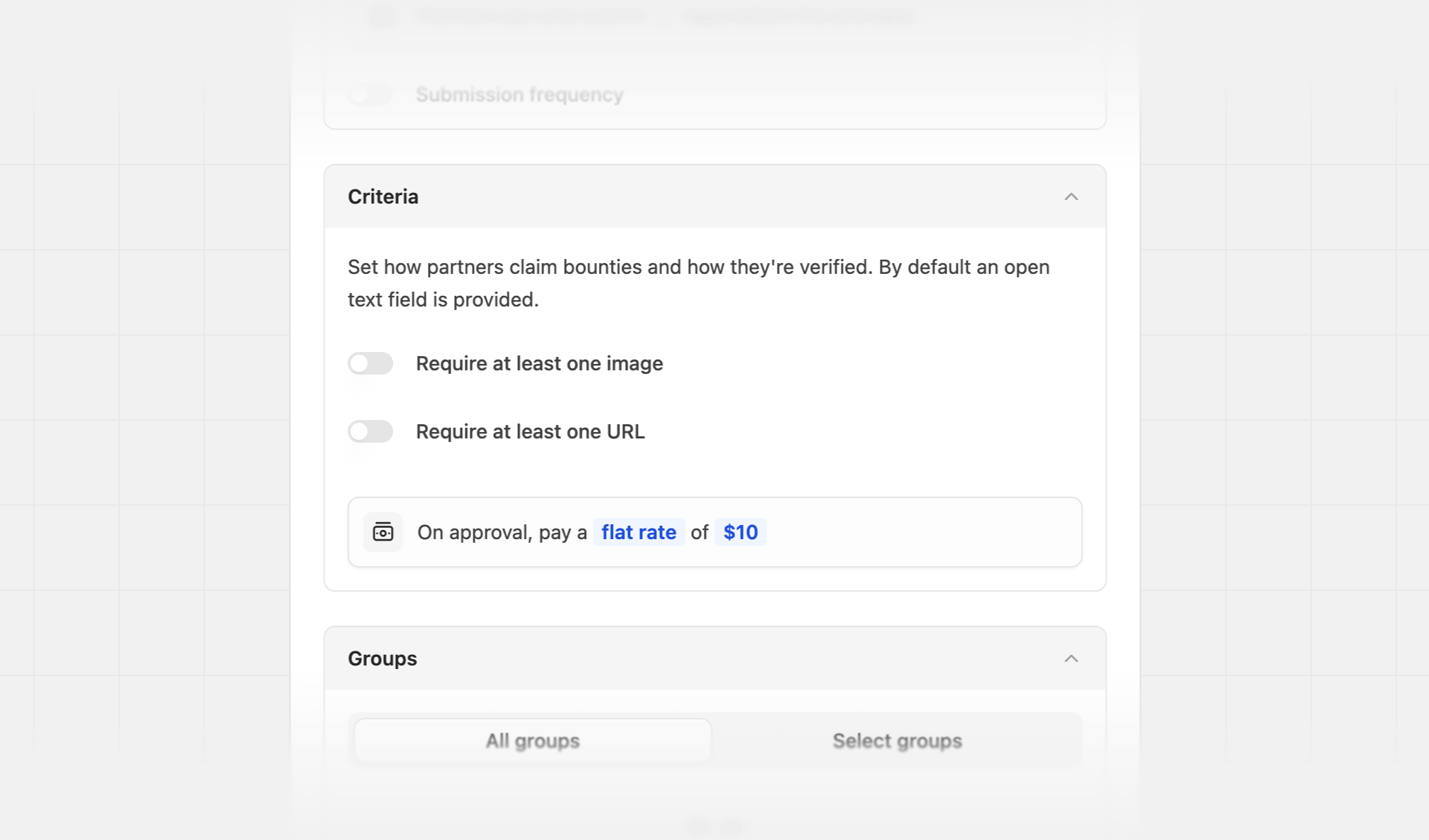
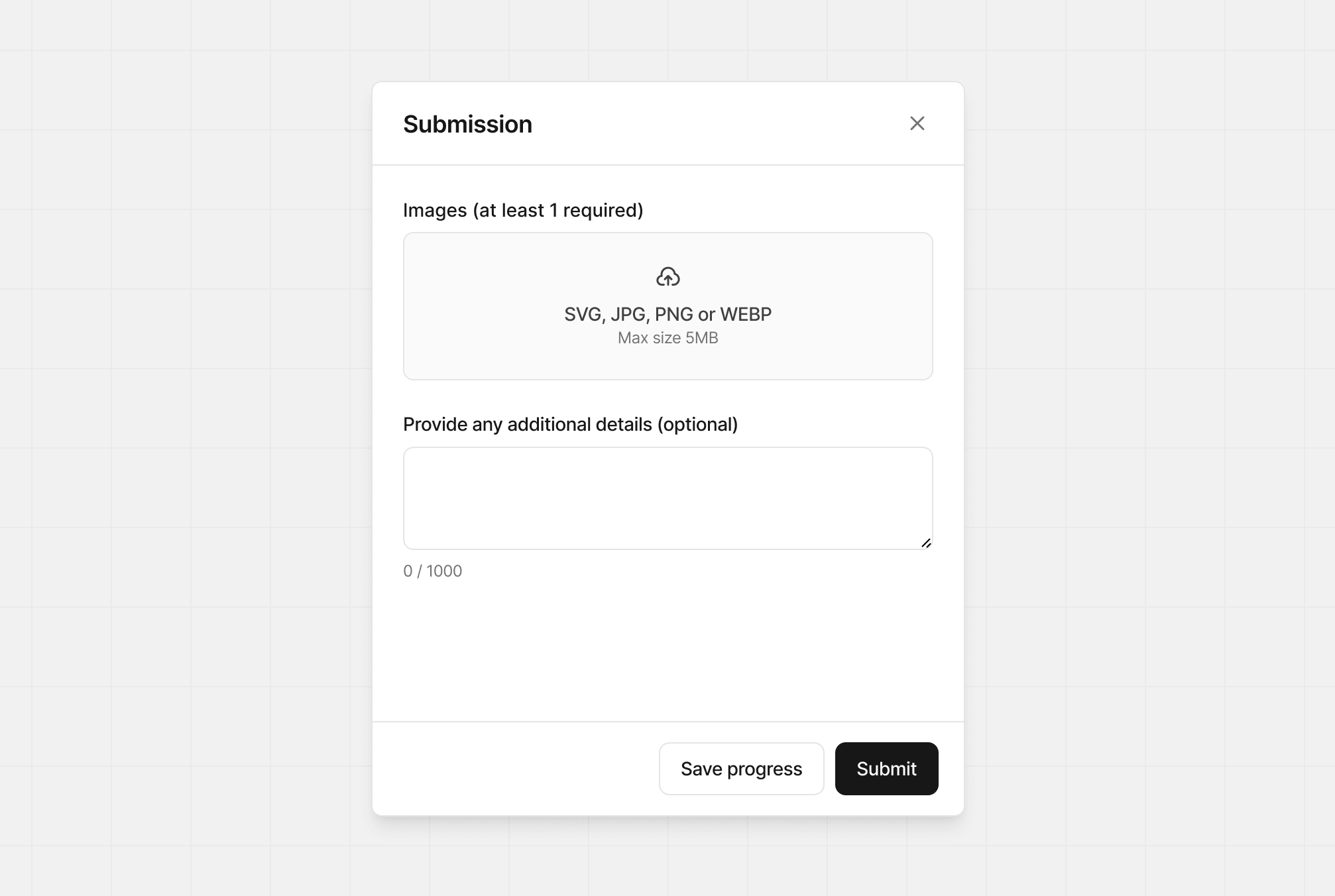
Add additional requirements to be able to submit a bounty. This includes:- Requiring at least one image: Helpful when a partner needs to provide proof of completion. Up to four images can be included.
- Requiring at least one URL: Helpful when a partner needs to provide a URL as proof of completion. Up to 100 URLs can be provided, and the allowed domains can be configured.
Allowed domains
You can restrict submissions to specific domains by defining an allowed domain list.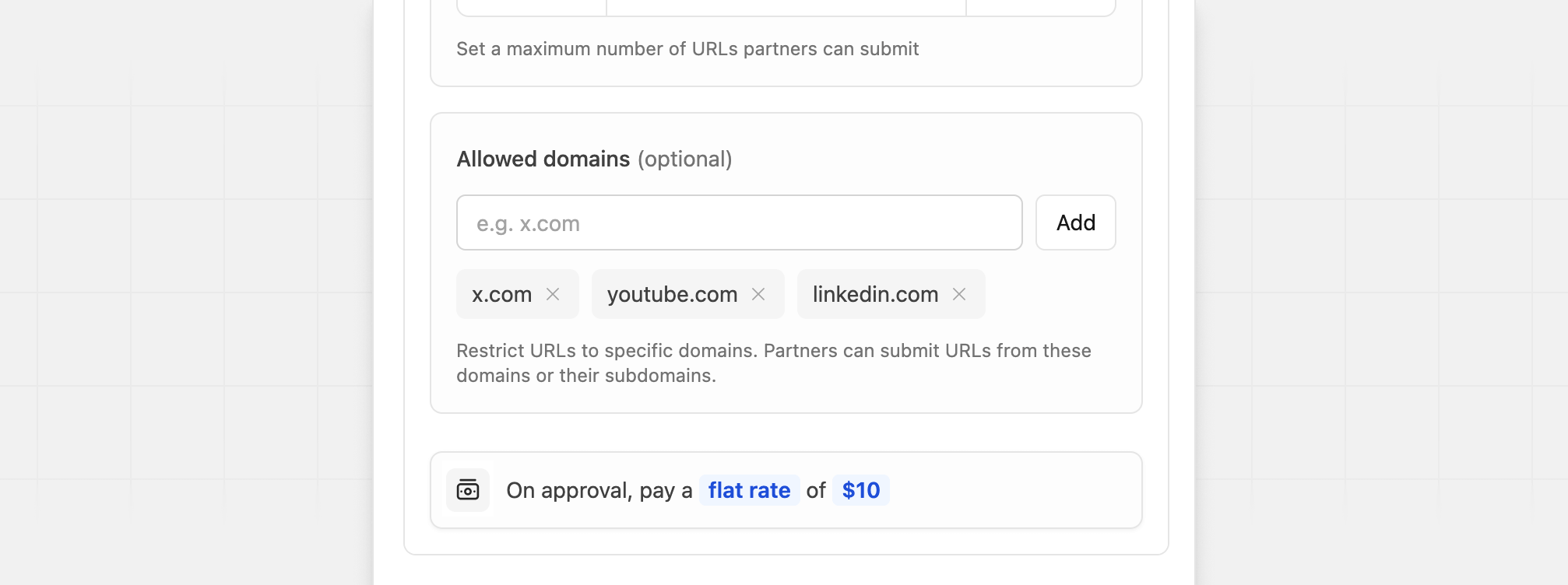
Custom reward
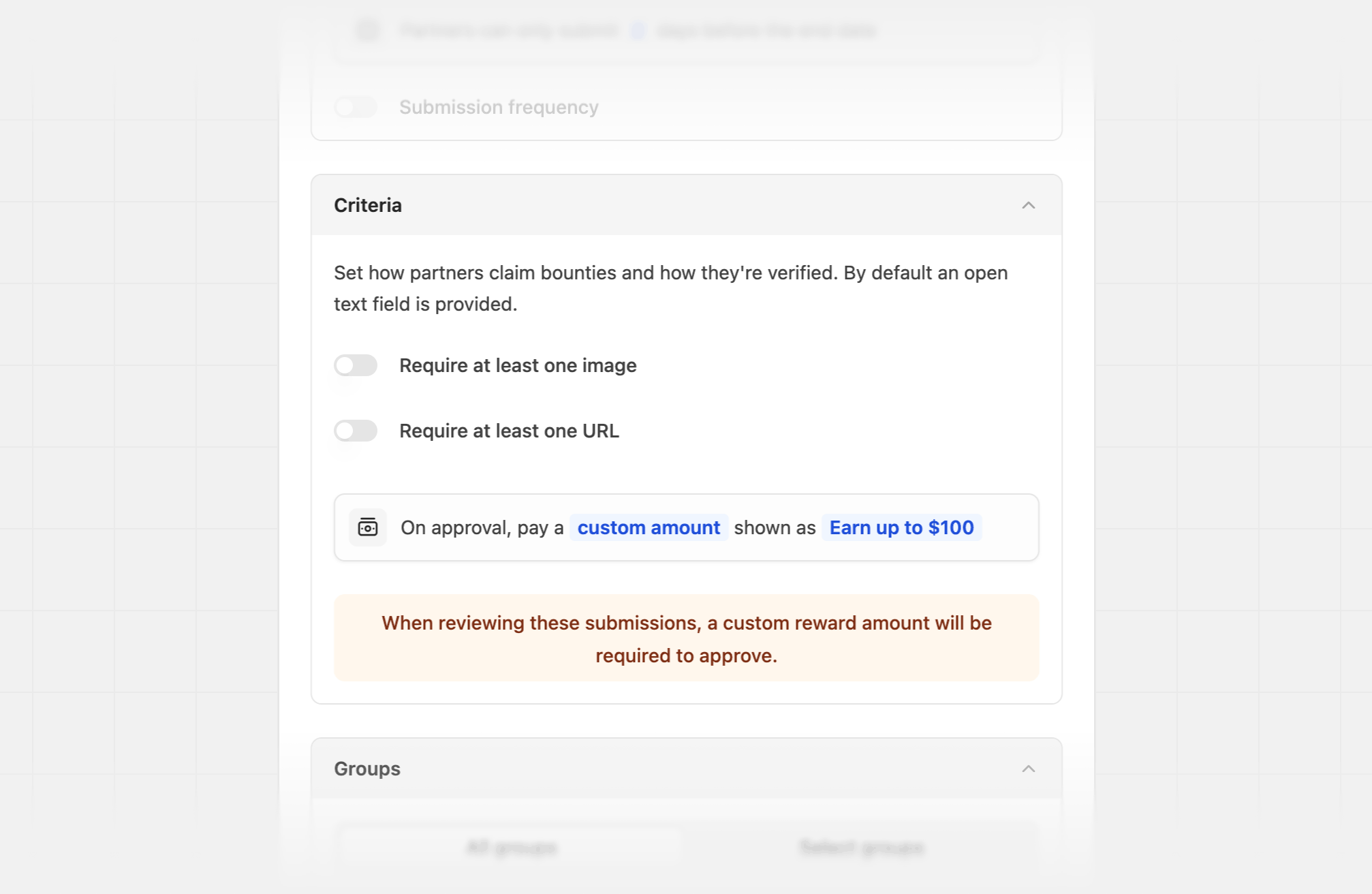
For certain submission bounties, you may want to have a custom reward for each submission. Here are some examples:- Pay a custom reward amount for an arbitrary task (e.g. organizing a meetup/webinar)
- Reward 10% if the partner reaches a goal they set by a specific date (e.g. #FramerChallenge)
Social metrics
Social metrics bounties are a type of submission bounty that is best used to reward partners based on the performance of their social posts.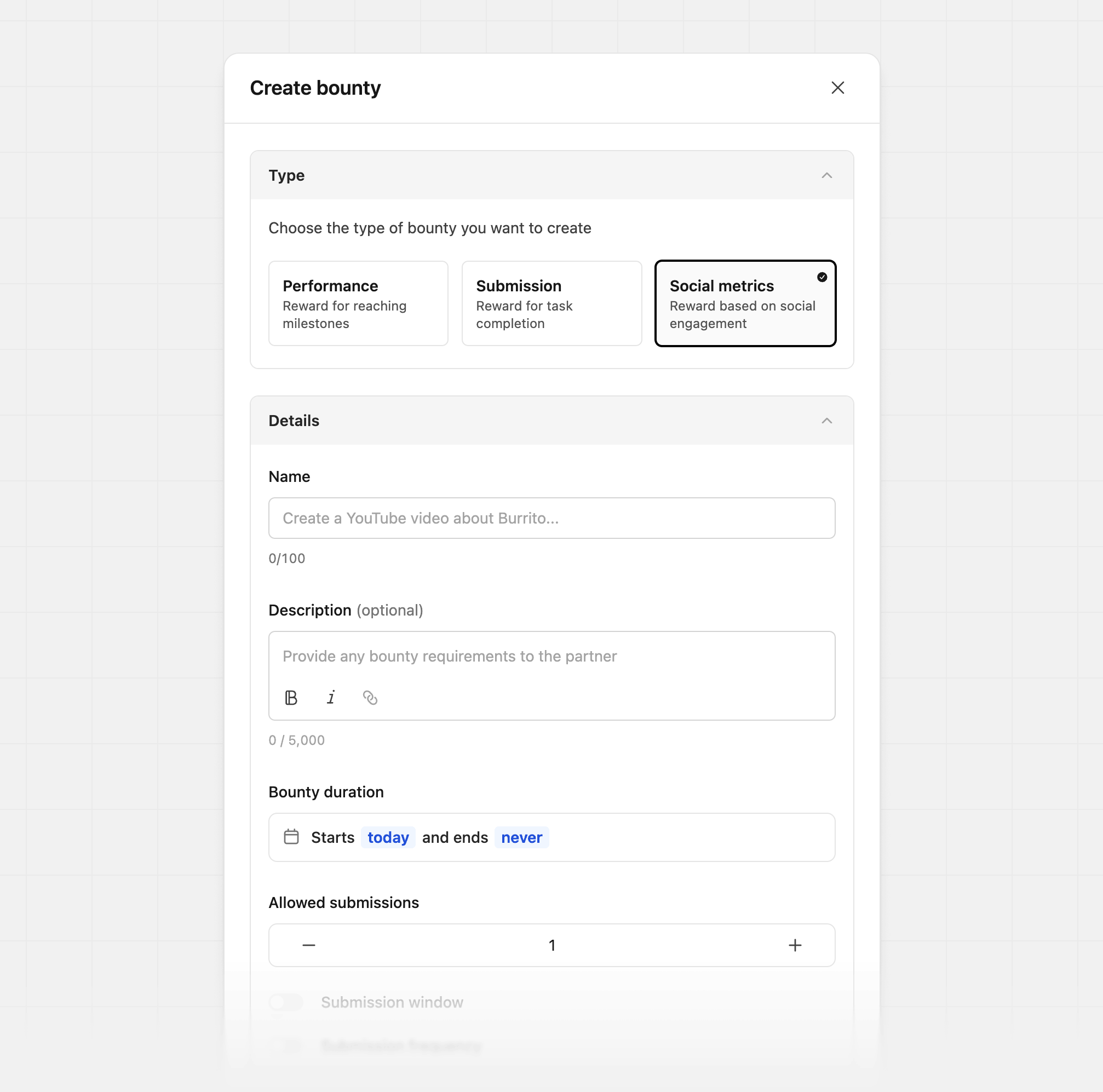
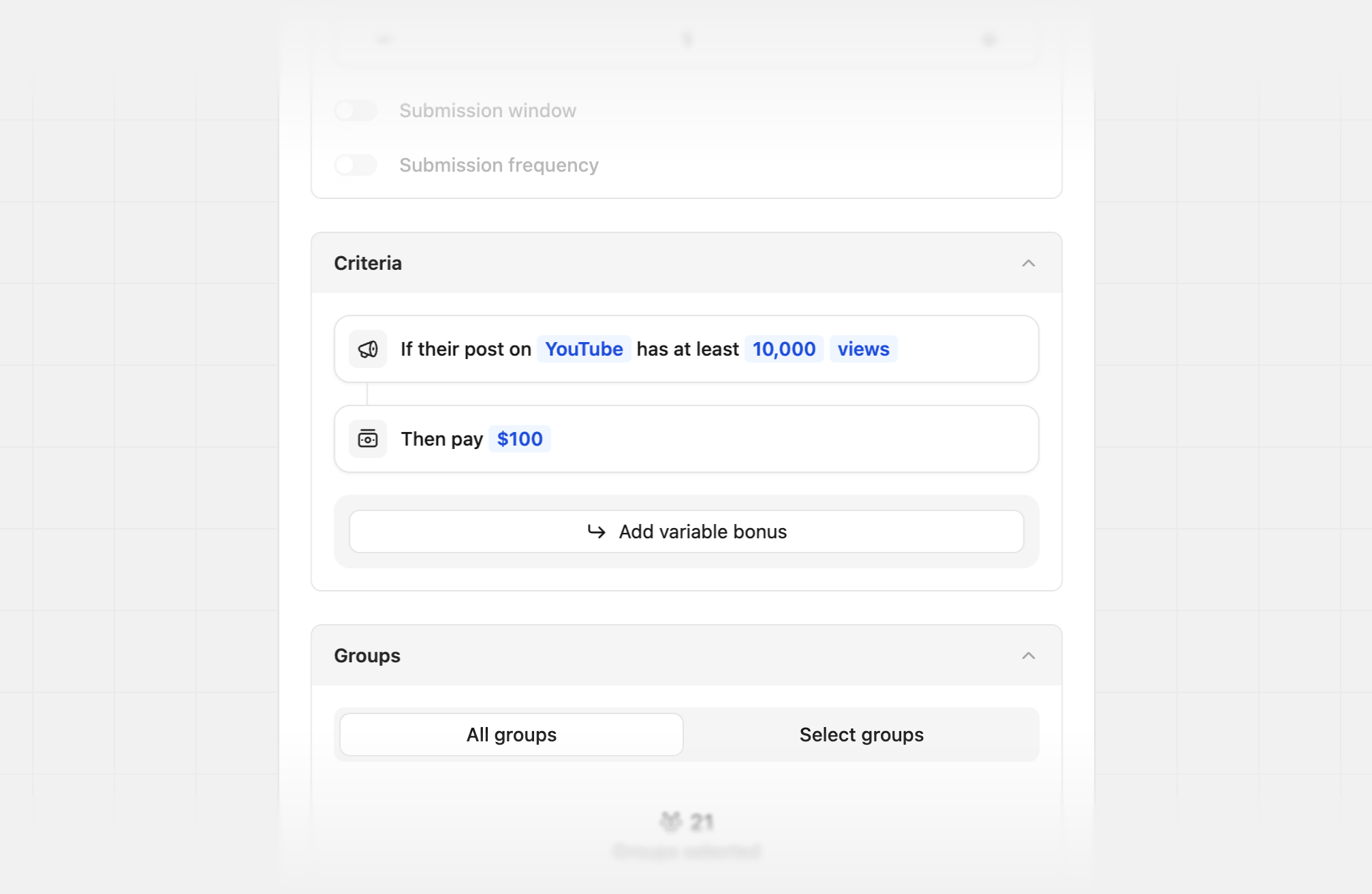
Select a social platform and target metric
You can track performance on one social platform per bounty, and can select from:Add a variable bonus
You can also optionally reward for additional performance beyond the base criteria.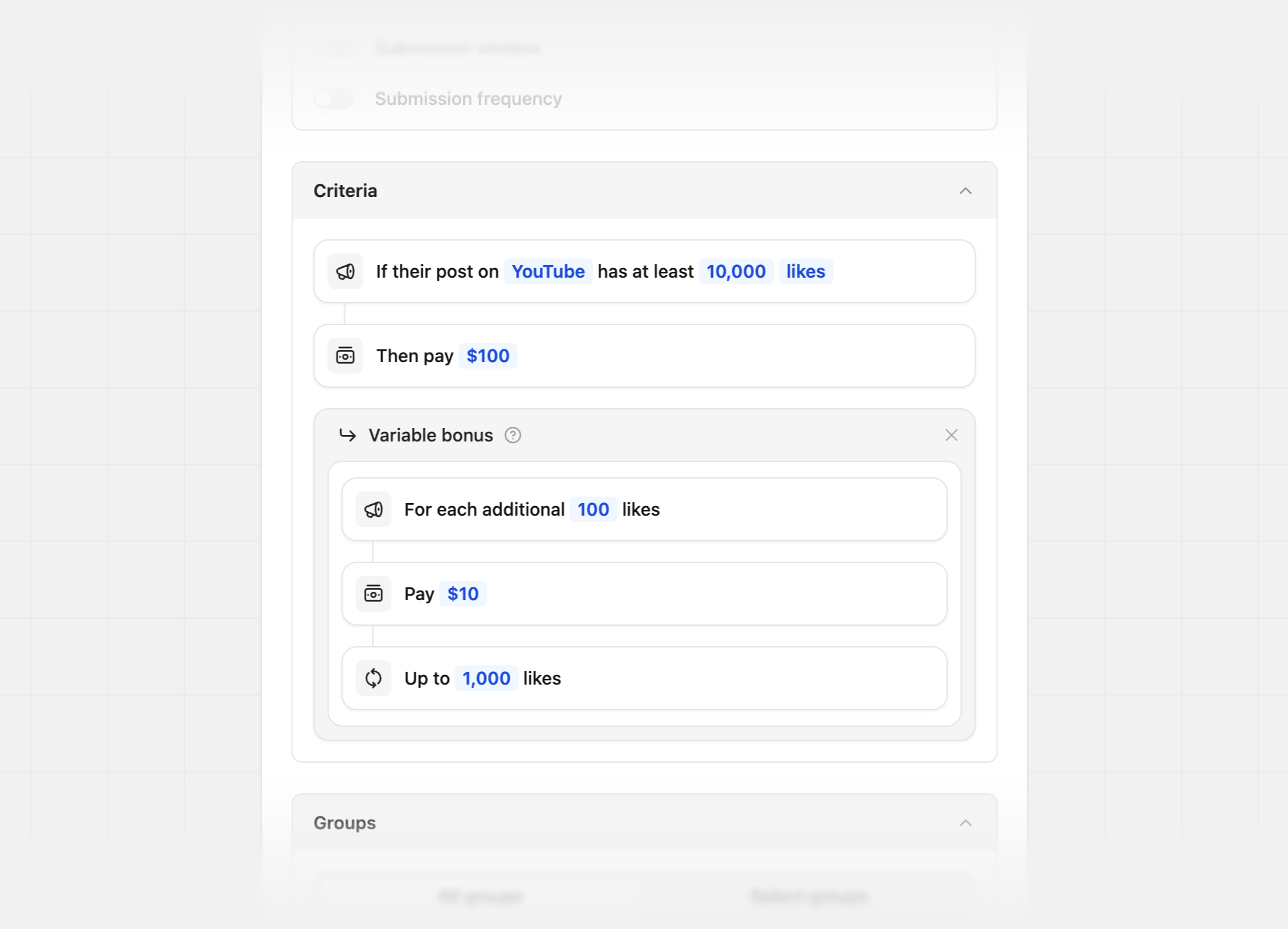
Bounty Duration
For all bounty types, you can set a start and end date for the bounty. By default, all bounties start on the creation date, and have no end date.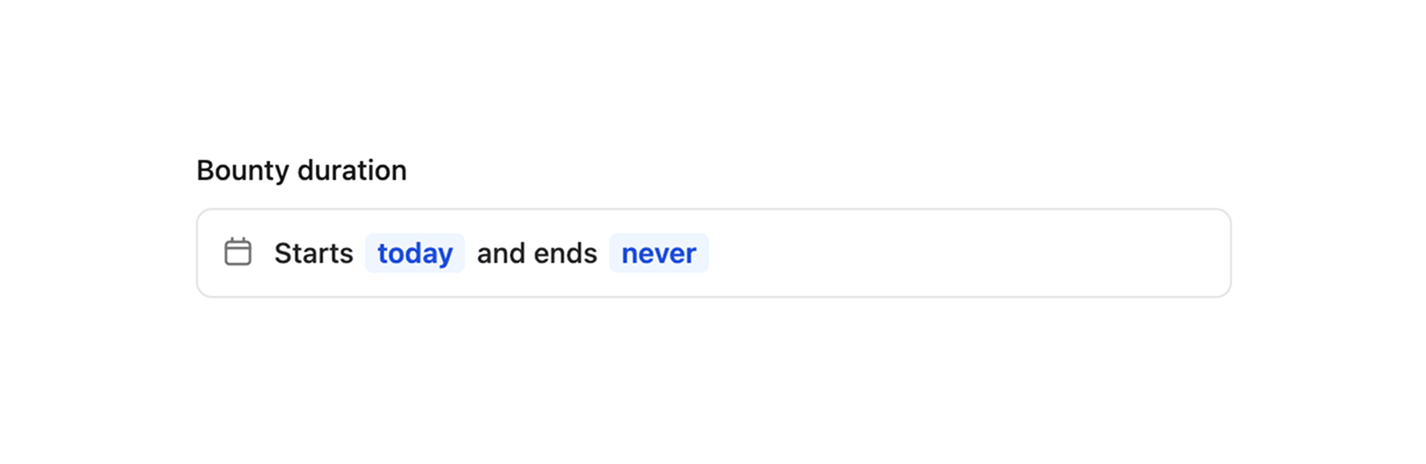
Bounty start date
For the bounty start date, you can select from the following options: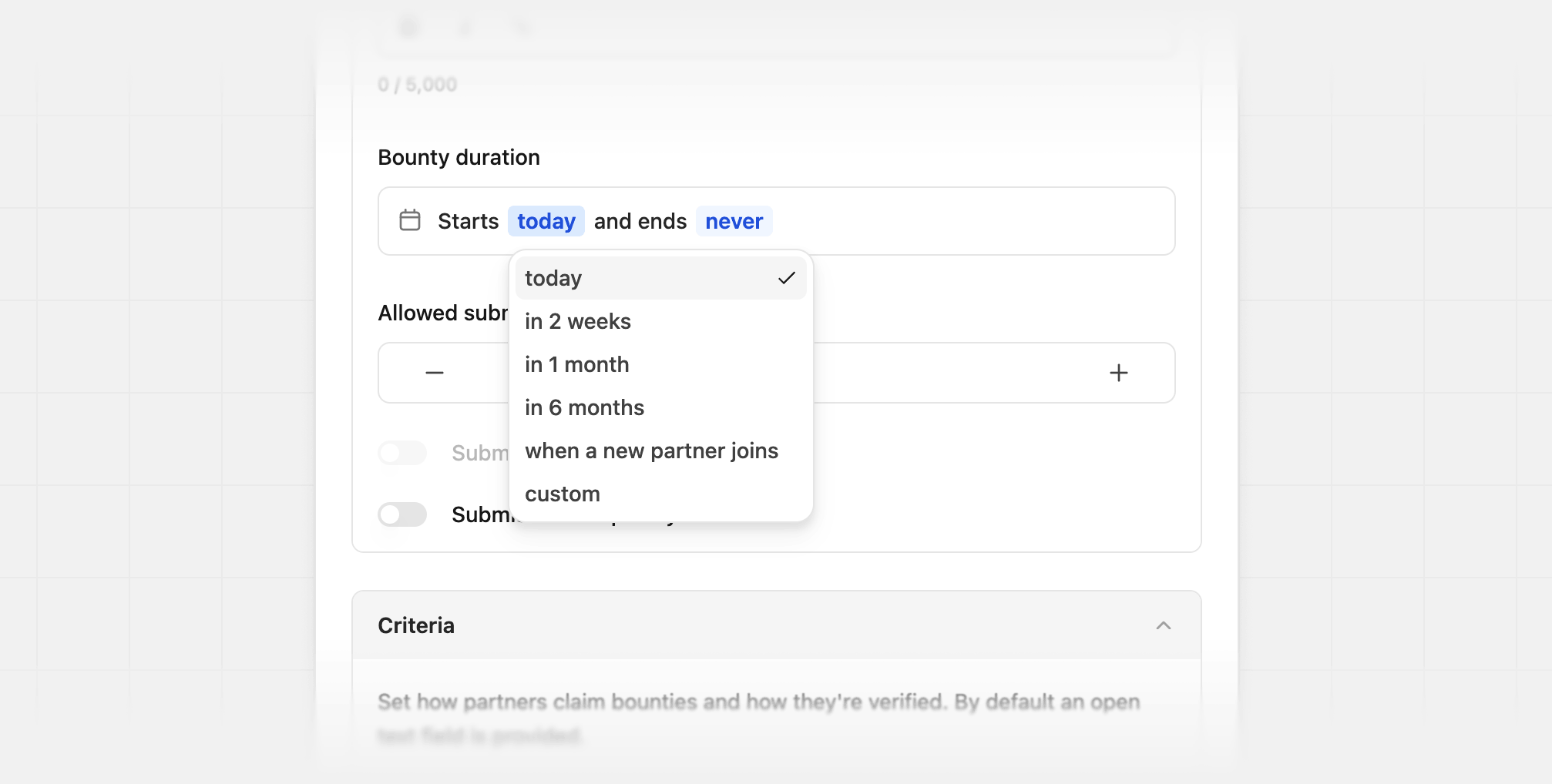
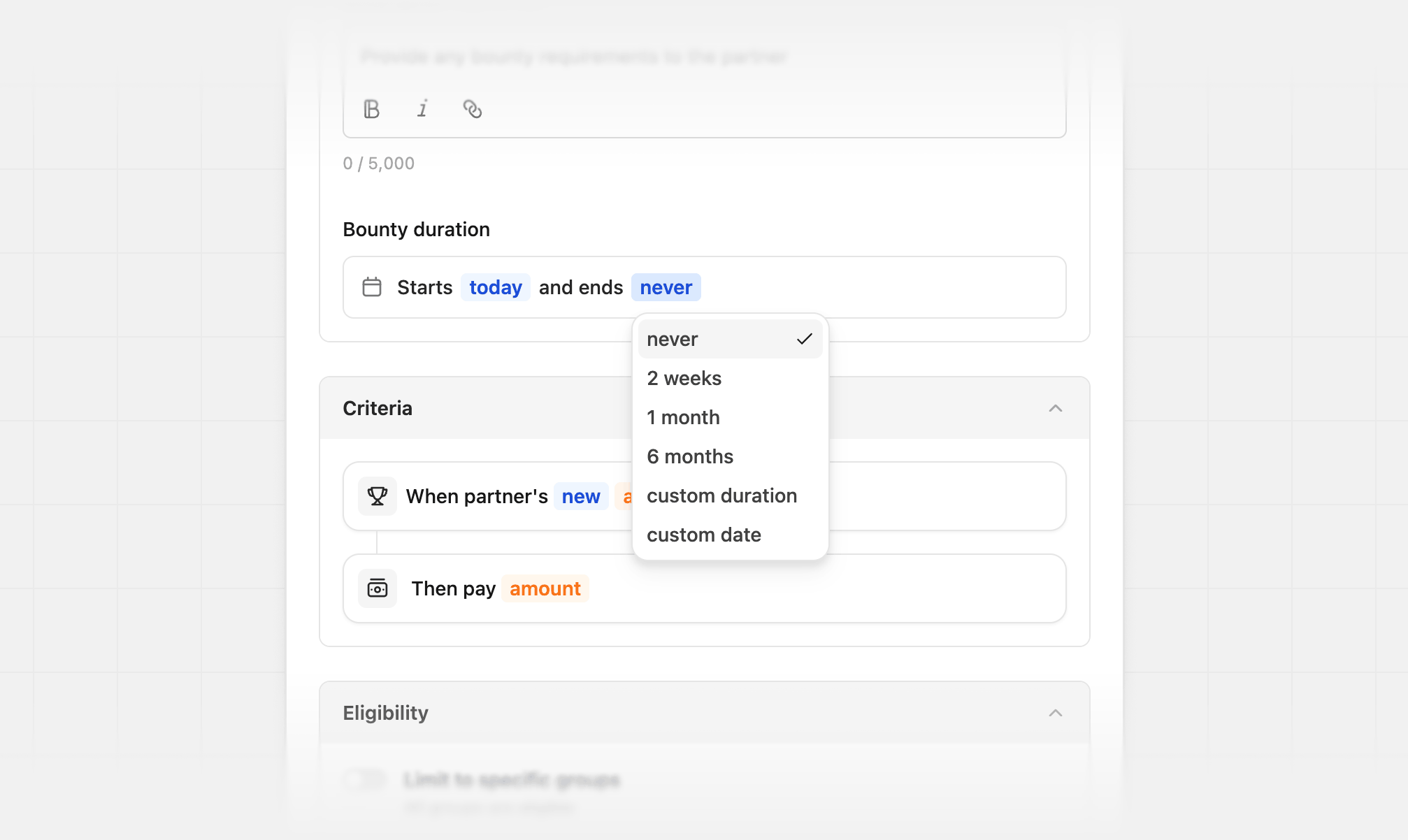
Bounty end date
For the bounty end date, you can select from the following options:
If the bounty starts when a new partner joins, the end date is calculated from each partner’s join date instead of a single start date.
Custom duration
Use a custom duration when none of the presets fit. Enter a number, then choose days, weeks, or months from the dropdown. For example,10 days or 3 months.
Reviewing bounties
For submission bounties, you must review partner submission entries before approving or rejecting them. To view a submission, click its row in the submissions table.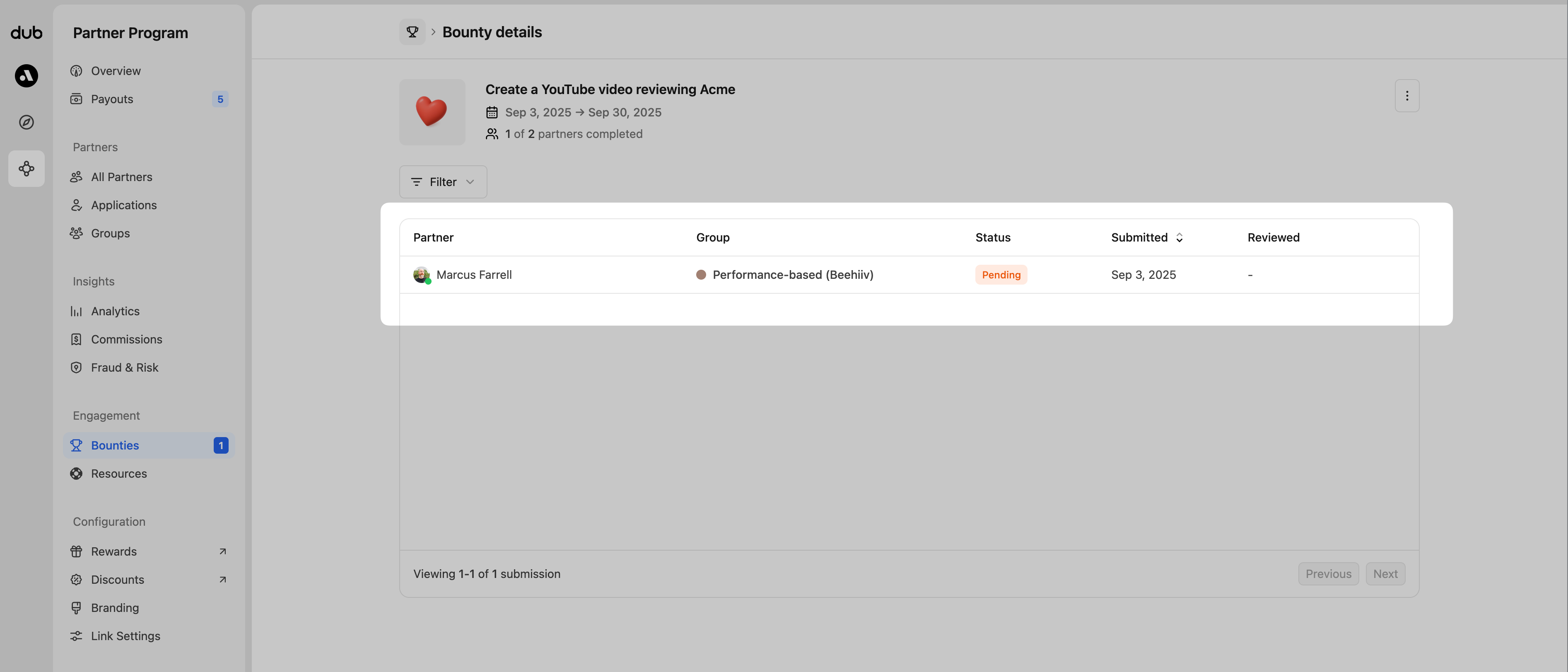
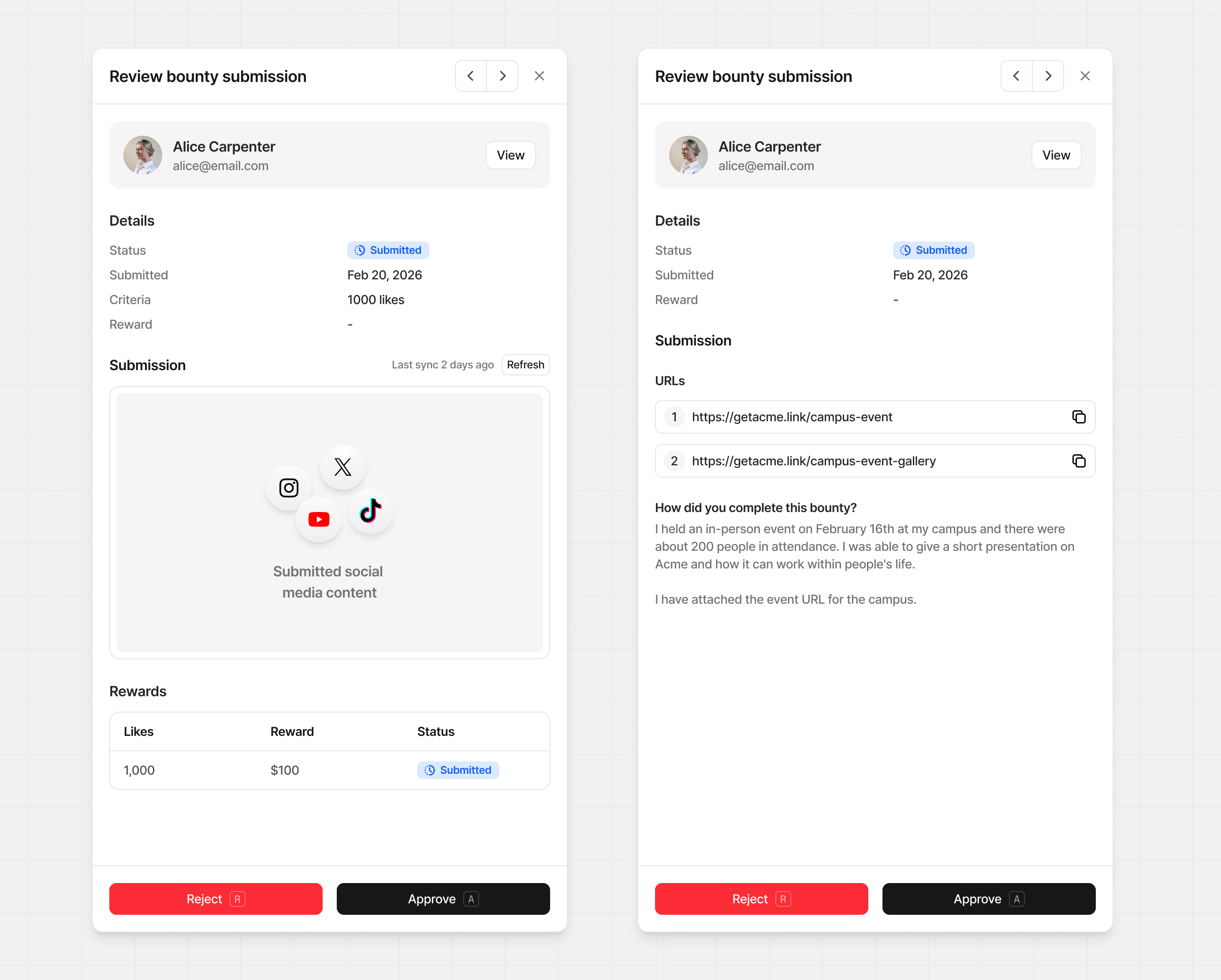
Approving submissions
Once you approve a bounty submission, a commission will be automatically created and due at your next payout. The partner will also receive a notification email:Bounty commissions are recorded as
custom commissions, which are not
subject to your program’s payout holding
period. They become
eligible for payout immediately at the next payout cycle – whether the
submission is approved via the dashboard or the
API.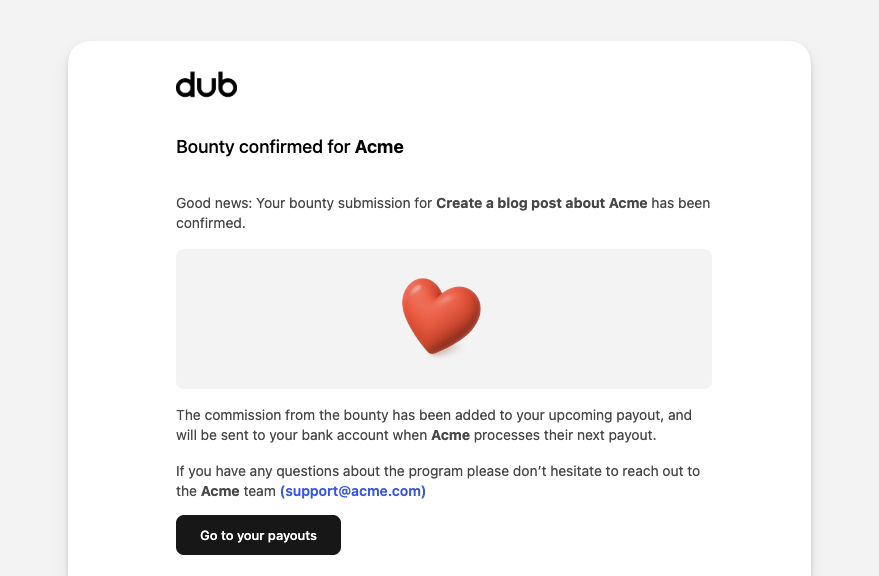
If you set your reward to custom during the approval process, you’ll be
asked to enter the flat rate amount to reward this partner.
Rejecting submissions
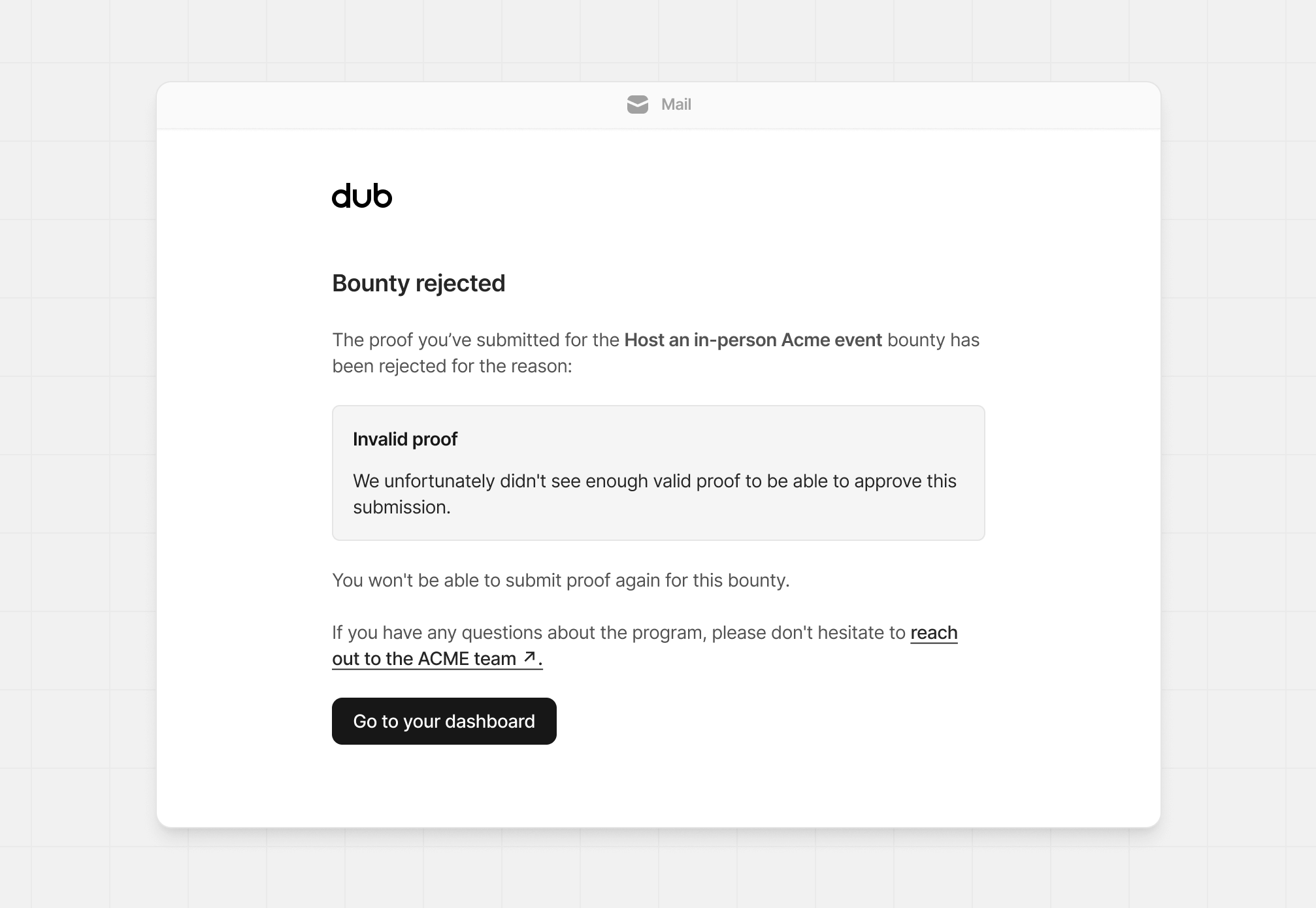
When rejecting a bounty submission, you can also select a reason and provide more details for the rejection. This information will be added to the submission record, and will also be sent in an email to the partner.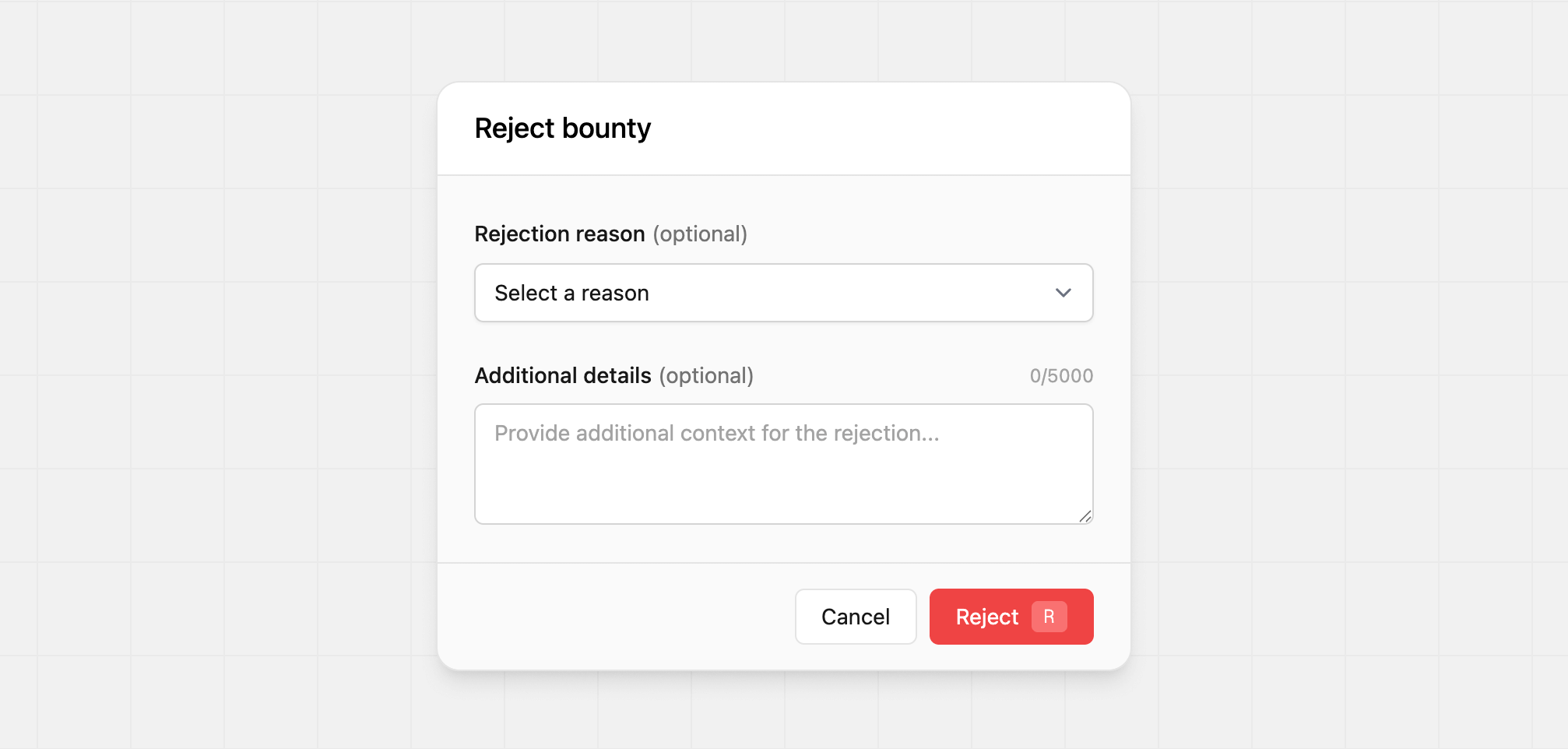
- Invalid proof
- Duplicate submission
- Out of time window
- Did not meet criteria
- Other
Reopening submissions
If you rejected a submission by mistake, or a partner asks to revise a submission you’ve already reviewed, you can reopen it from the submission review view. Reopening returns the submission to a draft state so the partner can edit and resubmit it. When you reopen a submission:- Its status is reset to
draft. - Any rejection reason and note you previously set are cleared.
- The completion and review timestamps are cleared, so the submission behaves as if it had not yet been submitted.
- No commission is created until the partner resubmits and you approve it.
Approved submissions can’t be reopened, since a commission has already been
created for them. If you need to reverse an approved submission, contact
support.