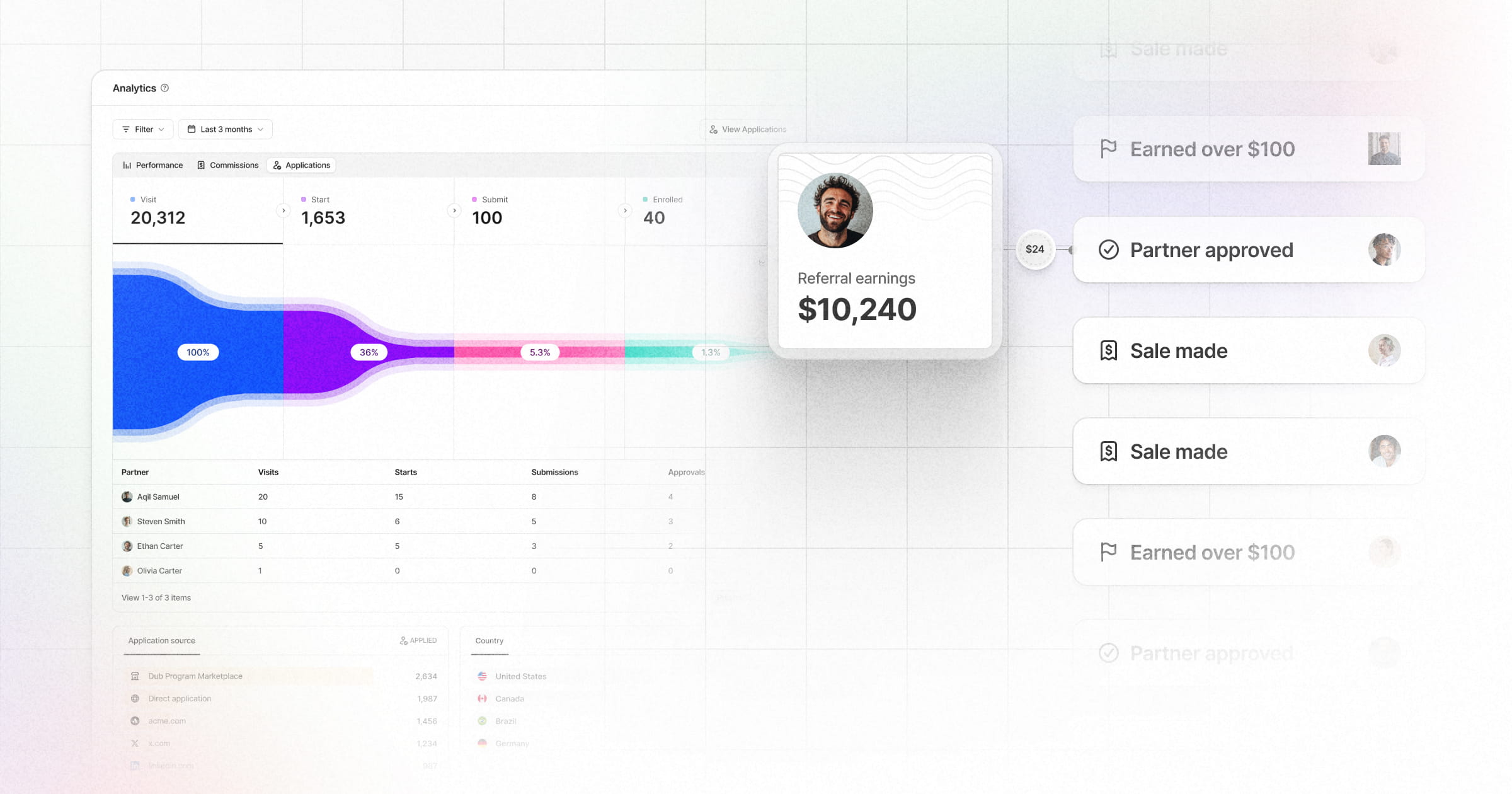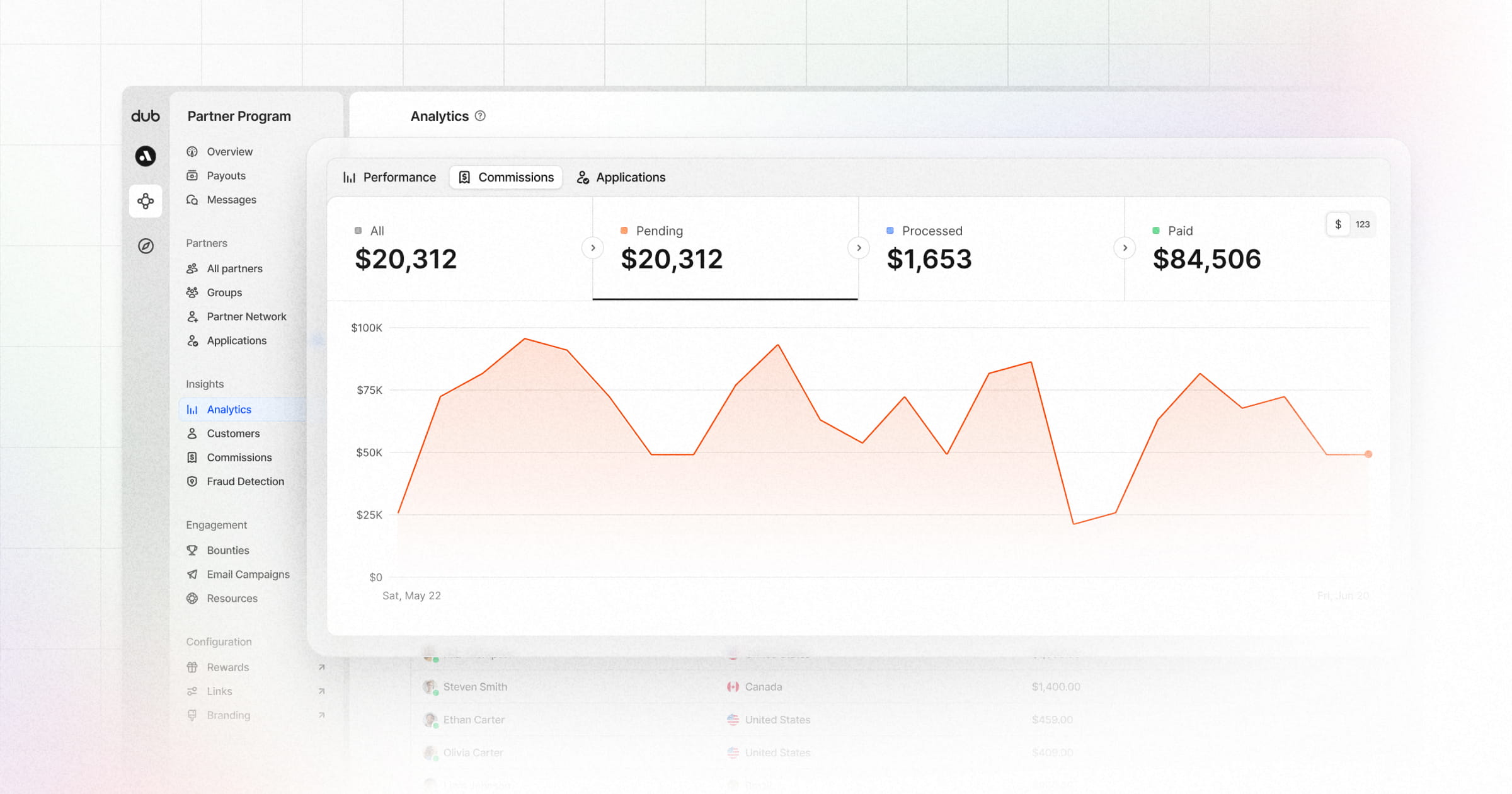
Dub gives you real-time insights into how your partner program is performing, with support for segmenting your data by referrer, UTM tags, geolocation, device data, and more.
Today, we're launching a new primitive for you to segment your data with: Partner Tags.
How partner tags work
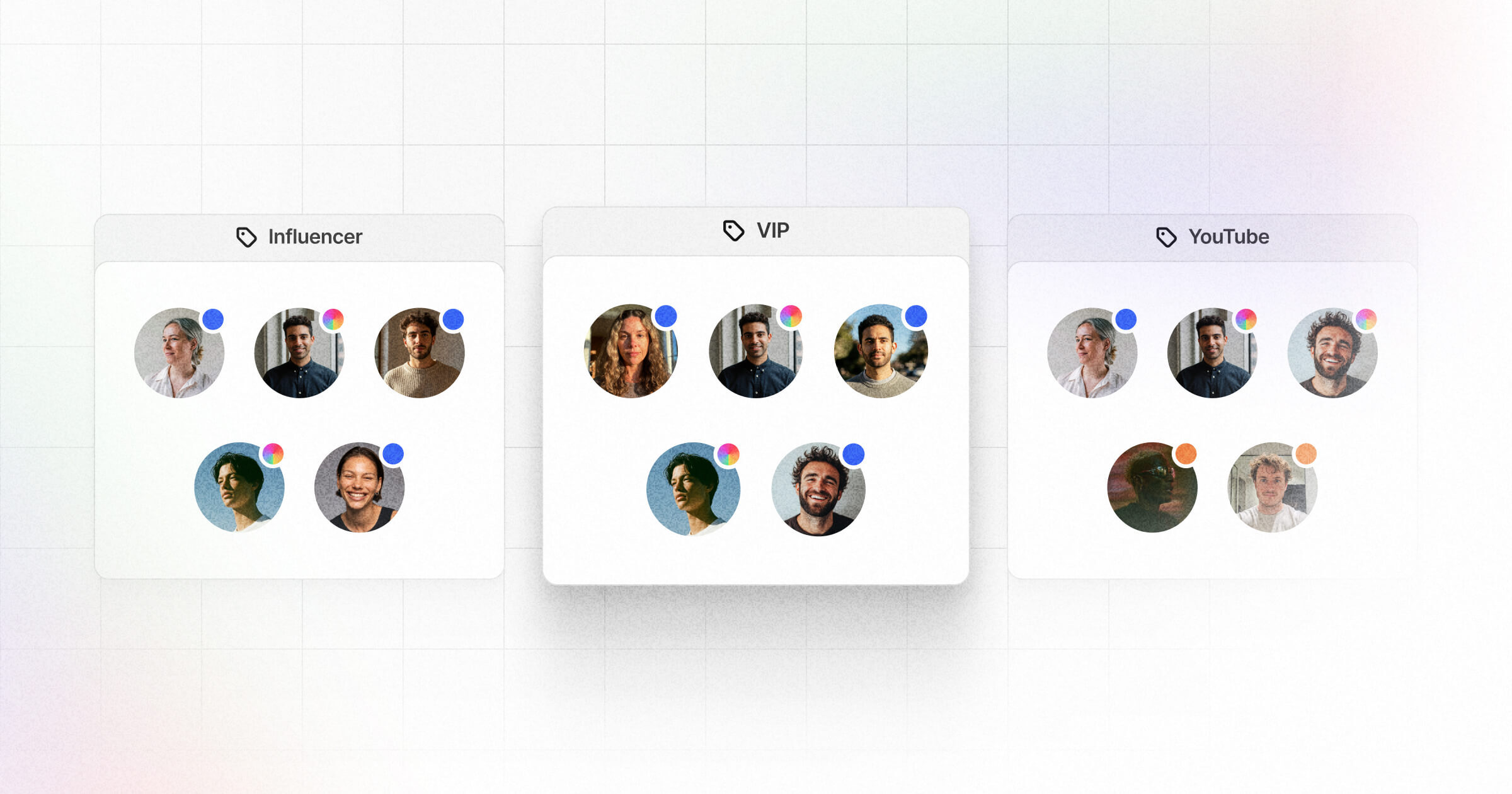
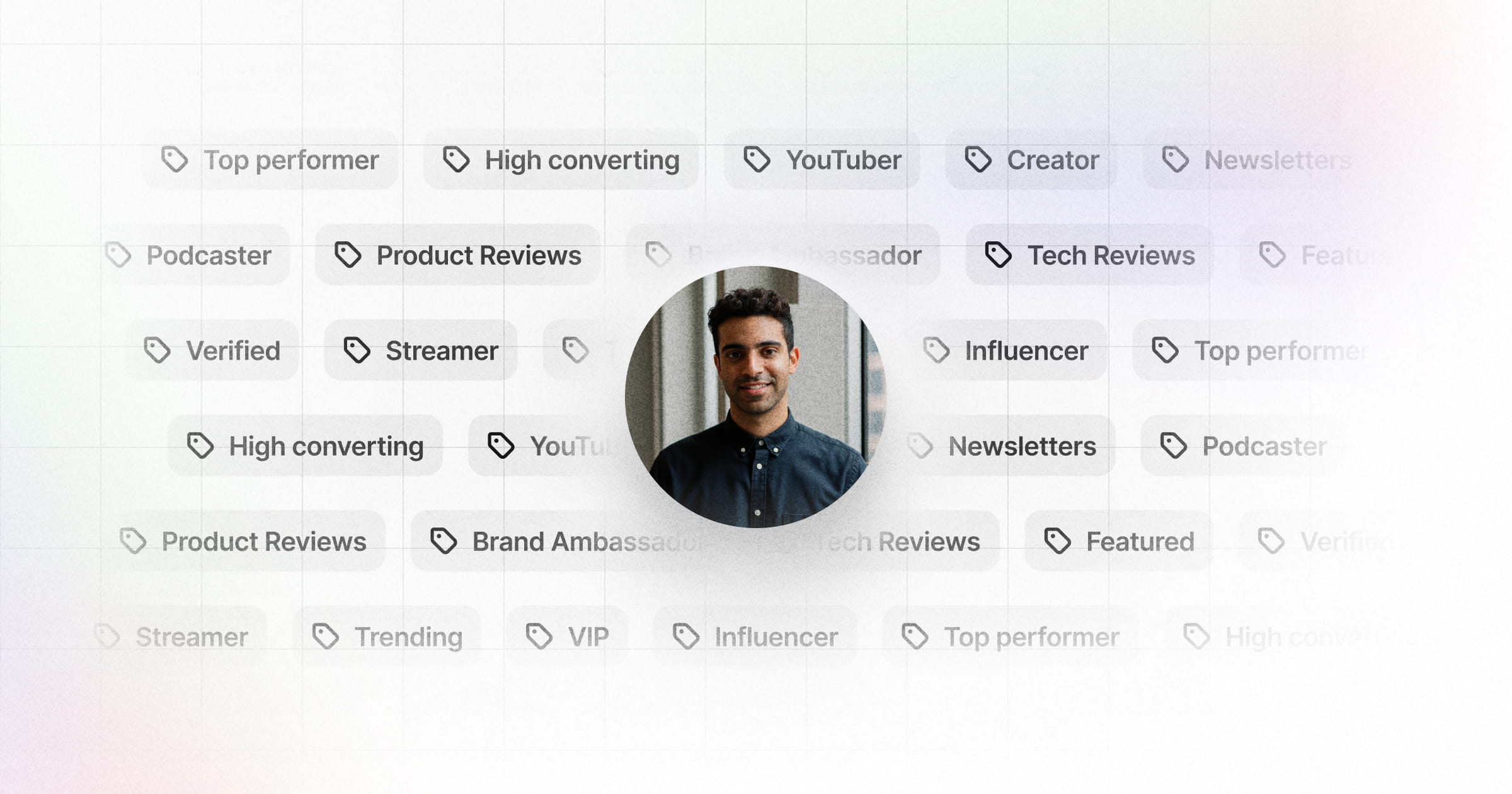
Partner tags help you organize partners with flexible labels, which gives your team context and keeps everyone on the same page.
Some examples include:
- Partner types –
Influencers,Creators,Affiliates,Publishers - Partner status –
High performer,Needs follow up - Custom campaigns –
Black Friday,Webinar cohort
Unlike partner groups, which are one-to-many, partner tags are many-to-many, meaning you can assign multiple tags to a partner (and vice versa).
You can learn more about the differences between Partner tags and Partner groups here.
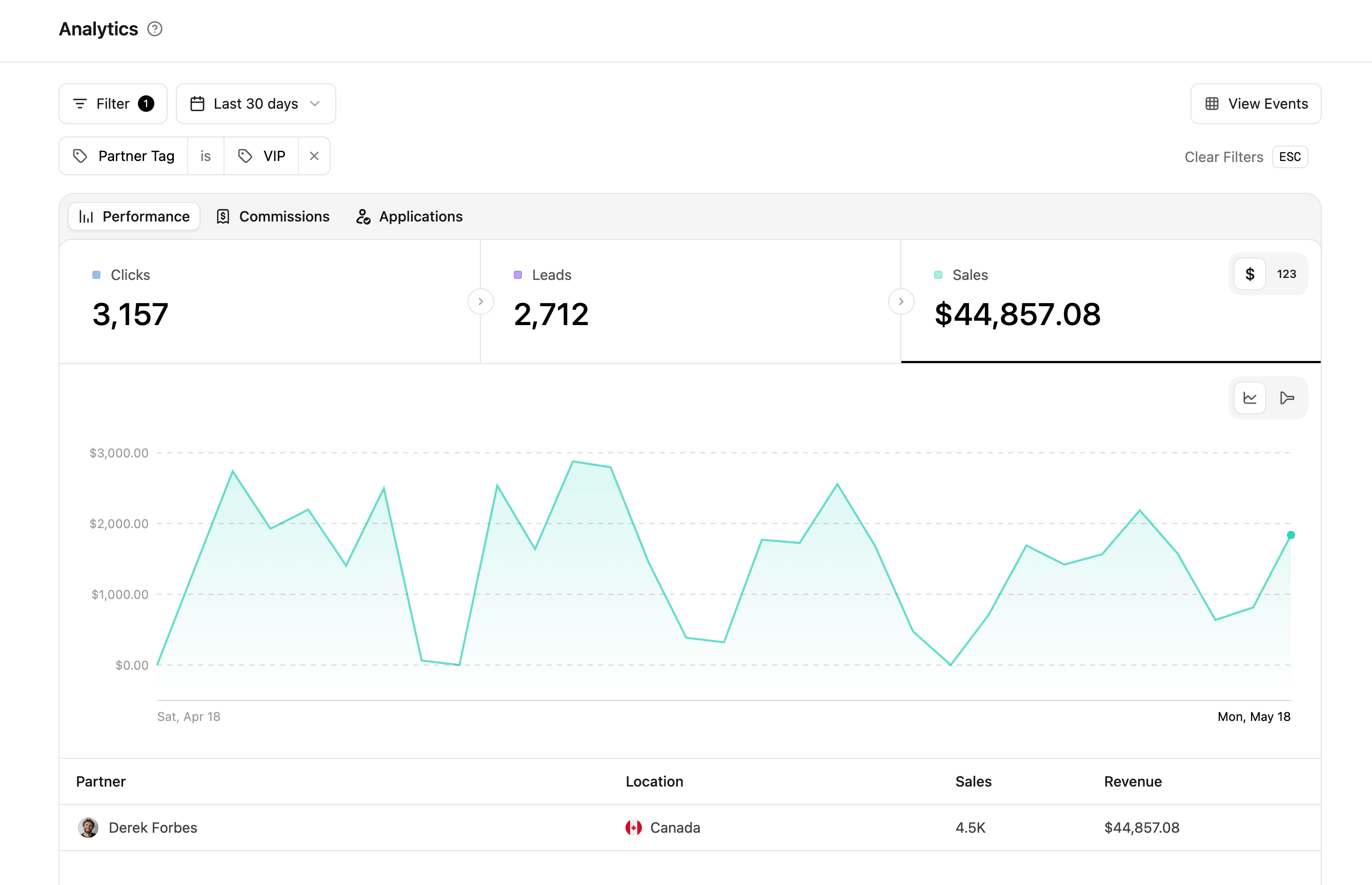
Filtering program analytics by partner tags
Once you've assigned tags to each of your partners, you can also filter your program analytics by partner tags:
This lets you build custom reports to measure the success of your campaign at a more granular level.
Get started with partner tags
Partner tags are now generally available on all Dub plans.
Create your first partner tag today, or visit the Partner tags help article to learn more.