AI is fundamentally changing how users interact with software, from the initial onboarding flow to the day-to-day use of the product.
At Dub, we've built our platform to be agent-friendly from the get-go:
- Markdown-first documentation
- AI-enhanced support center
- Best-in-class API docs for programmatic Dub usage
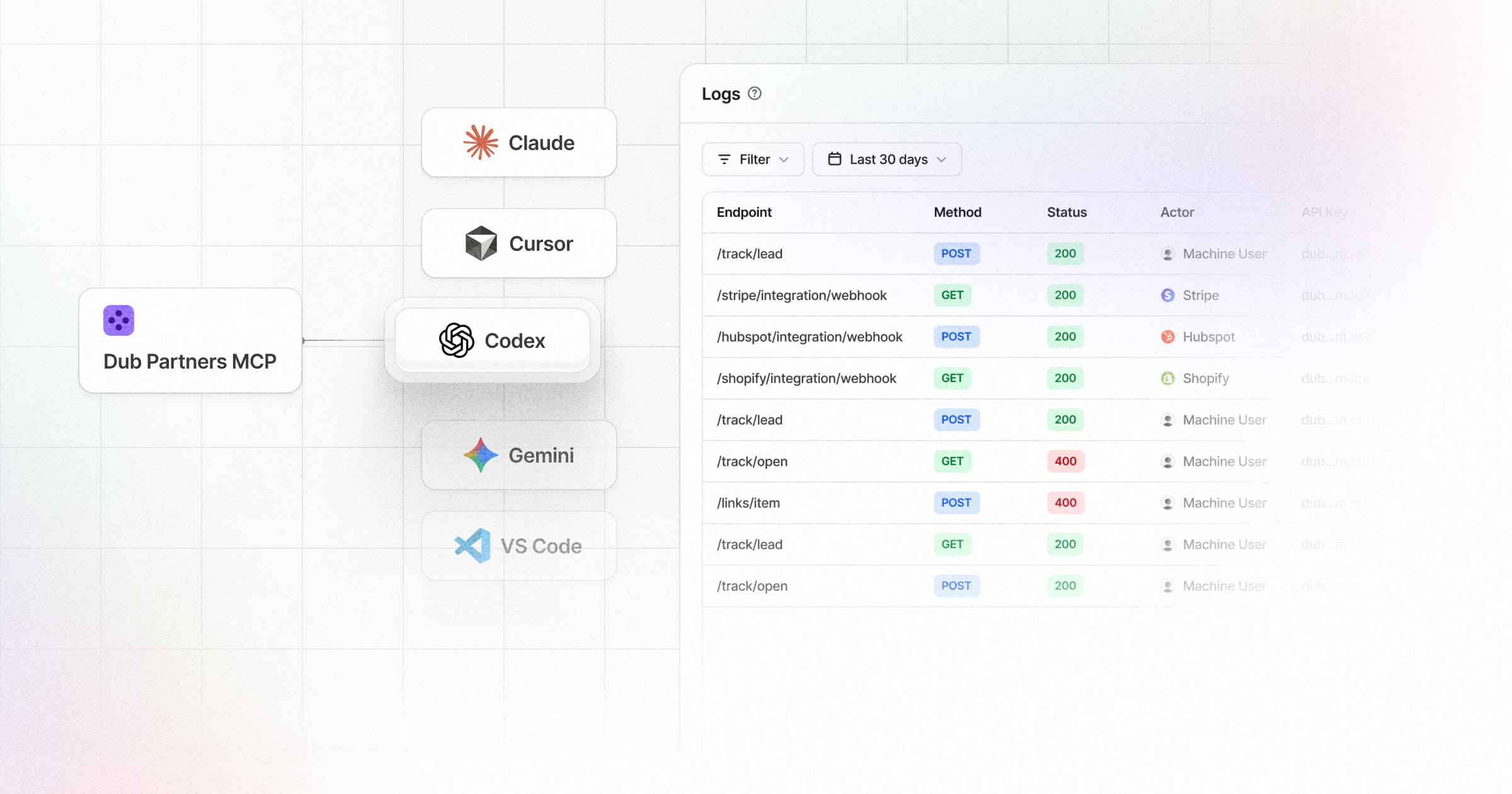
Today, we're taking this to the next level by launching the Dub MCP Server – a set of tools for your AI Agents to interact with the Dub API.
What is an MCP Server?
MCP (Model Context Protocol) is an open standard for connecting AI applications to external tools and data.
It gives your AI agent structured access to APIs so it can take actions on your behalf – like approving partner applications or updating commissions – using natural language.
How the Dub MCP Server works
The Dub MCP Server gives your AI agent native access to the full Dub platform through a single integration.
Here are some of the supported tools:
- Partners — Create partners, list all partners, deactivate, or ban partners from your program
- Partner applications — List, approve, and reject pending partner applications
- Commissions — List and update commissions (e.g. for refunds or fraud)
For the full list of supported tools, visit the Dub MCP Server docs to learn more.
Are you a Dub Links customer? We also have a Dub Links MCP Server that you can use to programmatically manage your links on Dub.
Bonus: Platform Logs
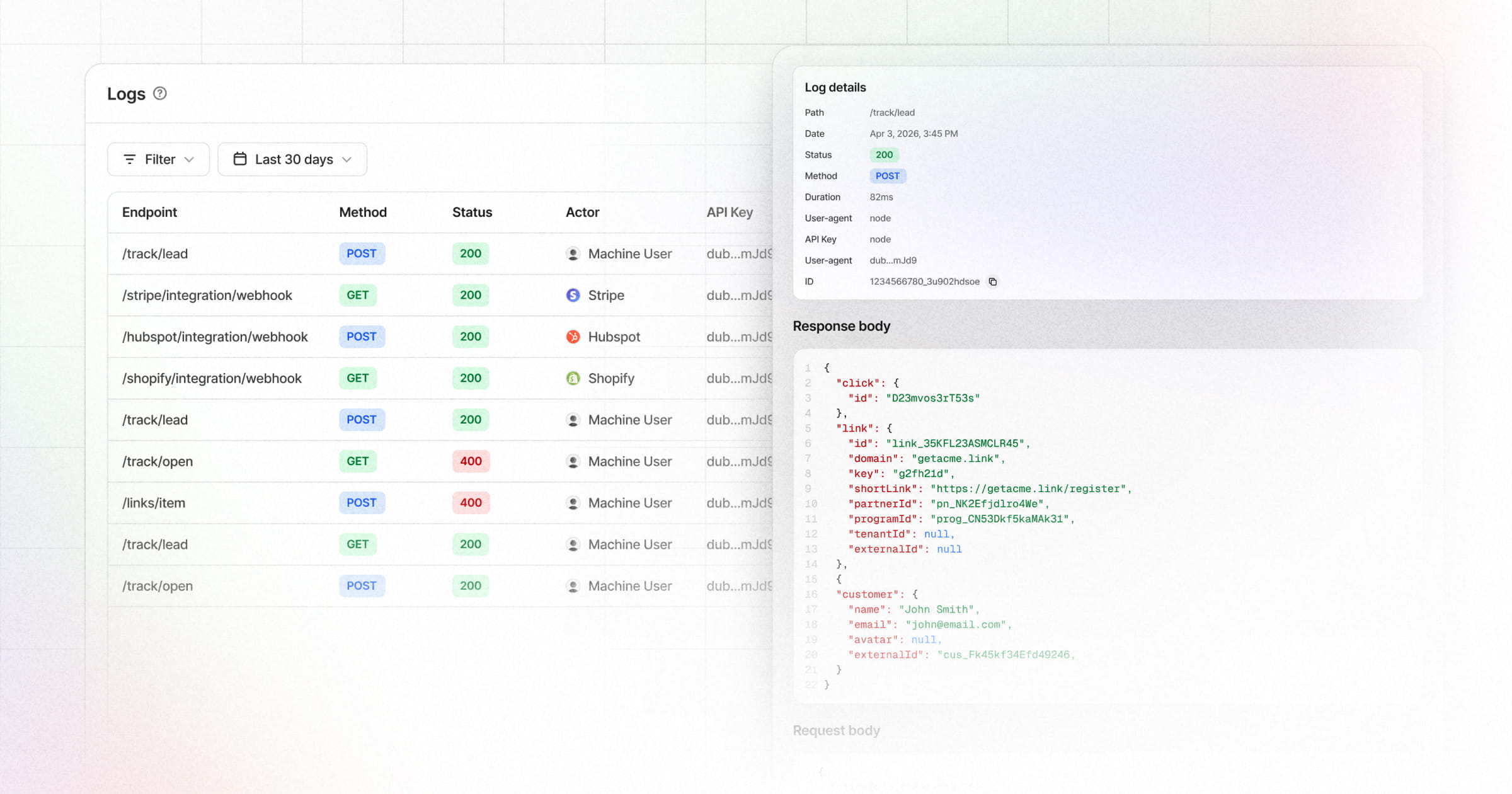
On a related note, we're also releasing a new Logs page in your workspace settings to give you real-time visibility into the requests your agent (or your team) makes to your Dub workspace.
You can filter your logs by:
- Status (
200,400,403,422, etc) - Endpoint
- Method (
POST, PATCH,PUT,DELETE) - API Key
- Request Type (
APIvsWebhook)
Get started with the Dub MCP Server
Both the Dub MCP Server and Platform Logs are now generally available on all Dub plans.
Start interacting with the Dub MCP Server here, or check out the docs to learn more.