Analytics can be powerful in understanding how your audience is interacting with your content and to make data-driven decisions. For Dub, it’s always been a top priority to provide world-class analytics to everyone.Documentation Index
Fetch the complete documentation index at: https://dub.co/llms.txt
Use this file to discover all available pages before exploring further.

Exporting link analytics data
To export data from your link analytics, follow these steps:Go to the analytics page
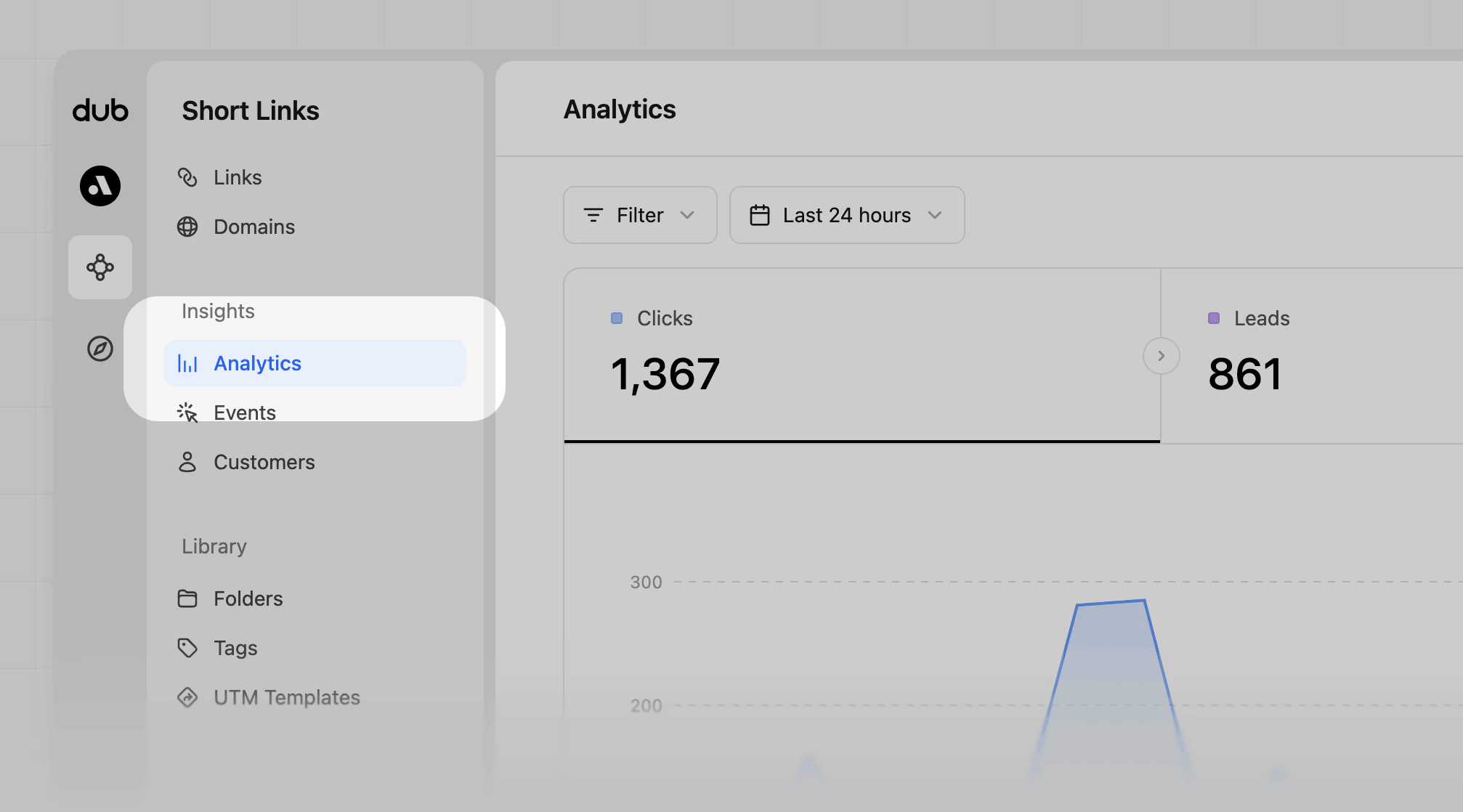
Go to your Dub dashboard, and click Analytics from the Insights group of the workspace you want to export data from.
Download the data
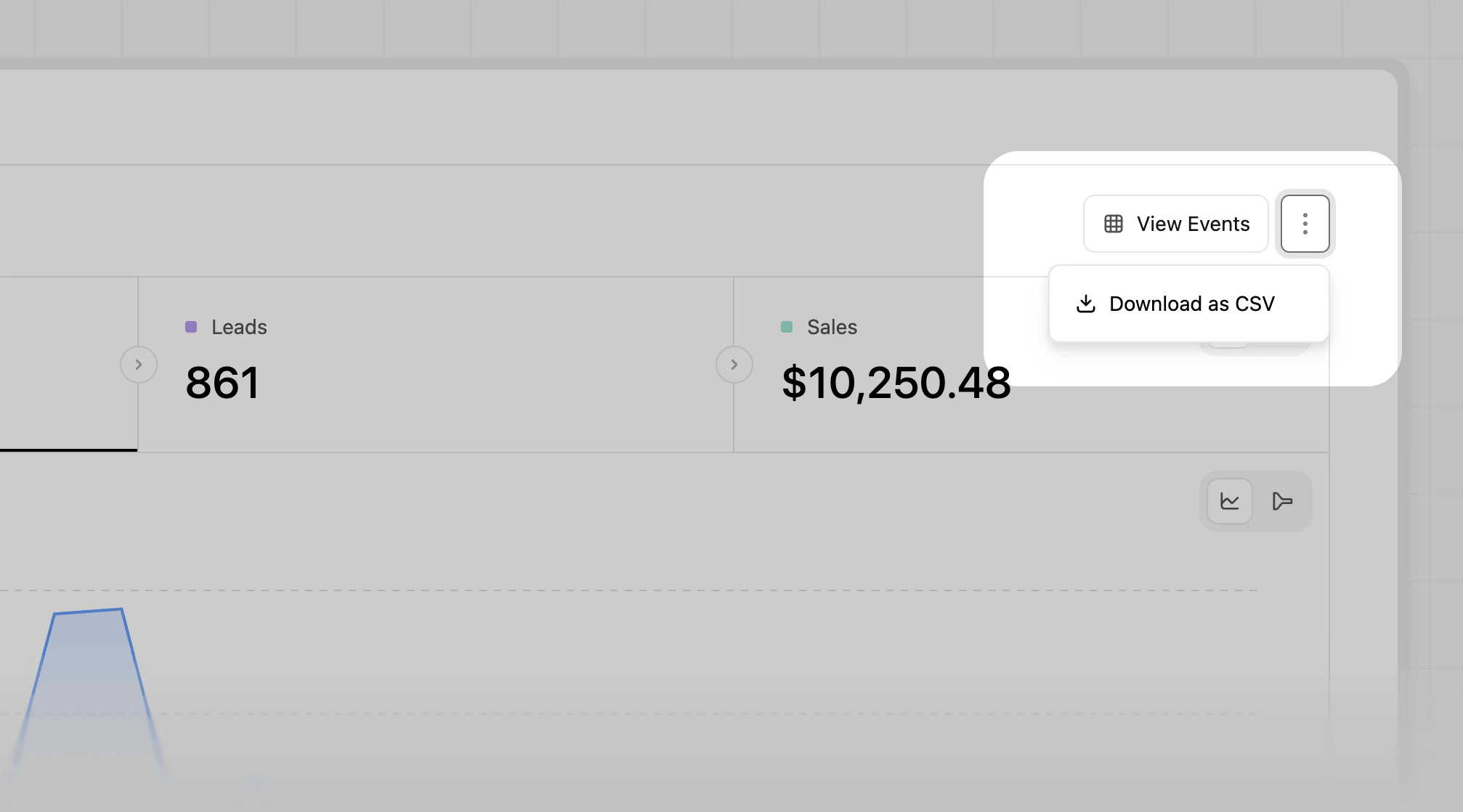
Click on the 
After a few seconds, the zip file will be downloaded to your computer. It contains a CSV file for every analytics type you already know from
the dashboard (e.g. 
⋮ button in the top right corner to open up the more options dropdown menuClick on the Download as CSV option.
countries.csv, devices.csv, etc…).