Learn how to customize your program application form to collect the right information you need and select the best partners to work with for your program.
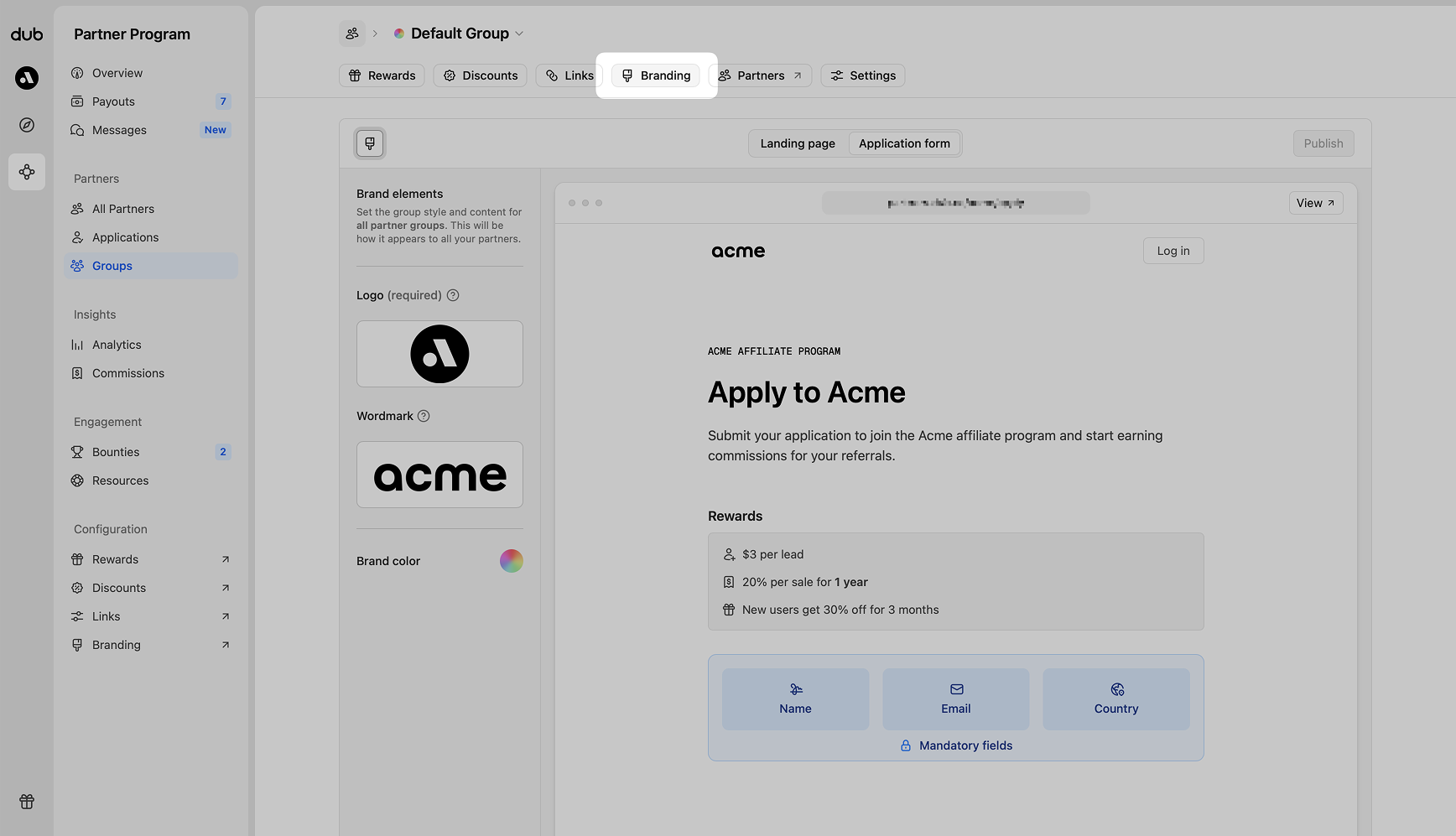
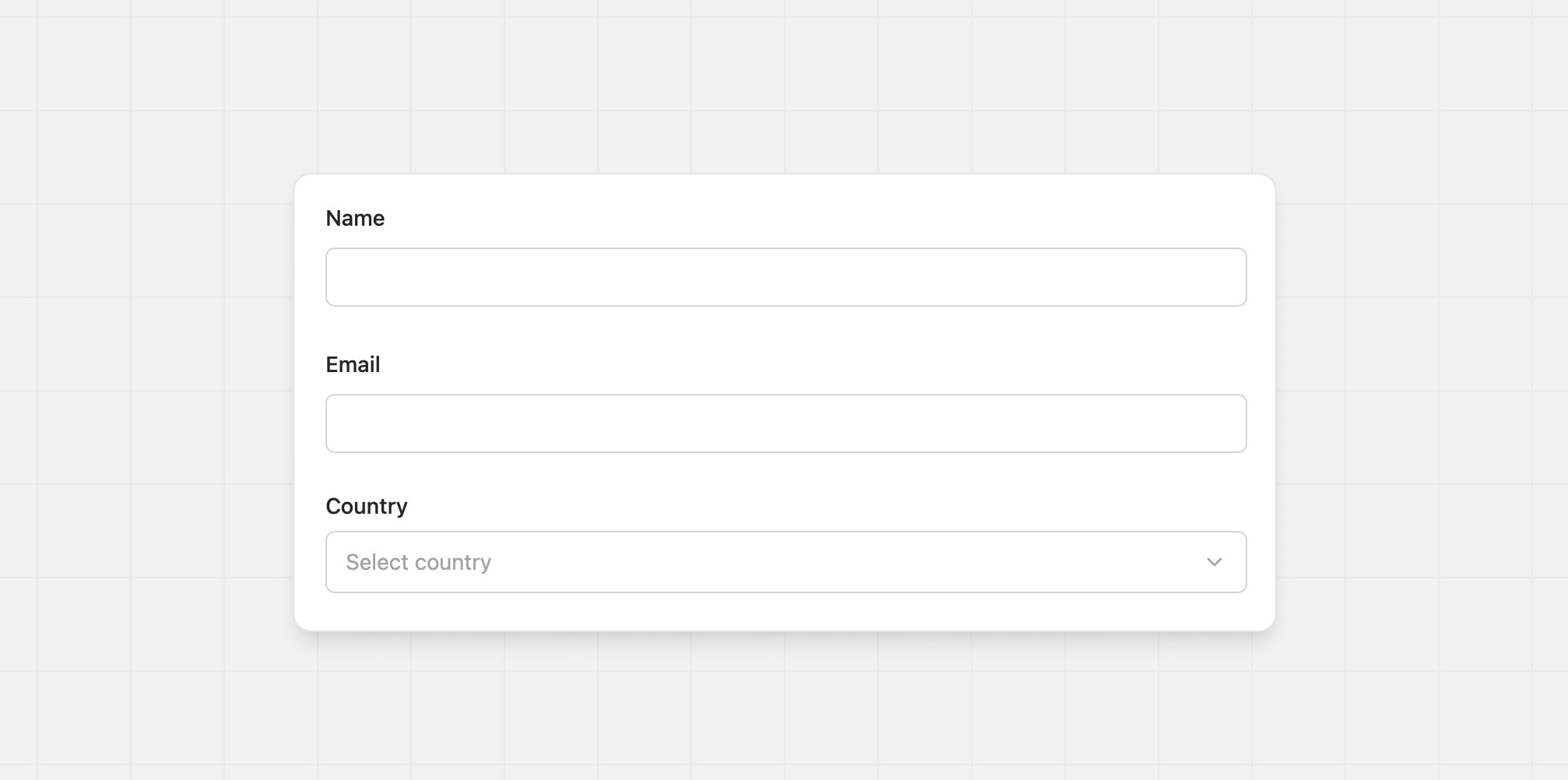
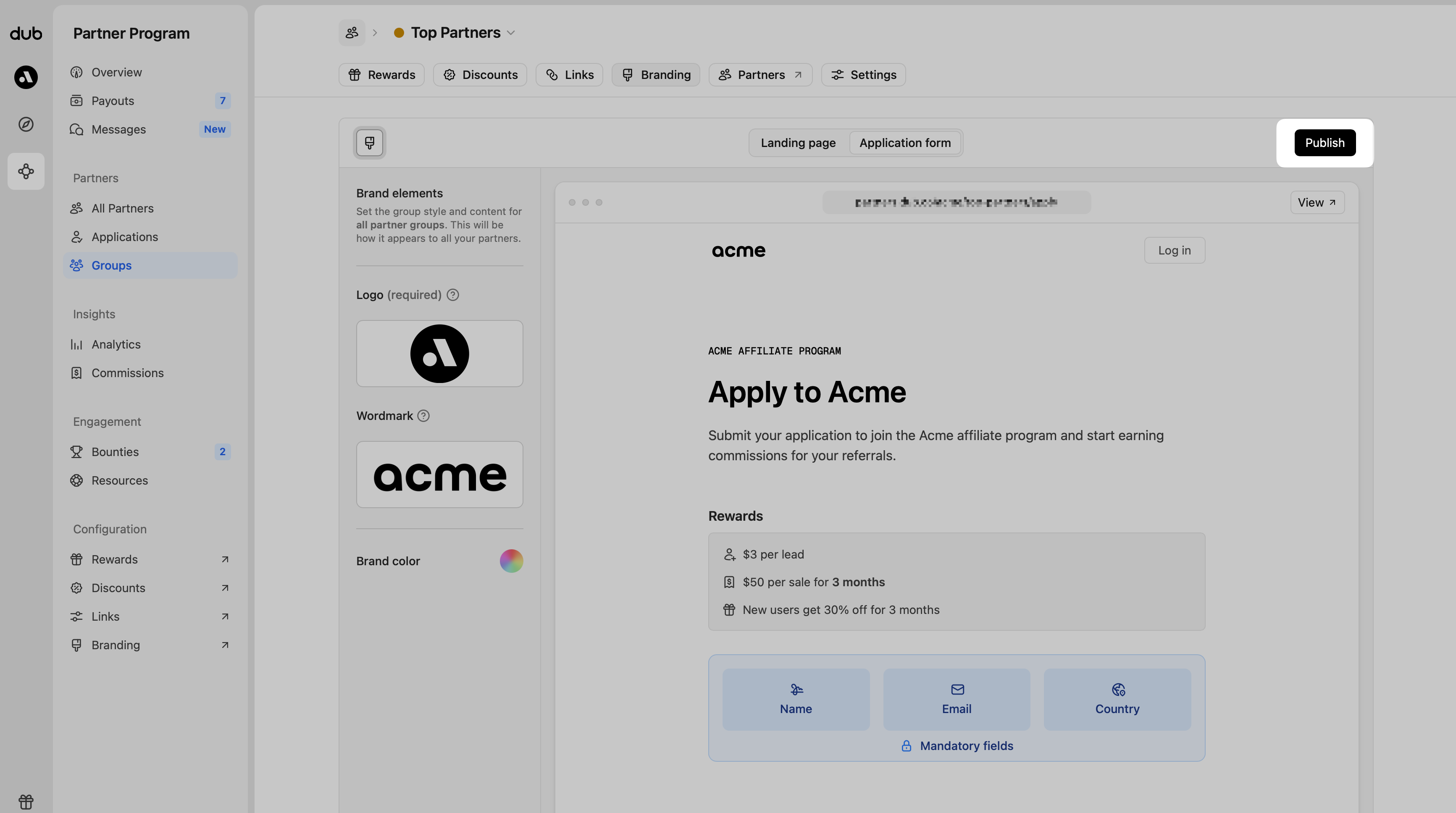
The program application form collects the information you want from people applying to your program. Use it to ask about websites, social accounts, experience, audience size, or any details that help you decide who to accept.
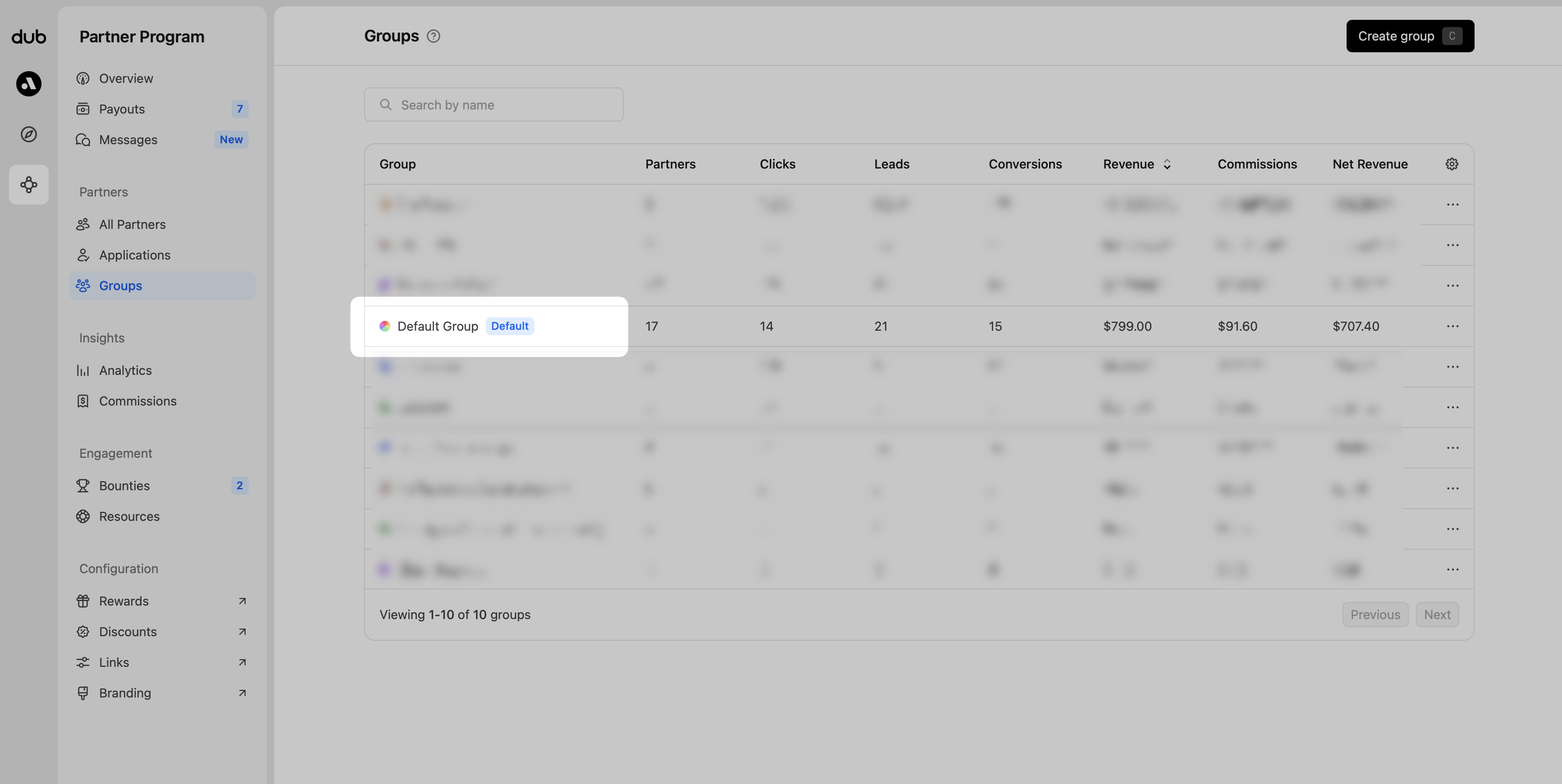
On Dub, you can create a custom application form for each partner
group in your program. This is helpful for
collecting different information from different partner types – e.g.
influencers vs affiliates vs resellers.By default, when you create a new partner group, it reuses the application
form details from your default partner group, but you can always edit them
afterwards.
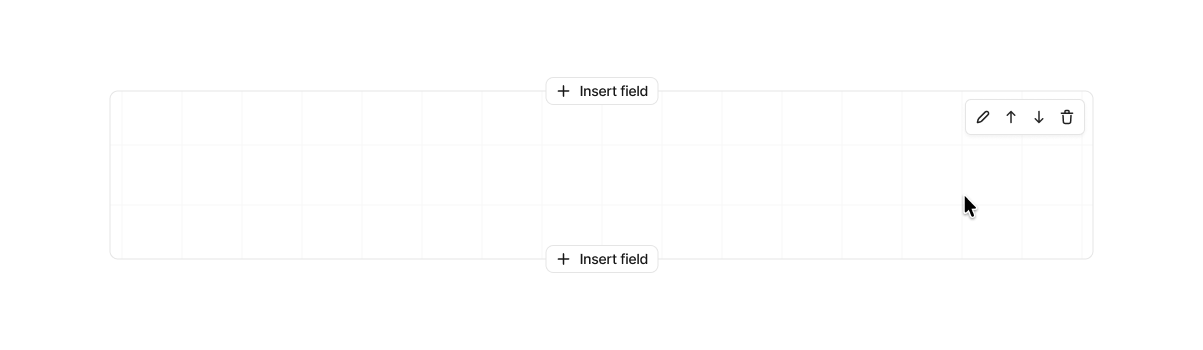
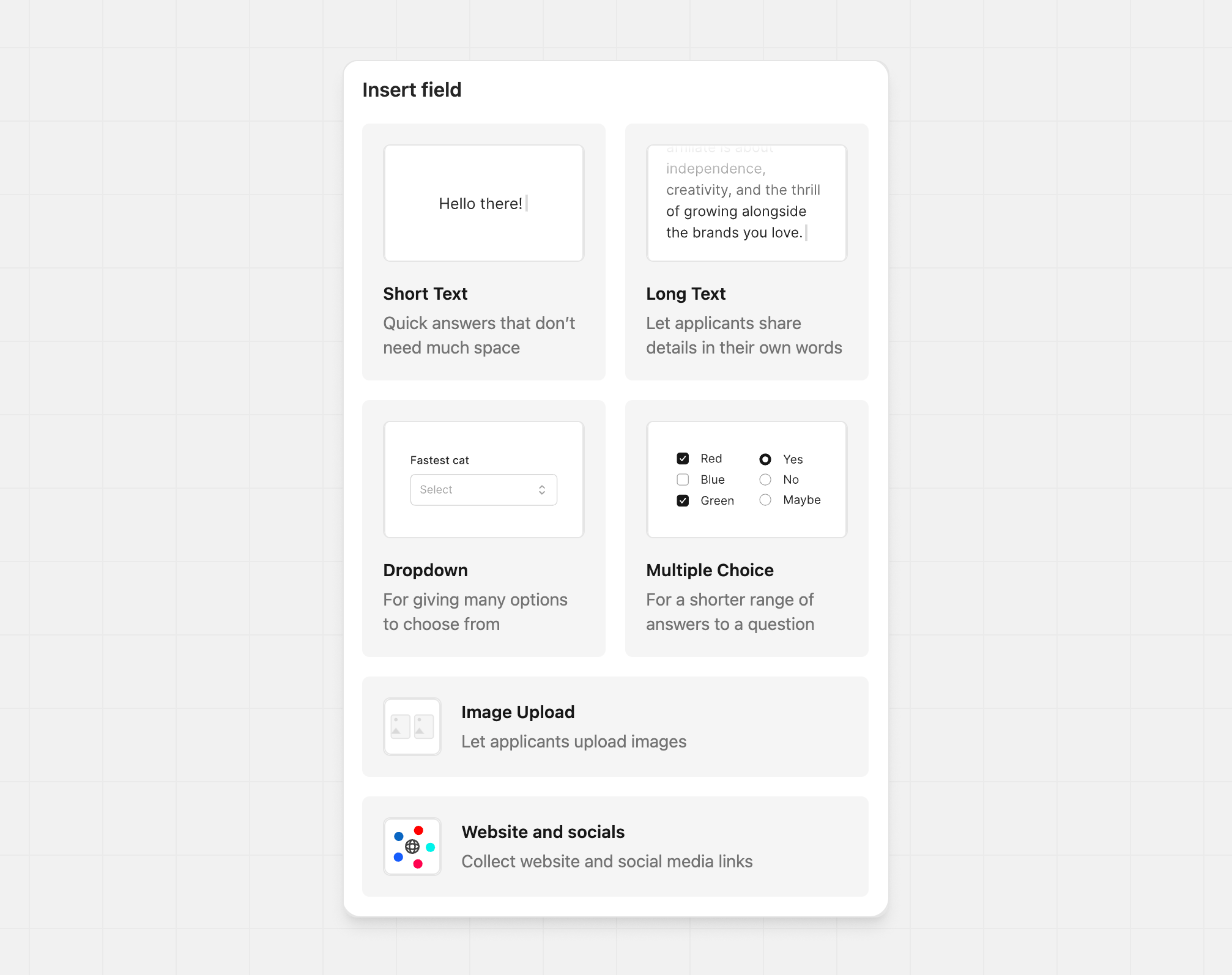
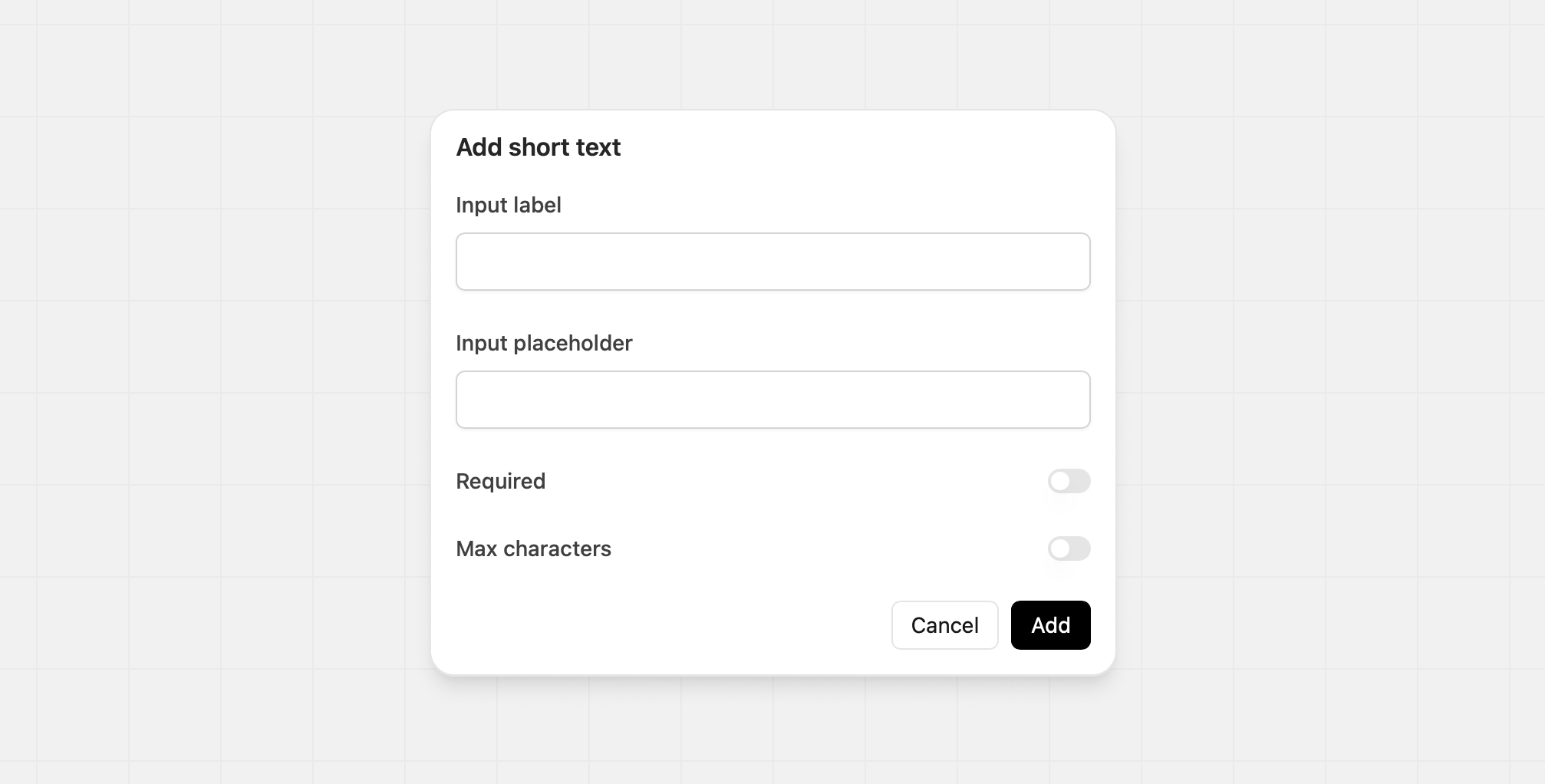
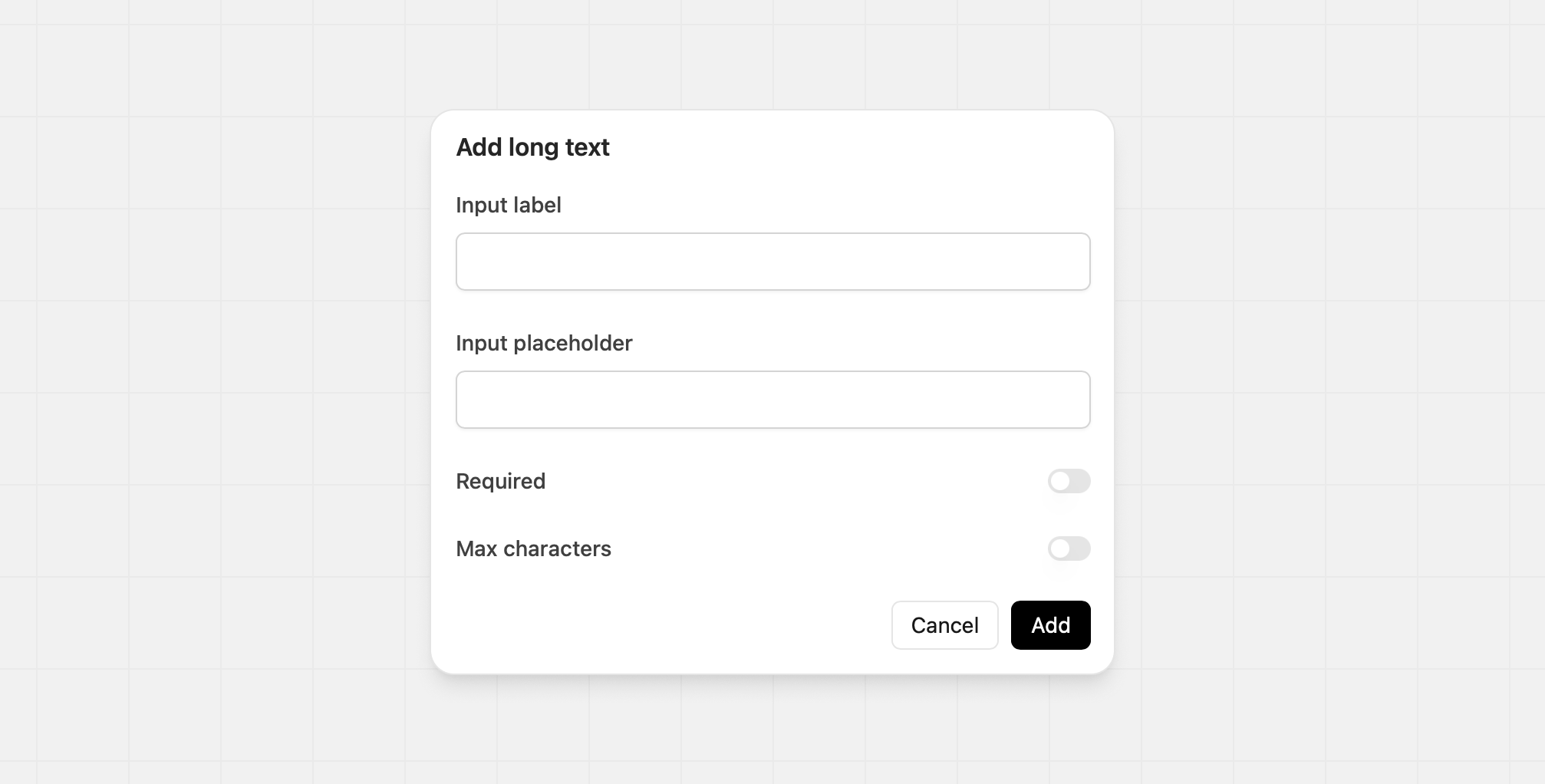
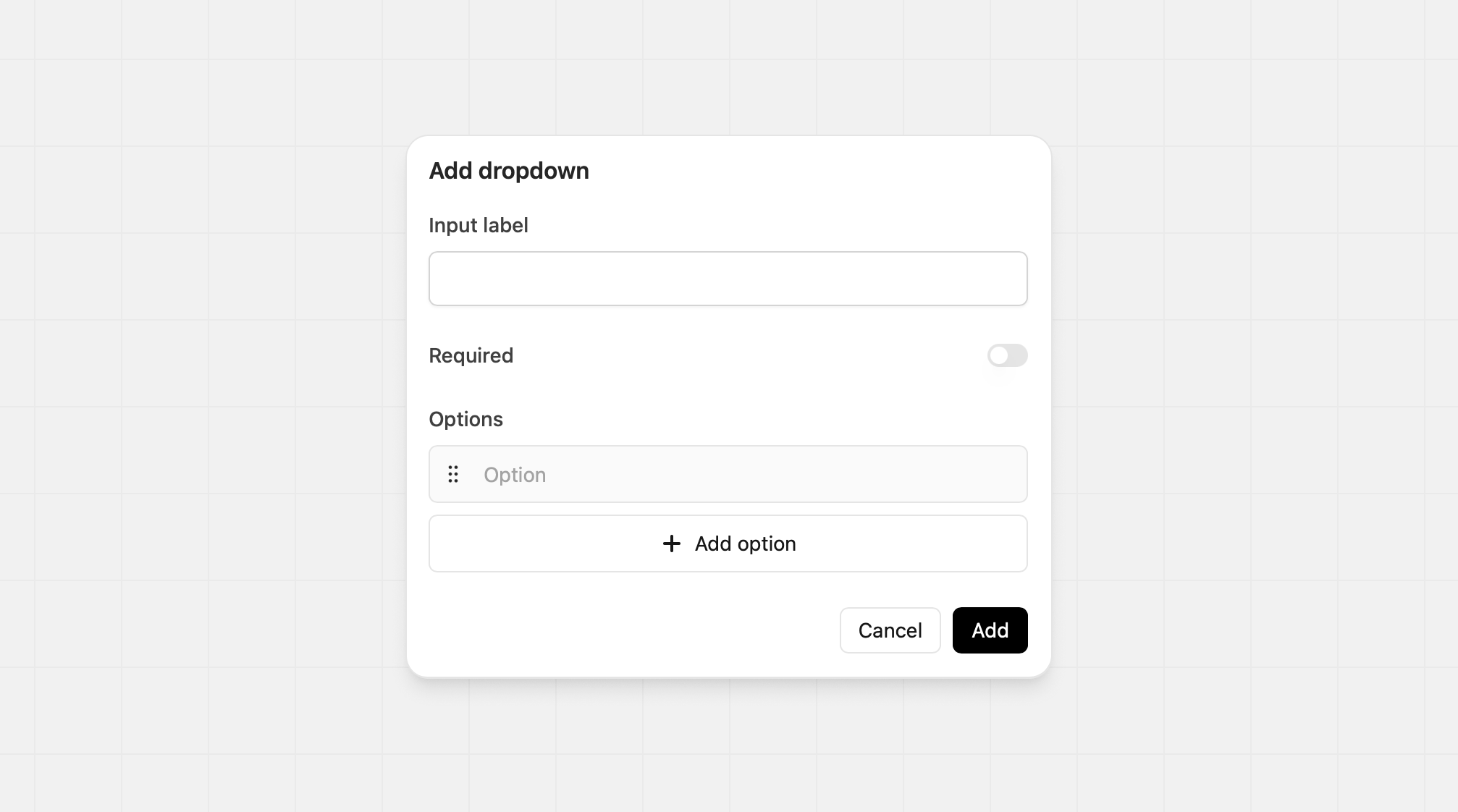
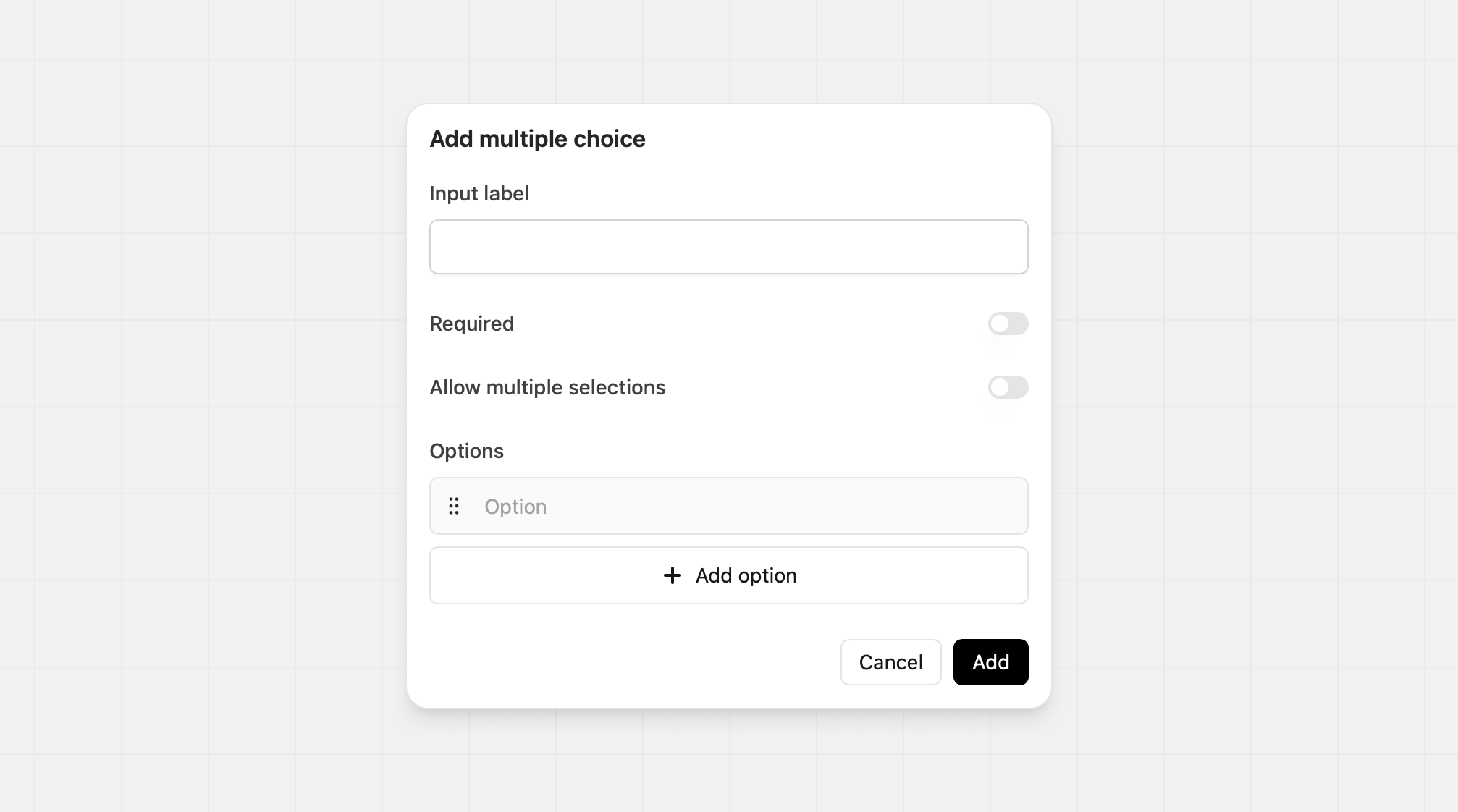
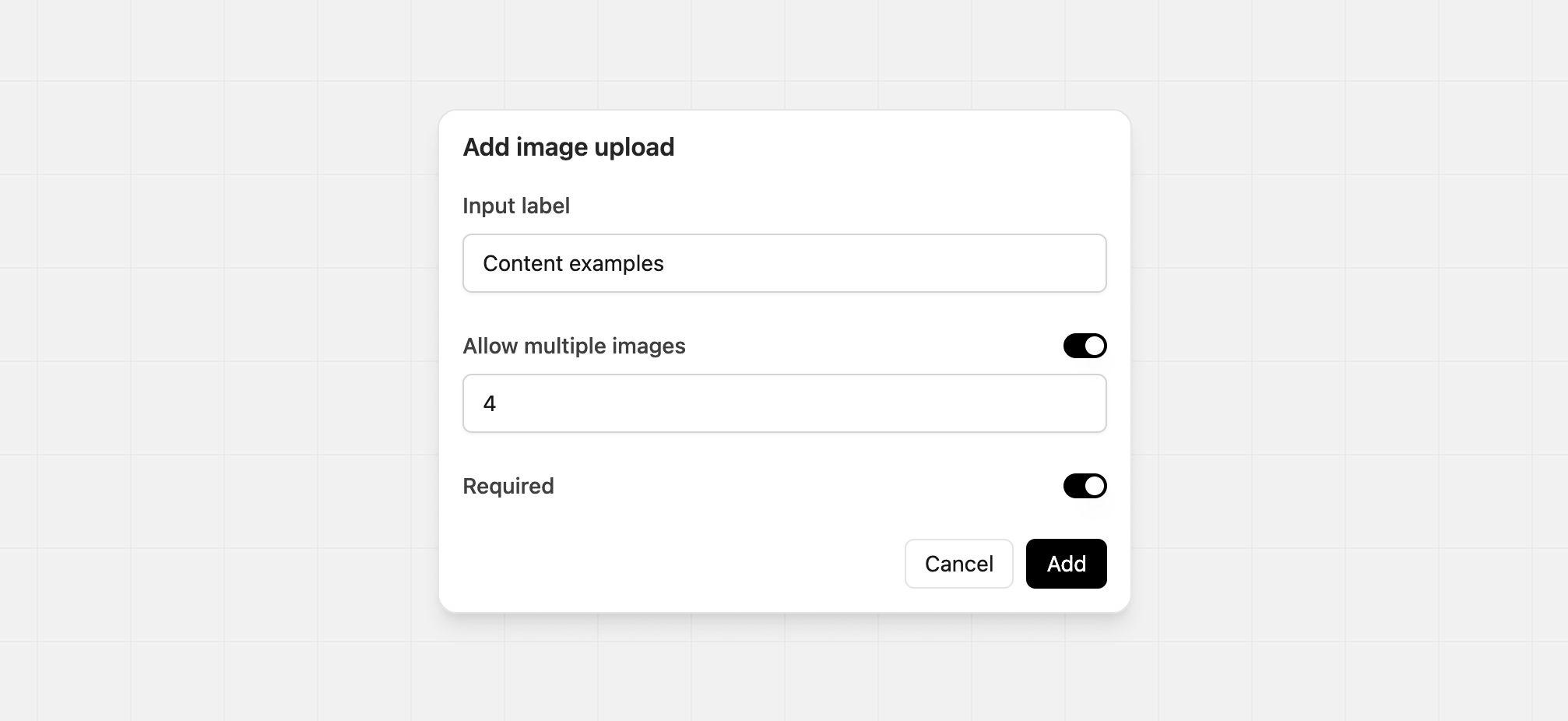
Hover over form content in the builder to reveal actions for adding, editing, deleting, and reordering fields. Content that appears above the form can only be edited. This keeps the page layout consistent for applicants.
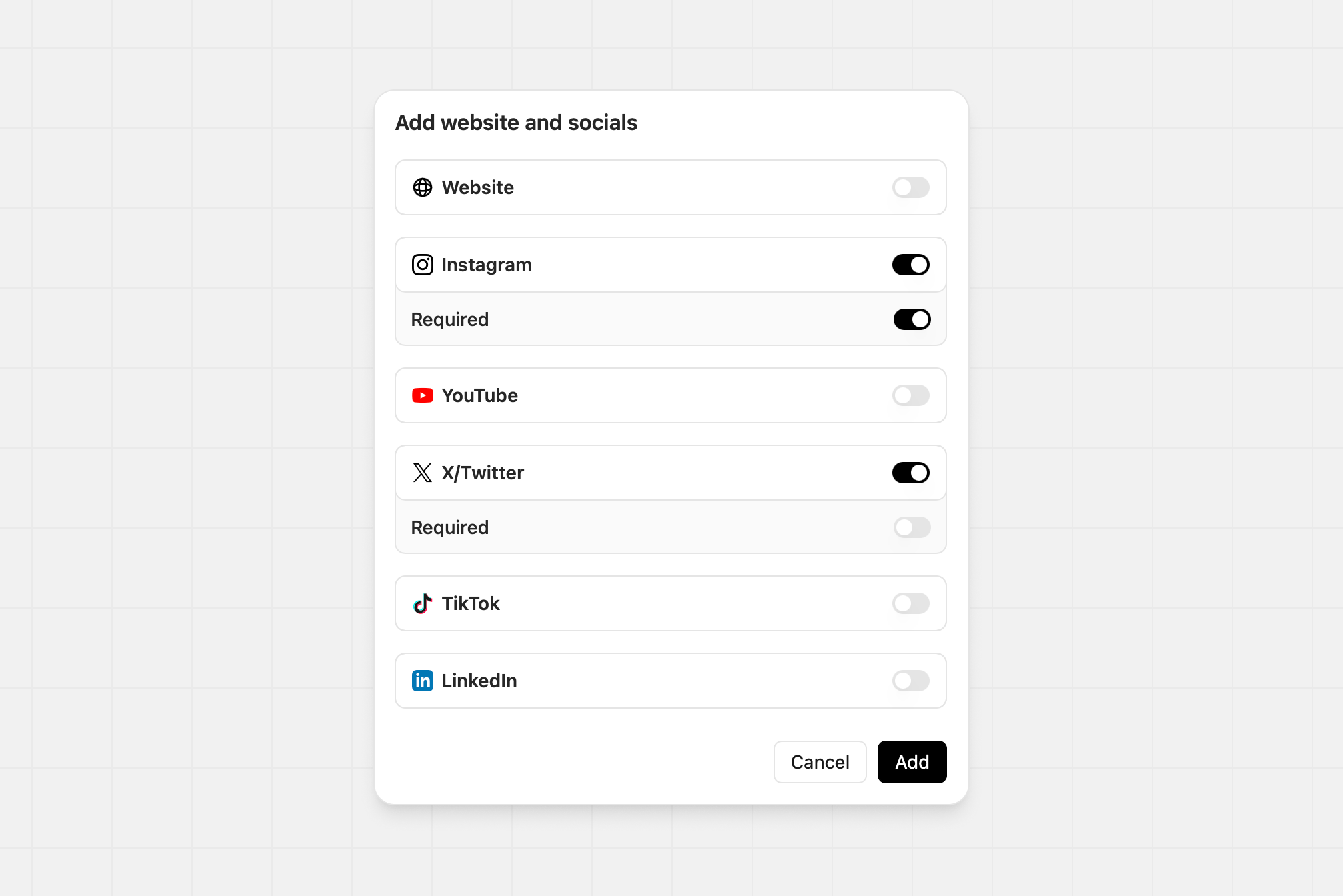
Ask for specific website or social accounts. Toggle each network on or off and mark any required. For example, you might require Instagram but make X optional.
You can only add one website and socials section per form. If one is already
present the input type will not appear in the Insert field menu.