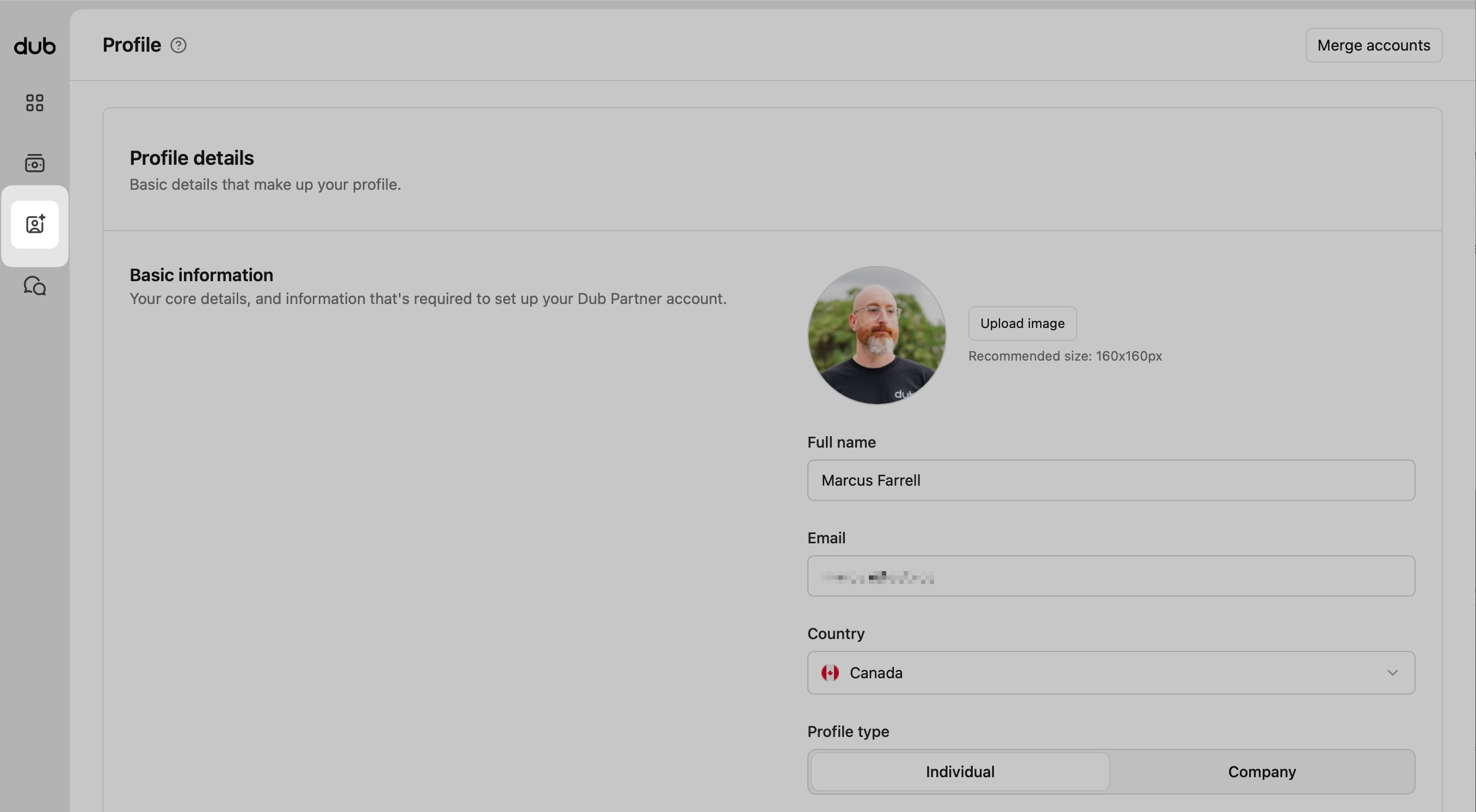
From your main navigation, click the Partner Profile icon. Here you can find the fields to add more details about yourself, your interests, and how you earn online.
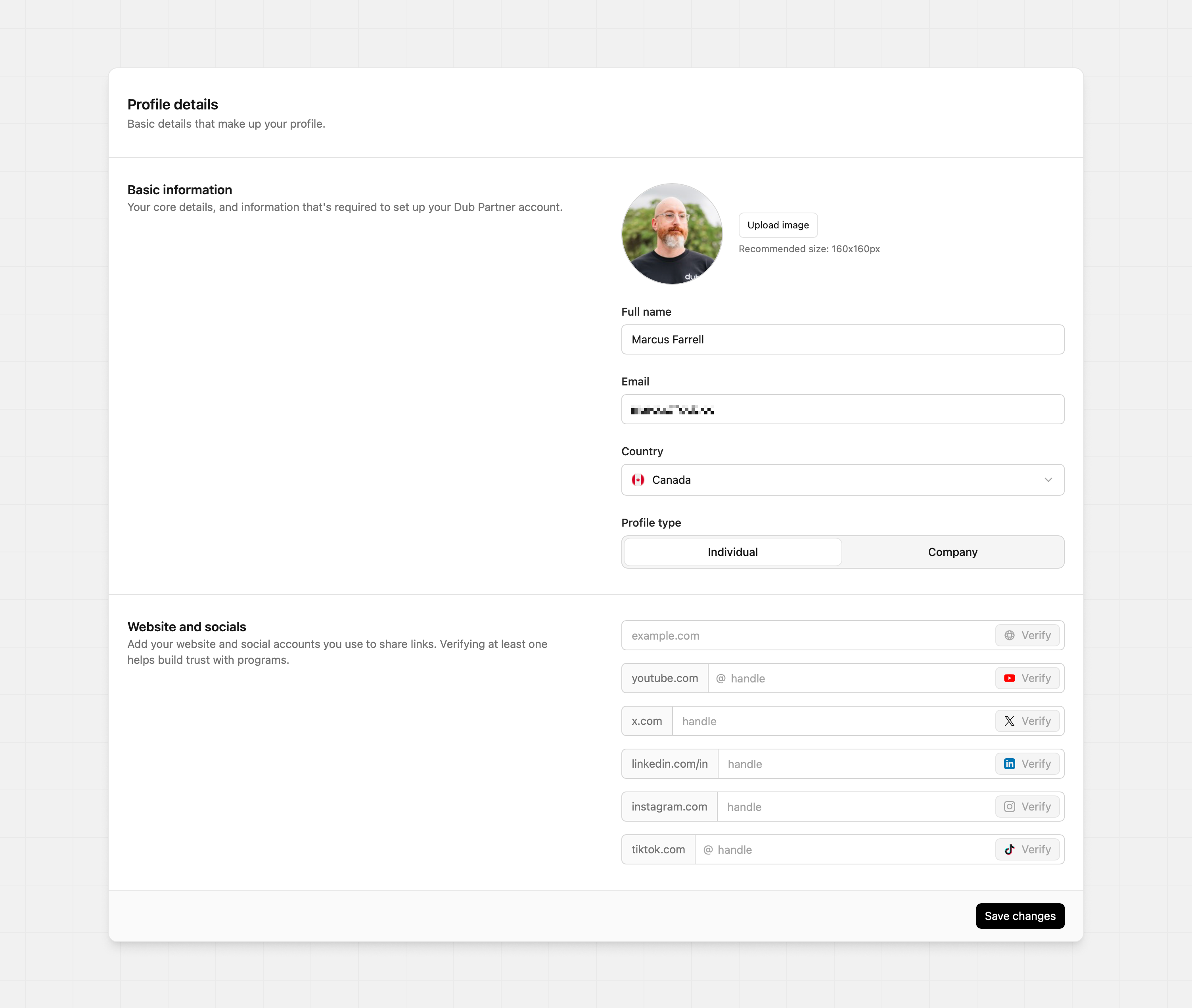
Upload a clear, professional or on-brand image. Using a profile image or a recognized logo helps build trust. It’s recommended to upload a JPG or PNG that’s at least 160px x 160px to fill the profile image.
Input your first and last name so that program owners can easily find you within their program. Some program owners might search for you via your name, so it makes it easier to find your profile quickly in their program.
Your email address is used for all partner communications. So when you get paid out or you get accepted into other programs, this email will be used to receive those notifications.
This helps if programs are geo-specific and consider that during the application process, or want to understand your audience reach.
To change your country, please reach out to support regardless of whether you’ve received payouts on Dub – country changes are handled by our team for compliance reasons.
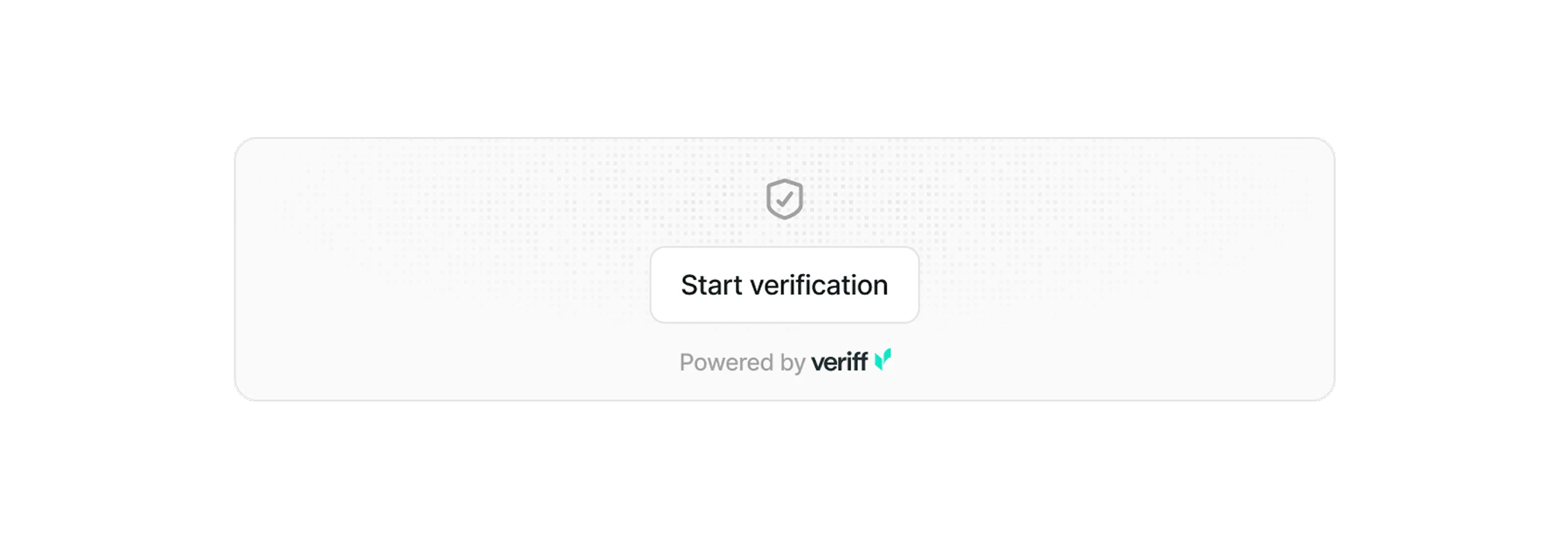
To verify your identity, you’ll need to upload a valid government-issued picture ID. This helps programs ensure you’re a real person and not a bot.
During verification, you’ll also be asked to take a live selfie to match your picture ID. The process takes less than 30 seconds and helps build trust on the network.
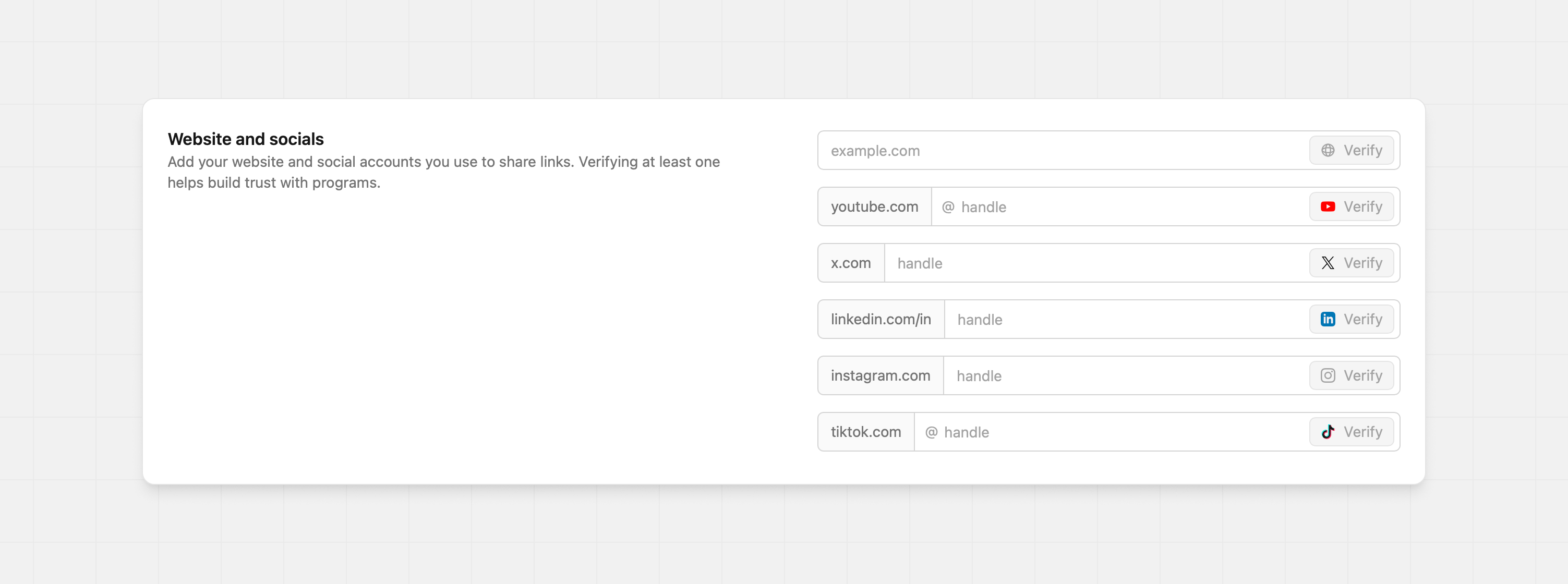
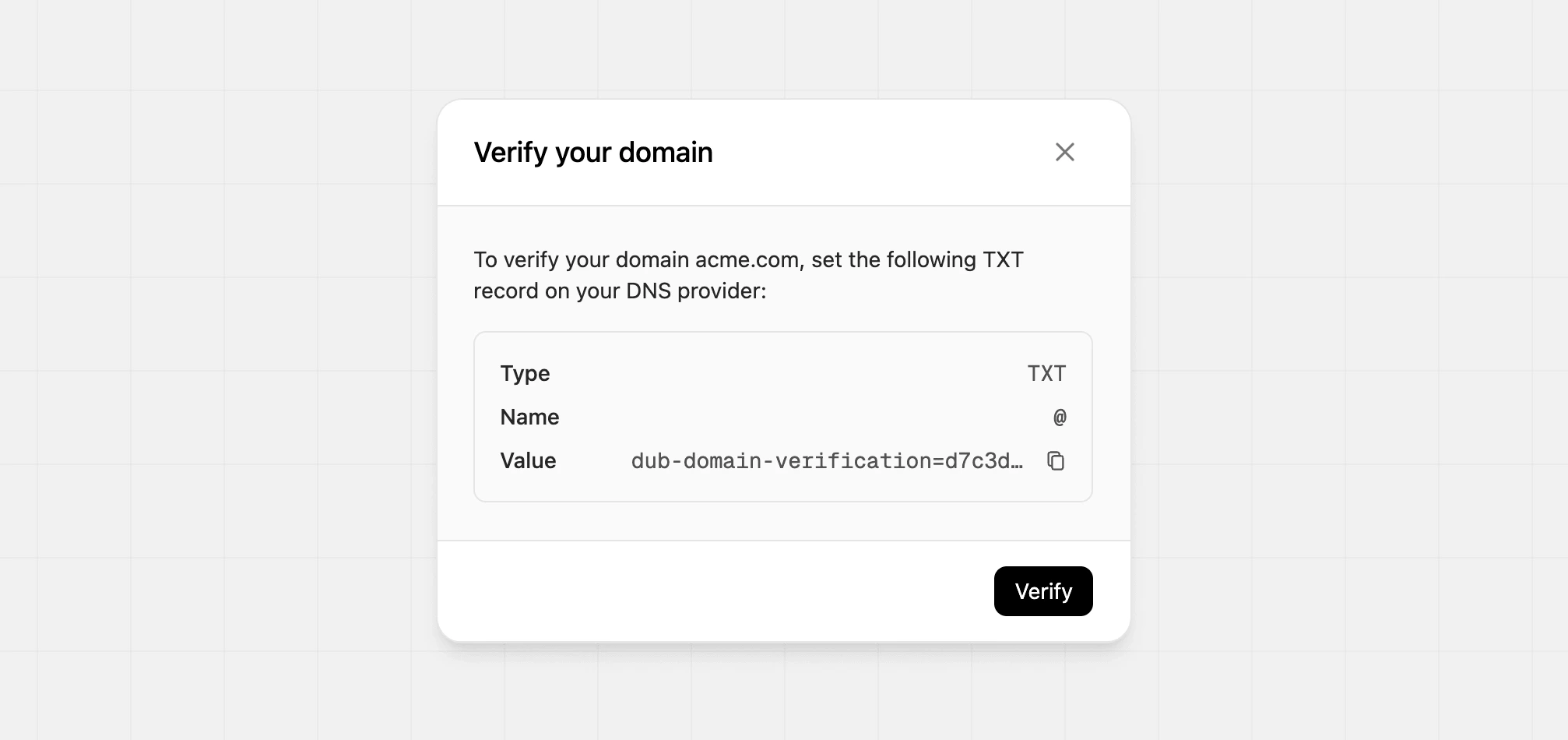
Add and verify your website and social accounts to prove ownership and build trust with programs.This helps programs understand your presence and where you’re active, so they can evaluate your fit for their program.
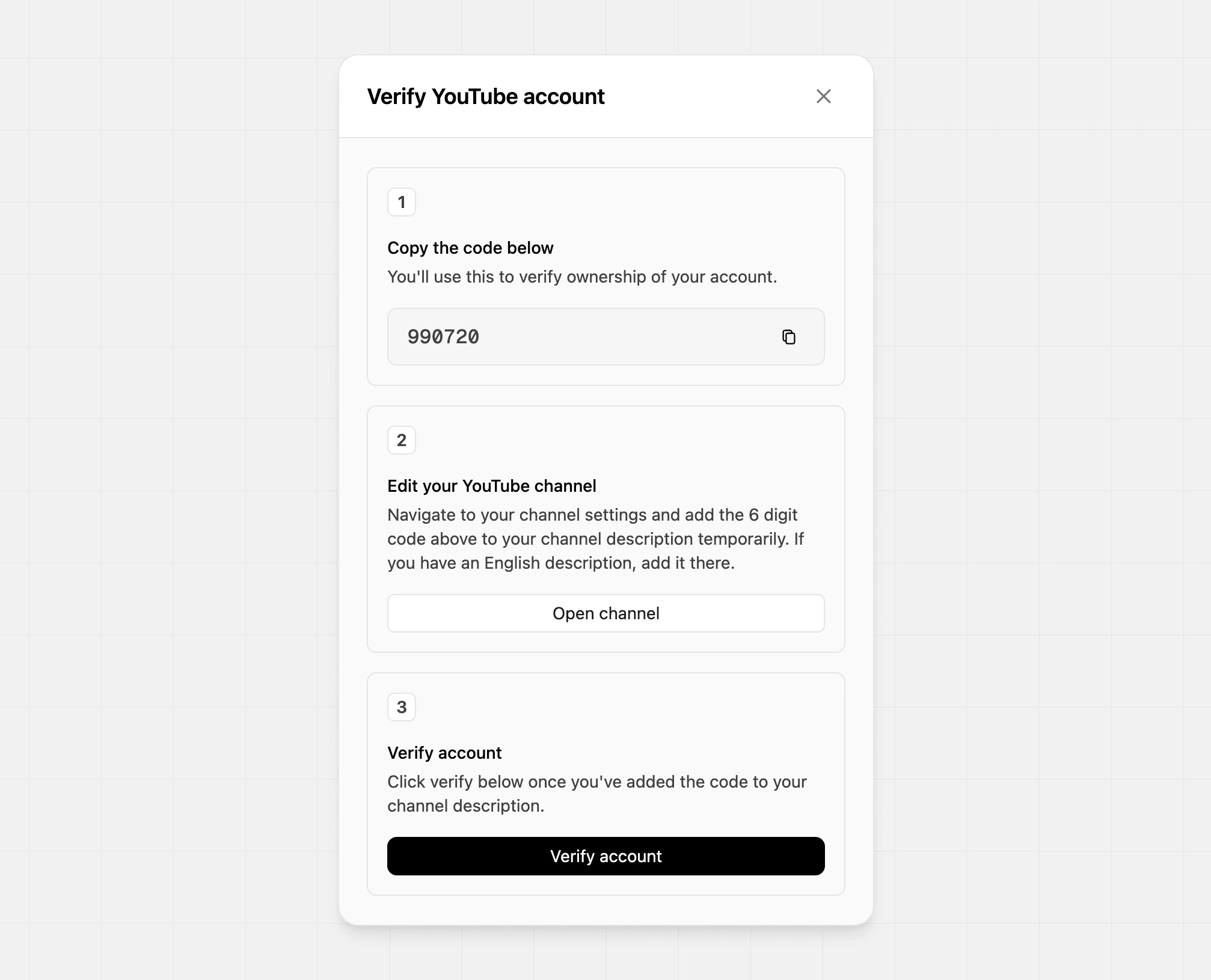
To verify your YouTube profile, you’ll need to add the unique code provided to your YouTube channel’s English description temporarily. Once the code has been added to your profile, click Verify. After the verification is complete, you can remove the temporary code from your description.
Navigate to your YouTube Studio dashboard, and click on Customization, and scroll to Description.
If your channel’s main description is in English, add the code temporarily to that description, save your changes, then verify in Dub.
If your channel’s main description is not in English, add the code temporarily to your English description, save your changes, then verify in Dub.
If you don’t have an English description, you may need to create one first.
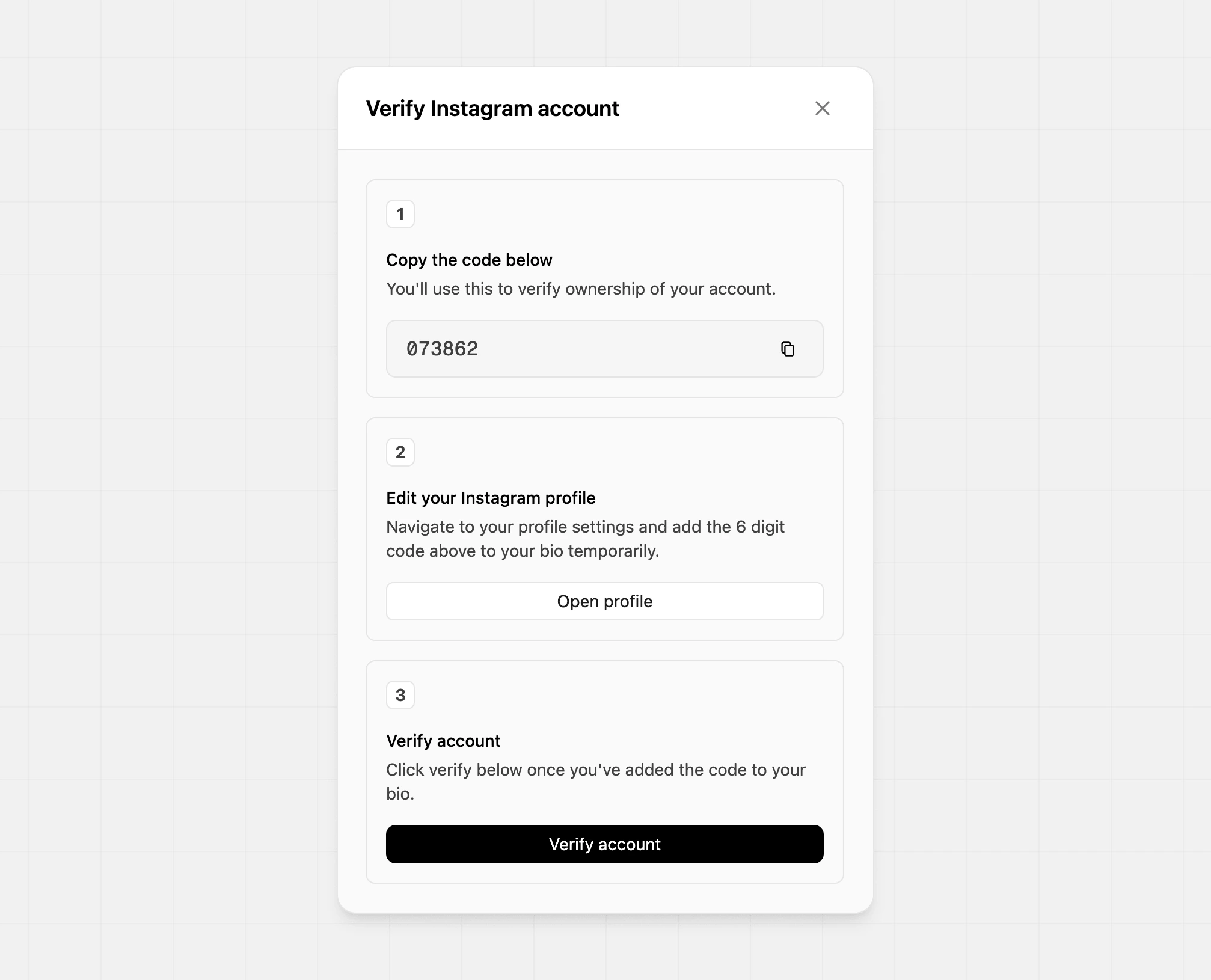
To verify your Instagram profile, you’ll need to add the unique code provided to your Instagram bio temporarily. Once the code has been added to your profile, click Verify. After the verifications is complete, you can remove the temporary code from your profile.
To verify your X profile, enter your username and click Verify. This will open the X app authorization for Dub. Click authorize to verify your account, and you’ll redirect back to your profile.
To verify your TikTok profile, enter your username and click Verify. This will open the TikTok app authorization for Dub. Click authorize to verify your account, and you’ll redirect back to your profile.
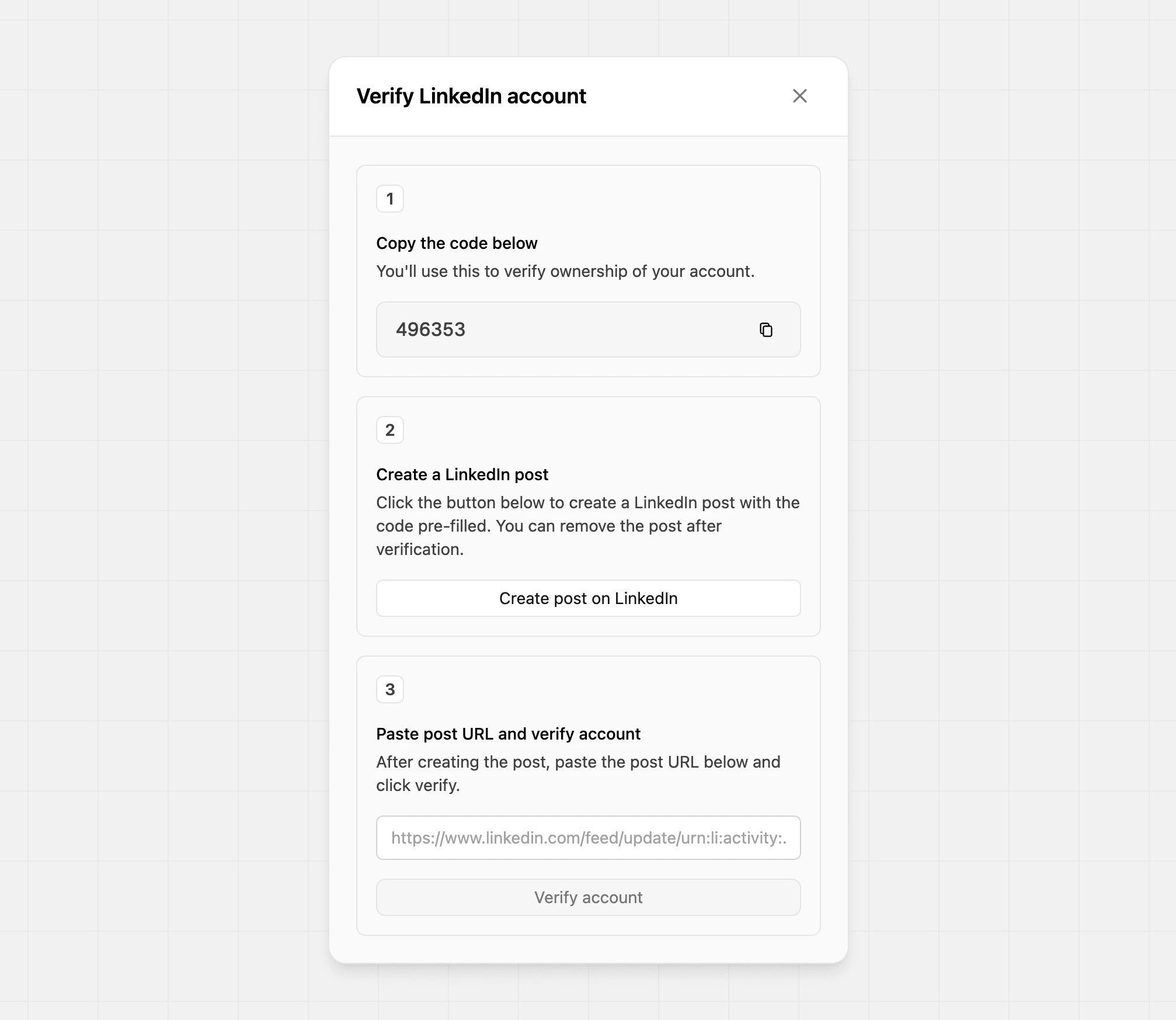
To verify your LinkedIn profile, you’ll need to add the unique code provided to a new LinkedIn post. Once that post is live, paste the URL of that post into the verification field and click Verify account.You can only verify personal LinkedIn profiles, not company pages.
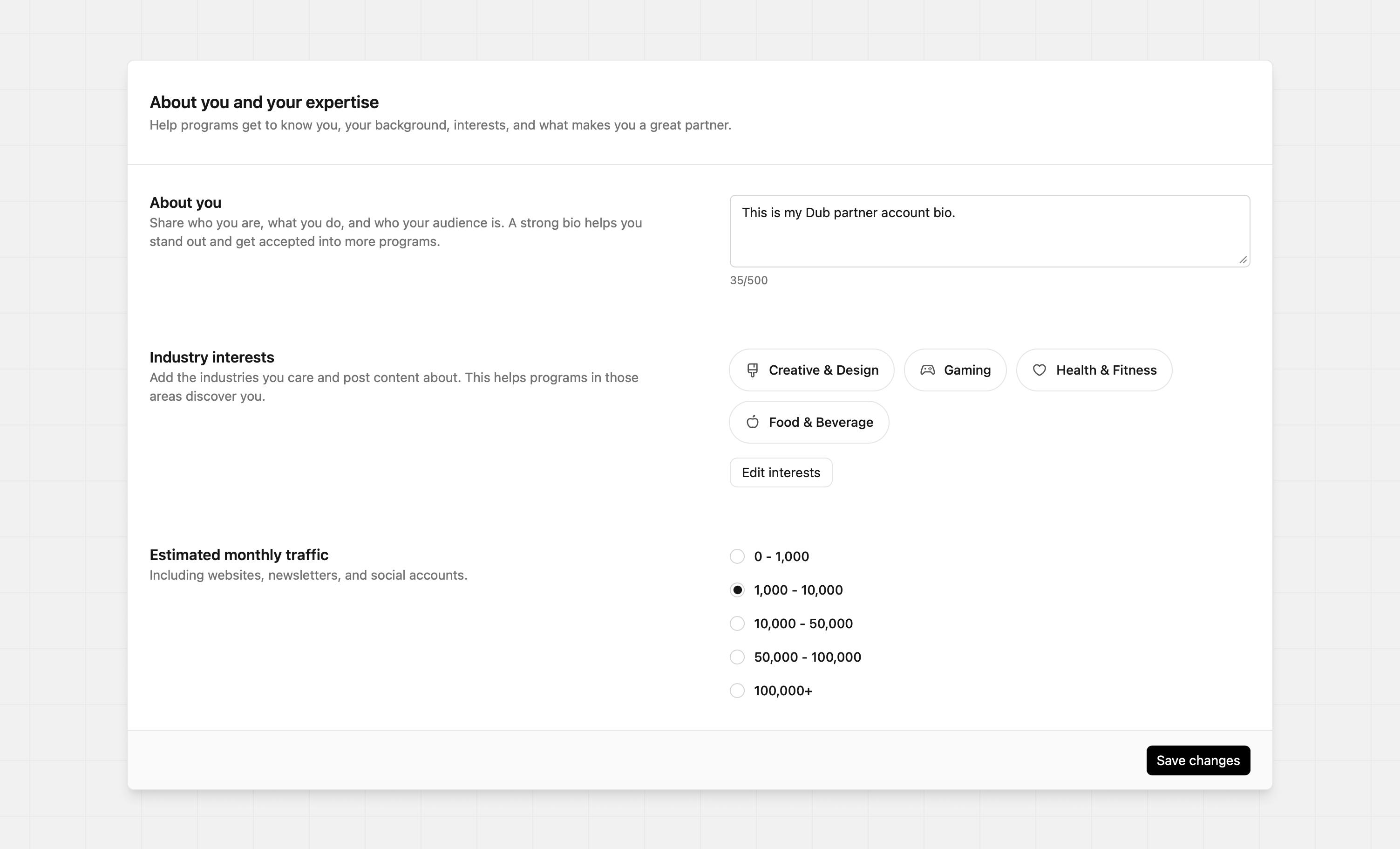
Consider this section to be your pitch when program owners are deciding who to accept into their program. A well-written profile, with aligned interests, helps you stand out and get accepted into more programs.
Craft a strong bio to help you stand out alongside other applicants. Your bio should clearly explain who you are, what you do, and who your audience is. For example:
“I’m a creator who has a large audience across YouTube, TikTok, and email newsletters. I focus on product reviews, how-to videos, and educational content. My audience is mostly US-based and interested in finance and tech, with over 2 million monthly views across my channels.”
This gives program owners a quick sense of your reach and focus area.You can also share any results that prove your ability to drive impact. You might mention how many signups, clicks, or sales you’ve generated for past brands. You can also highlight which industries you’ve worked with and the types of content that tend to perform best for you. For example:
“I’ve driven over 2,500 signups for SaaS products in the past three months. I’ve worked with brands in DTC, health & wellness, and crypto, and I’ve seen the strongest results from short-form UGC, newsletter placements, and search ads.”
Make your bio brief and to the point. Consider your reader and respect their time.
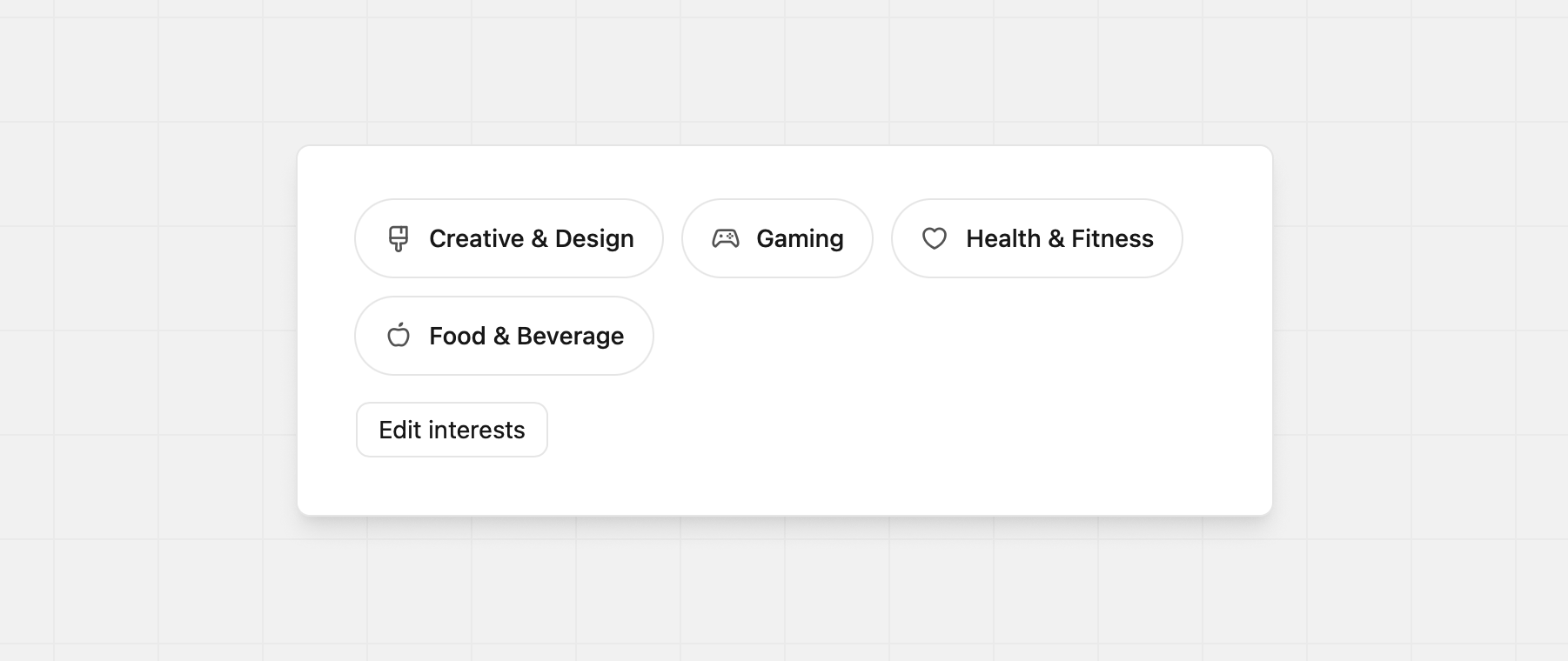
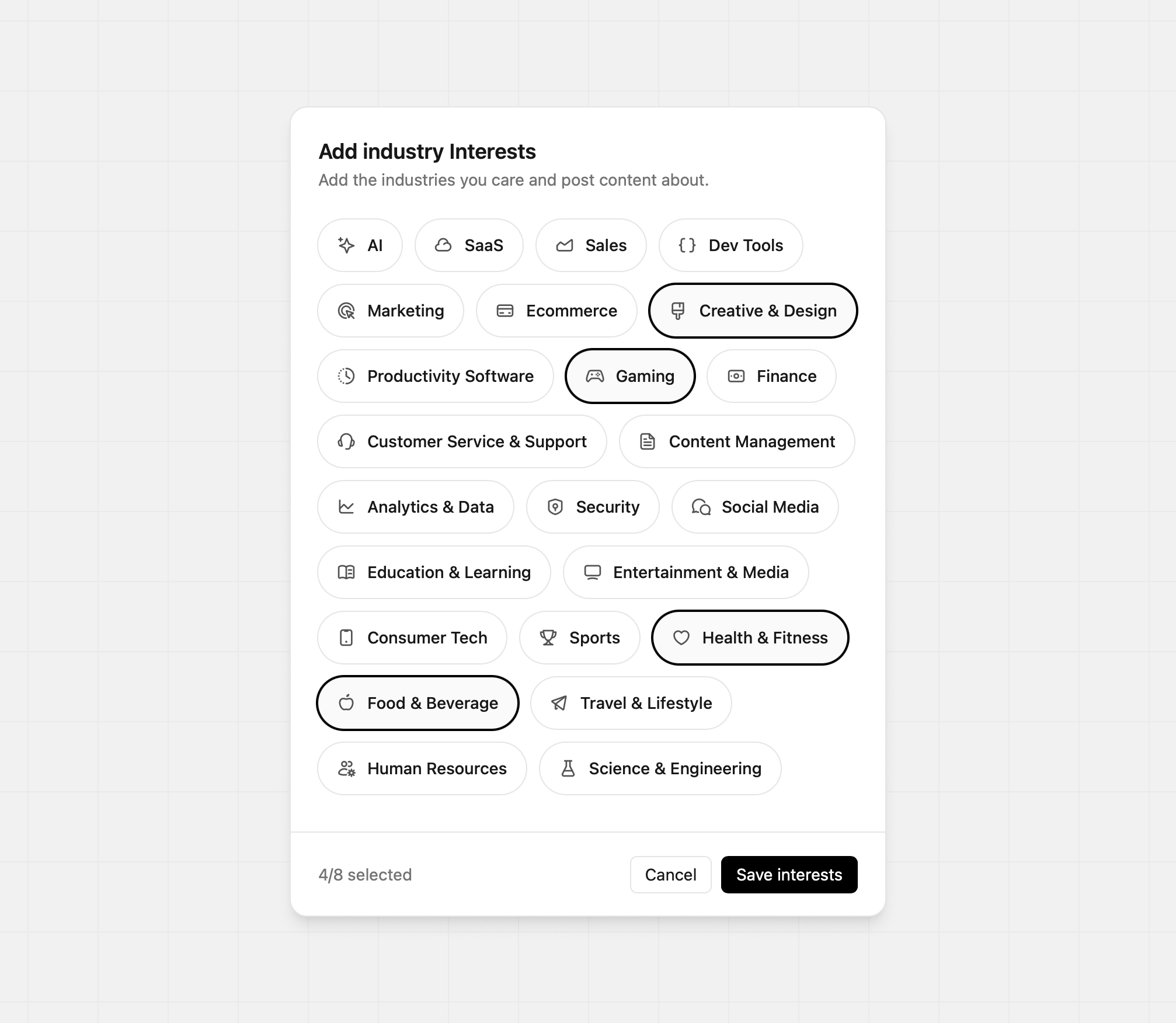
Add the industries you care about and post content about. This helps programs ensure your content is aligned with theirs and allows them to discover you as well. You can select up to eight industries.