> ## Documentation Index
> Fetch the complete documentation index at: https://dub.co/llms.txt
> Use this file to discover all available pages before exploring further.
# How to change my Dub billing information?
> Learn how to change your billing information on Dub.
First of all, thank you for upgrading to a paid plan on Dub!
As an [open-source](https://d.to/github) company, your support means the world to us and helps us continue
to build and improve Dub.
## Change your billing information on Stripe
Since we use [Stripe](https://stripe.com) to process payments, you can change your billing information on Stripe by following the steps below:
1. From your workspace dashboard (e.g. `app.dub.co/your-workspace`), click on the **Settings** tab.
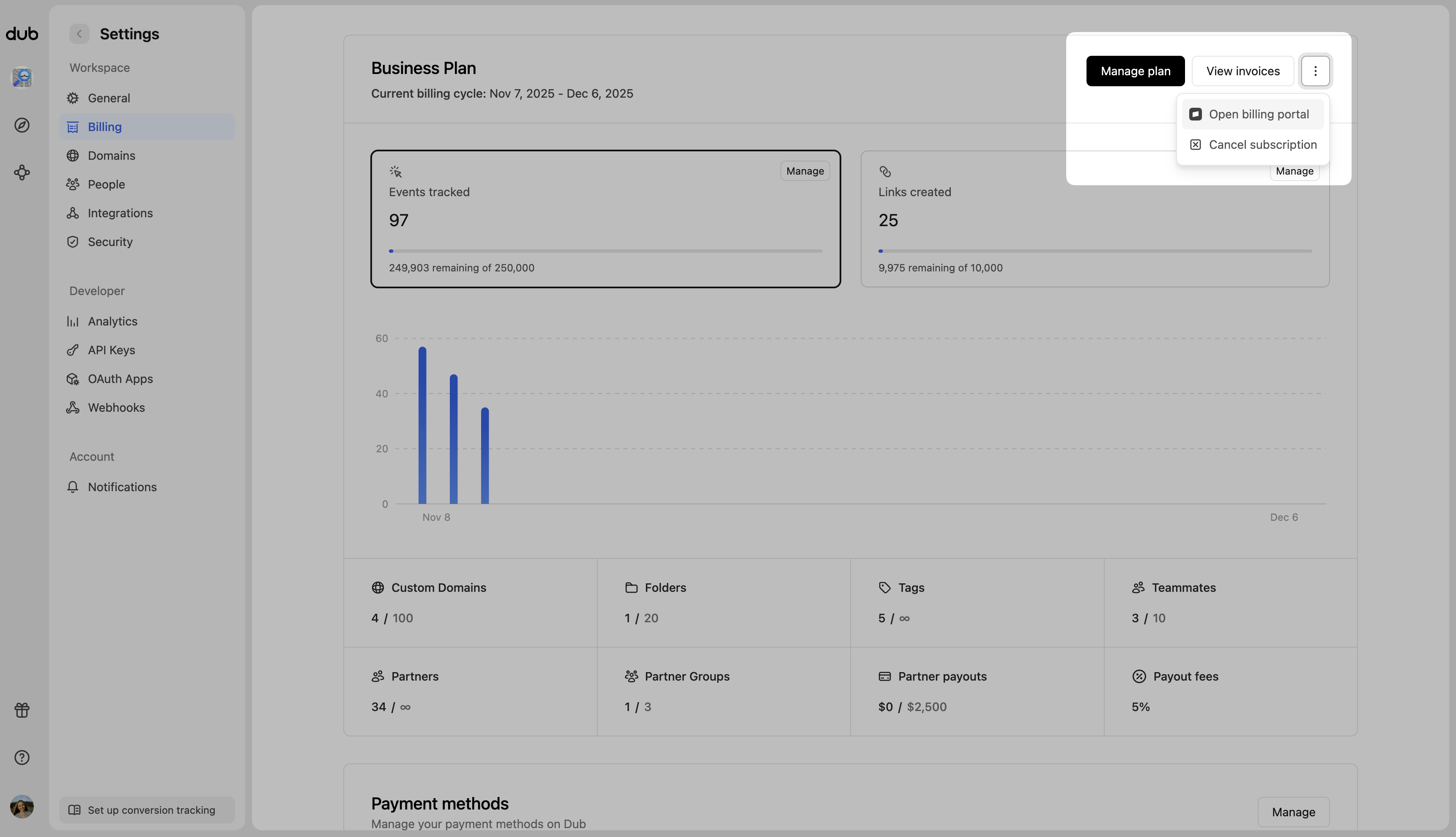
2. On the left sidebar, click on **Billing**.
3. Click on the **Open billing portal** button to access your Stripe dashboard.
 4. Scroll down to the **Payment Method** section.
5. Here, you can add a new payment method or update your existing payment method.
4. Scroll down to the **Payment Method** section.
5. Here, you can add a new payment method or update your existing payment method.