> ## Documentation Index
> Fetch the complete documentation index at: https://dub.co/llms.txt
> Use this file to discover all available pages before exploring further.
# Archiving domains on Dub
> Learn more about how you can archive domains on Dub to better manage your domains.
You can archive your custom domains on Dub to better manage your domains.
When you archive a domain:
* The domain will not show up in the [link builder](/help/article/dub-link-builder)
* The domain will also be hidden from the **Active** domain list
* Their links will continue to work and will still show up on the links dashboard
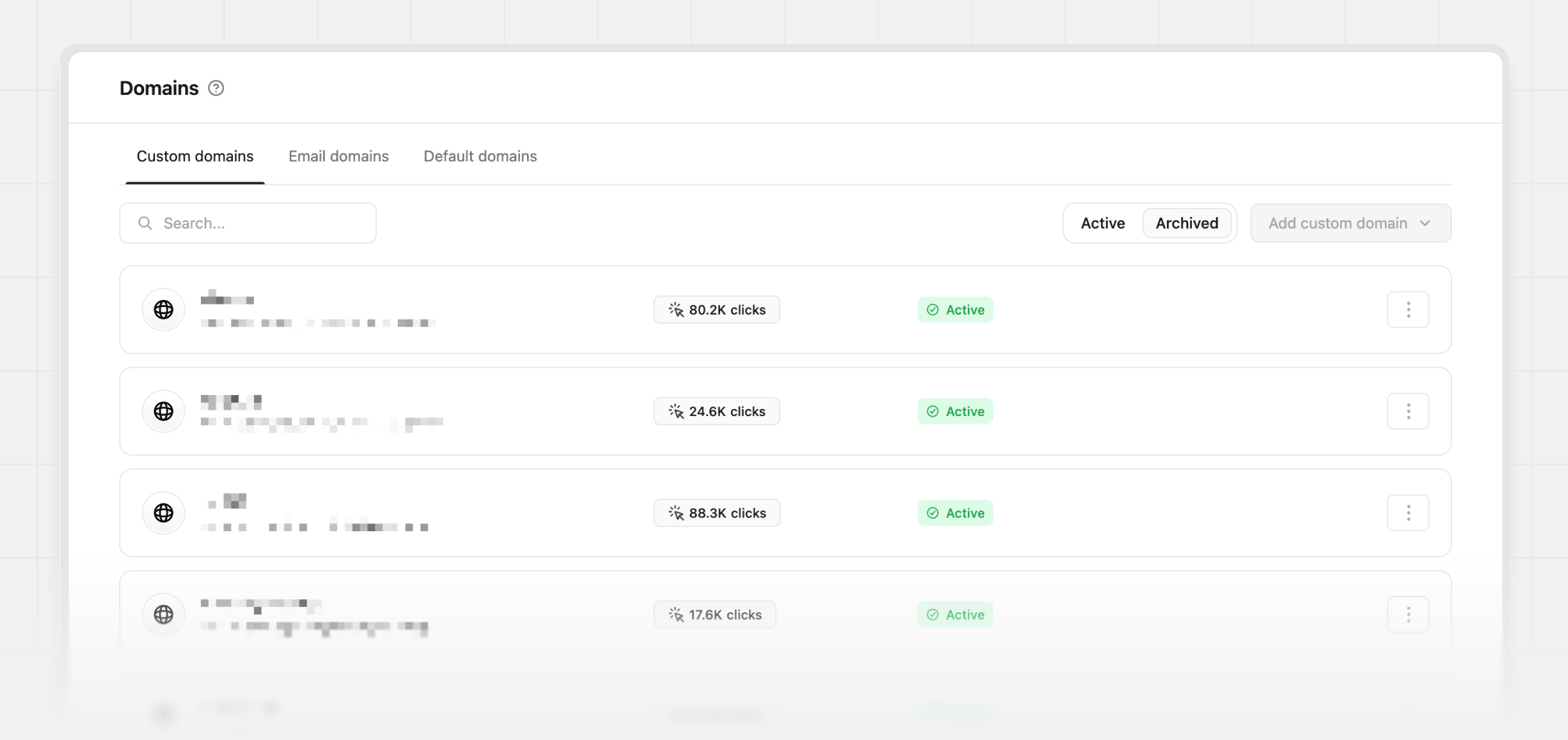 To archive a domain, you can follow the steps below:
1. Go to your workspace settings and click on the **Domains** tab.
2. Click on the `⋮` button next to the domain you want to archive, and select **Archive**.
3. In the modal that appears, select **Confirm archive** to archive the domain.
The domain will now be archived and will no longer show up in the active domain list.
To archive a domain, you can follow the steps below:
1. Go to your workspace settings and click on the **Domains** tab.
2. Click on the `⋮` button next to the domain you want to archive, and select **Archive**.
3. In the modal that appears, select **Confirm archive** to archive the domain.
The domain will now be archived and will no longer show up in the active domain list.