> ## Documentation Index
> Fetch the complete documentation index at: https://dub.co/llms.txt
> Use this file to discover all available pages before exploring further.
# Shopify
> How to add the Dub Analytics script to your Shopify store
With Dub Analytics, you can track lead and sale conversions on your Shopify store, enabling you to measure the effectiveness of your marketing campaigns.
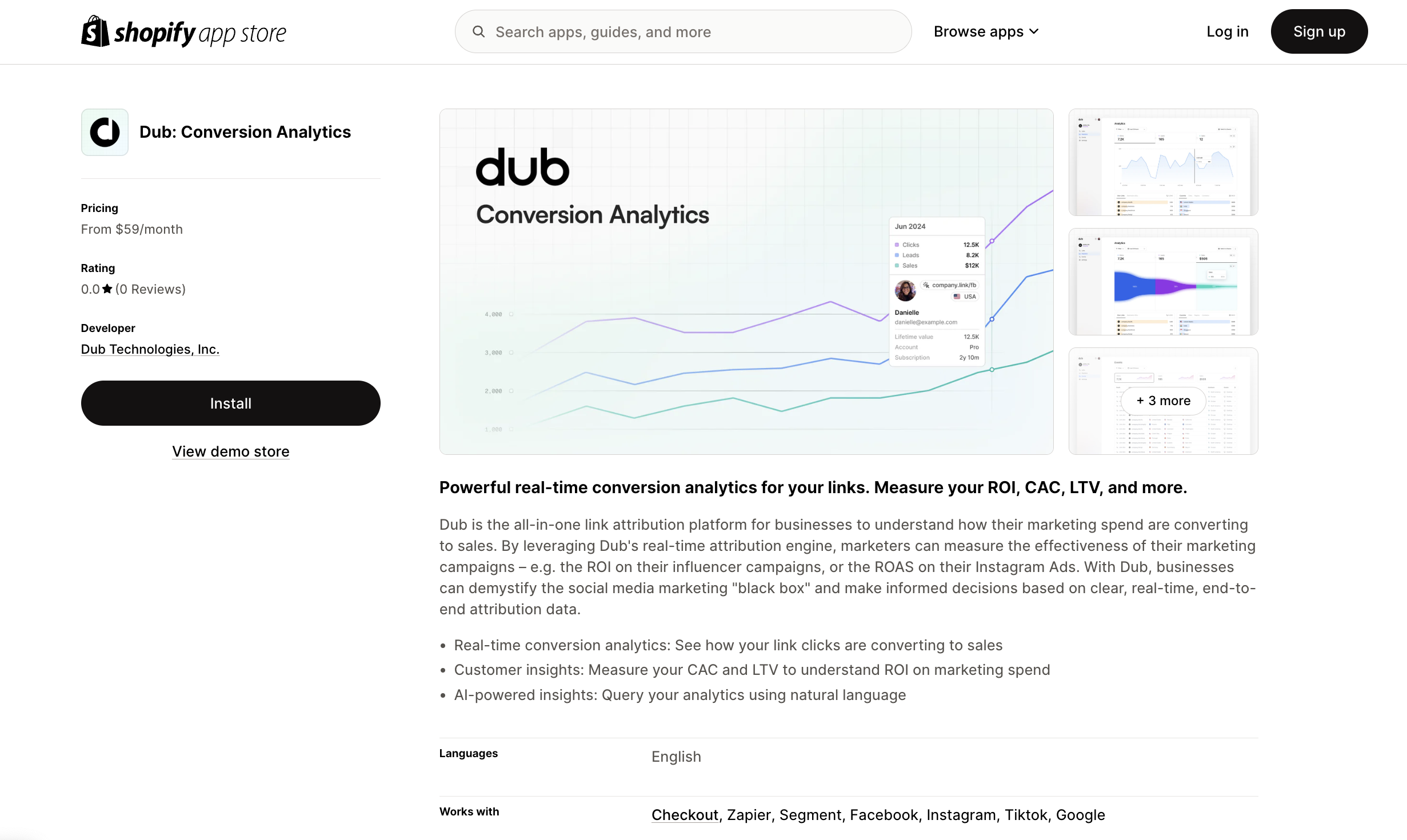
You can add the Dub Analytics script to your Shopify store simply by installing the [Dub Shopify App](https://d.to/shopify/app) from the App Store.
 Then, make sure to activate the Dub Analytics script by following these steps:
1. Navigate to your Shopify admin panel.
2. Go to **Online Store** > **Themes**.
3. Click on **Customize** for your current theme.
4. In the theme editor, select the **App embeds** tab.
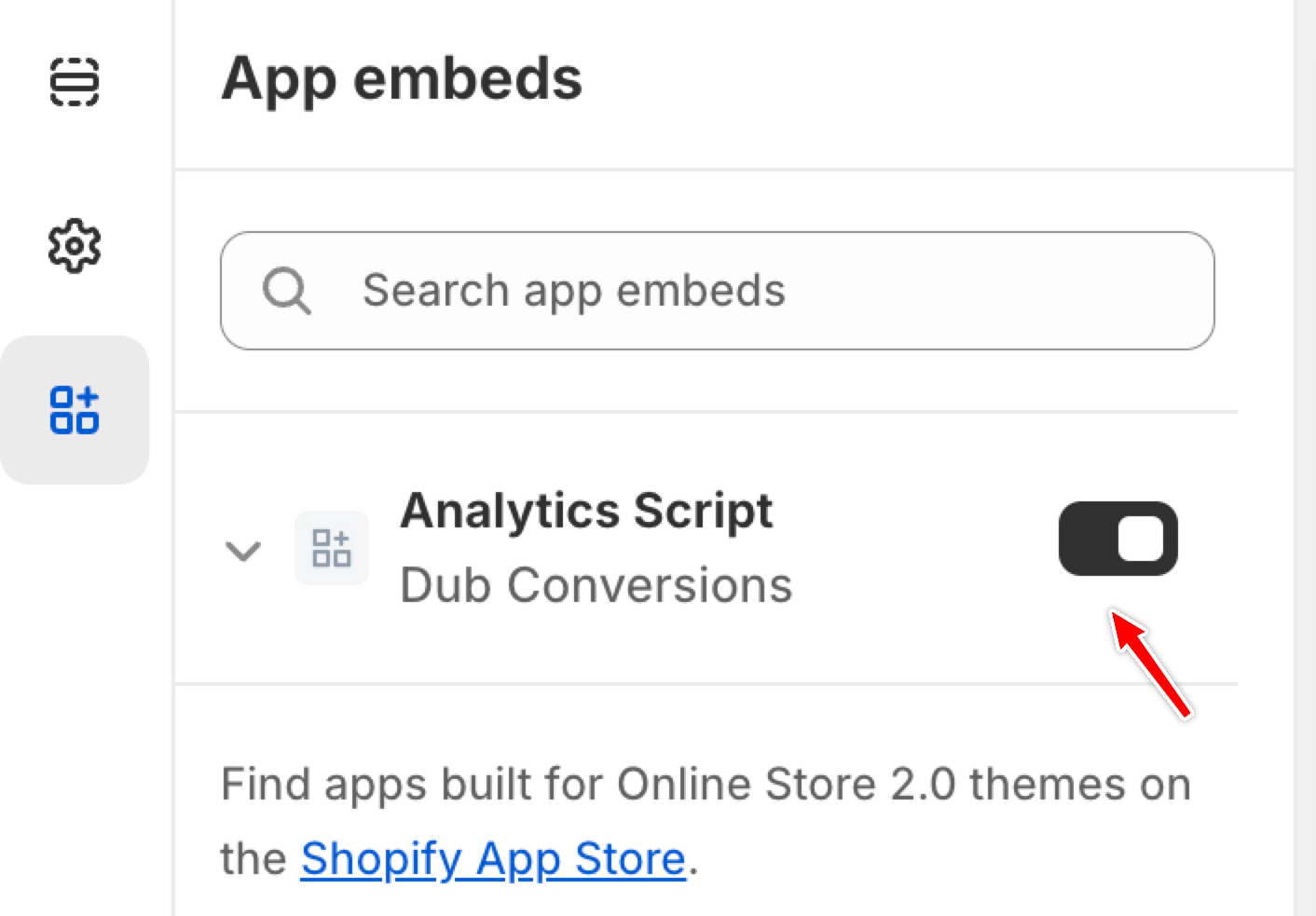
5. Locate the **Analytics Script** for the Dub app and toggle it to activate.
Then, make sure to activate the Dub Analytics script by following these steps:
1. Navigate to your Shopify admin panel.
2. Go to **Online Store** > **Themes**.
3. Click on **Customize** for your current theme.
4. In the theme editor, select the **App embeds** tab.
5. Locate the **Analytics Script** for the Dub app and toggle it to activate.
 You can **verify the installation** with the following tests:
1. Open the browser console and type in `_dubAnalytics` – if the script is installed correctly, you should see the `_dubAnalytics` object in the console.
2. Add the `?dub_id=test` query parameter to your website URL and make sure that the `dub_id` cookie is being set in your browser.
If both of these checks pass, the script is installed correctly. Otherwise, please make sure:
* The analytics script was added to the `` section of the page
* If you're using a content delivery network (CDN), make sure to purge any cached content
## Installation video
Here's a video showing how to install and activate the Dub Analytics script in your Shopify store:
You can **verify the installation** with the following tests:
1. Open the browser console and type in `_dubAnalytics` – if the script is installed correctly, you should see the `_dubAnalytics` object in the console.
2. Add the `?dub_id=test` query parameter to your website URL and make sure that the `dub_id` cookie is being set in your browser.
If both of these checks pass, the script is installed correctly. Otherwise, please make sure:
* The analytics script was added to the `` section of the page
* If you're using a content delivery network (CDN), make sure to purge any cached content
## Installation video
Here's a video showing how to install and activate the Dub Analytics script in your Shopify store: