> ## Documentation Index
> Fetch the complete documentation index at: https://dub.co/llms.txt
> Use this file to discover all available pages before exploring further.
# Tracking refunds
> Learn how to track refund events for your Dub partner program
This feature is only available on [Business plans and
above](https://dub.co/pricing/partners).
If you're using [Dub Partners](https://dub.co/partners) for your affiliate program, you might also want to track refund events and update the associated [partner commission's status](/help/article/partner-commissions#commission-statuses) accordingly.
Commissions that are already paid cannot be refunded. To account for this, we
recommend setting a [payout holding
period](/help/article/partner-payouts#payout-holding-period) for your program
that matches your company's refund policy.
E.g. if you offer a 30-day refund policy, set your payout holding period to 30 days.
If you still need to refund a commission that has already been paid, you can [create a clawback](/help/article/partner-commissions#creating-a-clawback) instead.
## Tracking refunds with the Stripe integration
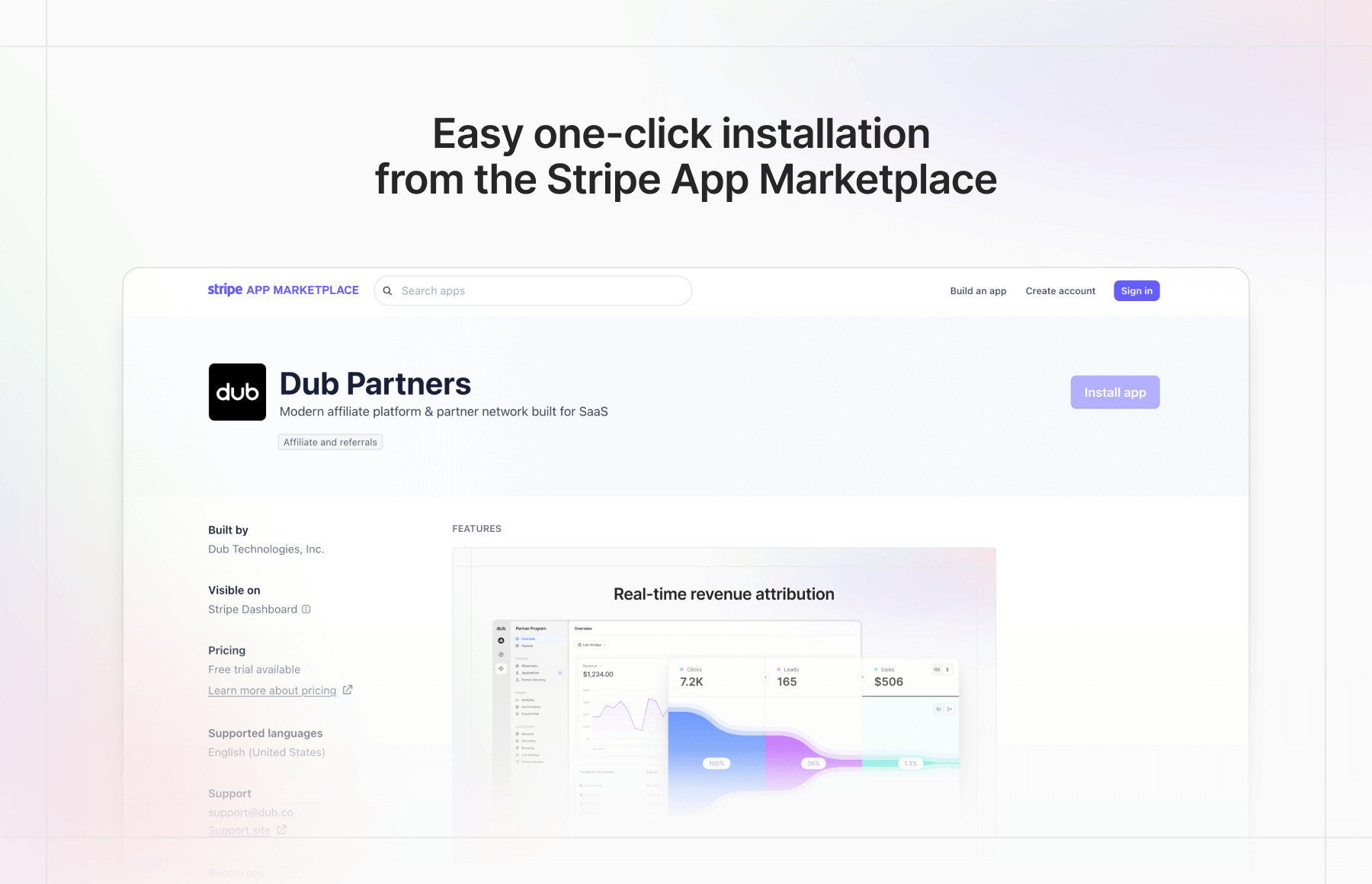
Good news: If you're using our [Stripe integration](/docs/integrations/stripe), refunds are automatically tracked without any additional setup.
 ## Tracking refunds manually
Alternatively, if you're not using our Stripe integration and are [tracking sales manually](/docs/quickstart/server#tracking-sale-events), here's how you can track refunds:
When you track a sale with [`POST /track/sale`](/docs/api-reference/track/sale), make sure to pass a unique [`invoiceId`](/docs/api-reference/track/sale#body-invoice-id-one-of-0) in the request that is associated with the sale.
Then, to track a refund, find the particular commission by [filtering your
commissions](/docs/api-reference/commissions/list) by the same `invoiceId`
that you passed in Step 1.
Finally, use the [`PATCH /commissions/{id}` endpoint](/docs/api-reference/commissions/update) to update the commission's status to "refunded". This will omit the commission from any pending payouts for the partner.
## Tracking refunds manually
Alternatively, if you're not using our Stripe integration and are [tracking sales manually](/docs/quickstart/server#tracking-sale-events), here's how you can track refunds:
When you track a sale with [`POST /track/sale`](/docs/api-reference/track/sale), make sure to pass a unique [`invoiceId`](/docs/api-reference/track/sale#body-invoice-id-one-of-0) in the request that is associated with the sale.
Then, to track a refund, find the particular commission by [filtering your
commissions](/docs/api-reference/commissions/list) by the same `invoiceId`
that you passed in Step 1.
Finally, use the [`PATCH /commissions/{id}` endpoint](/docs/api-reference/commissions/update) to update the commission's status to "refunded". This will omit the commission from any pending payouts for the partner.